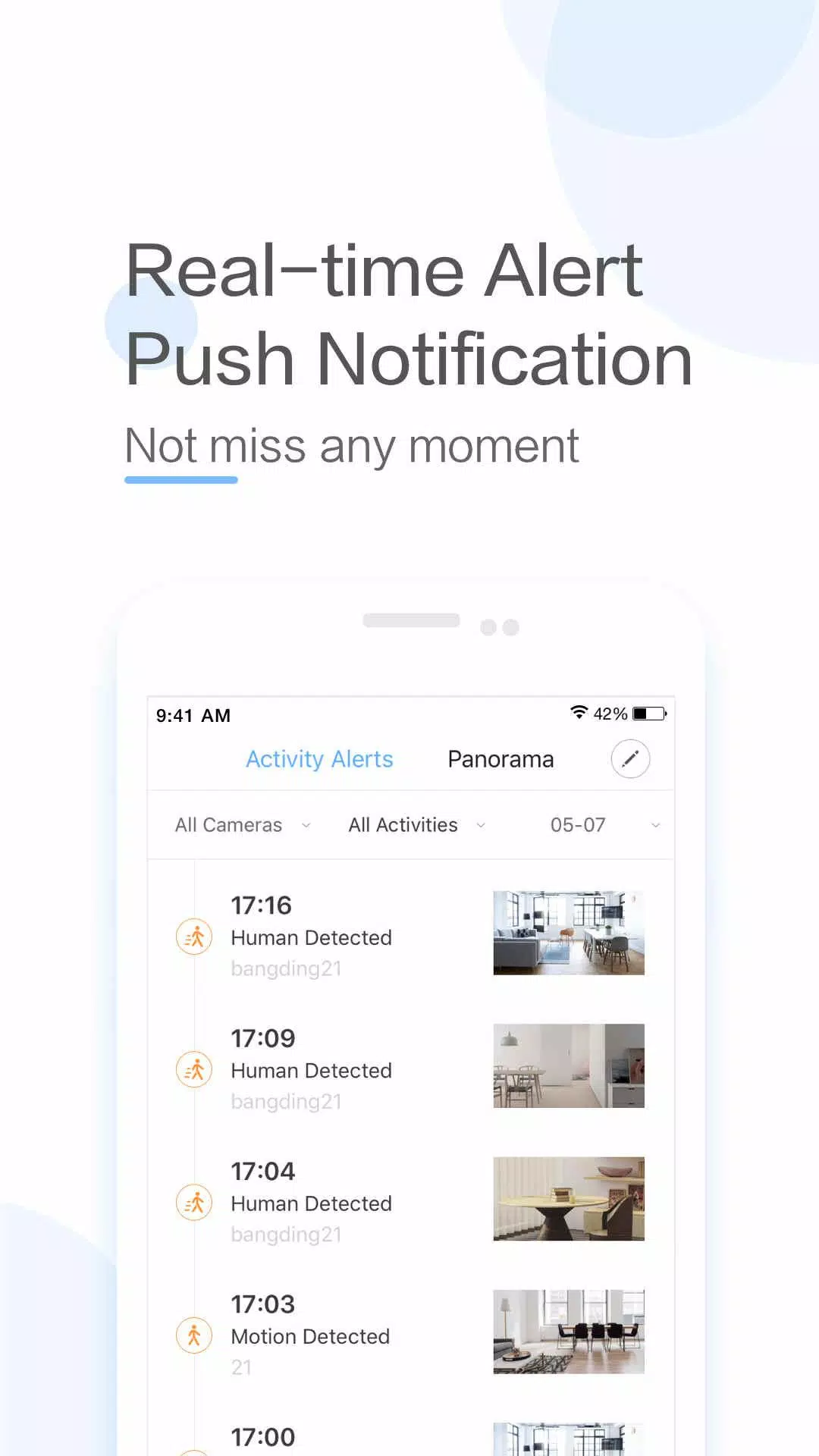
YI IoT is a smart home camera application that keeps you connected to your home with live video and audio, anytime, anywhere. Offering two-way audio, motion detection alerts, and live streaming, it delivers a complete home monitoring experience. The app works seamlessly with a variety of YI cameras—including indoor, outdoor, and dome models—so you can watch over your home from every perspective. With its intuitive interface and advanced capabilities like cloud storage and smart detection, YI IoT is a dependable solution for home security.
Key Features of YI IoT:
> Stay in touch with your family using real-time video and audio from any location.
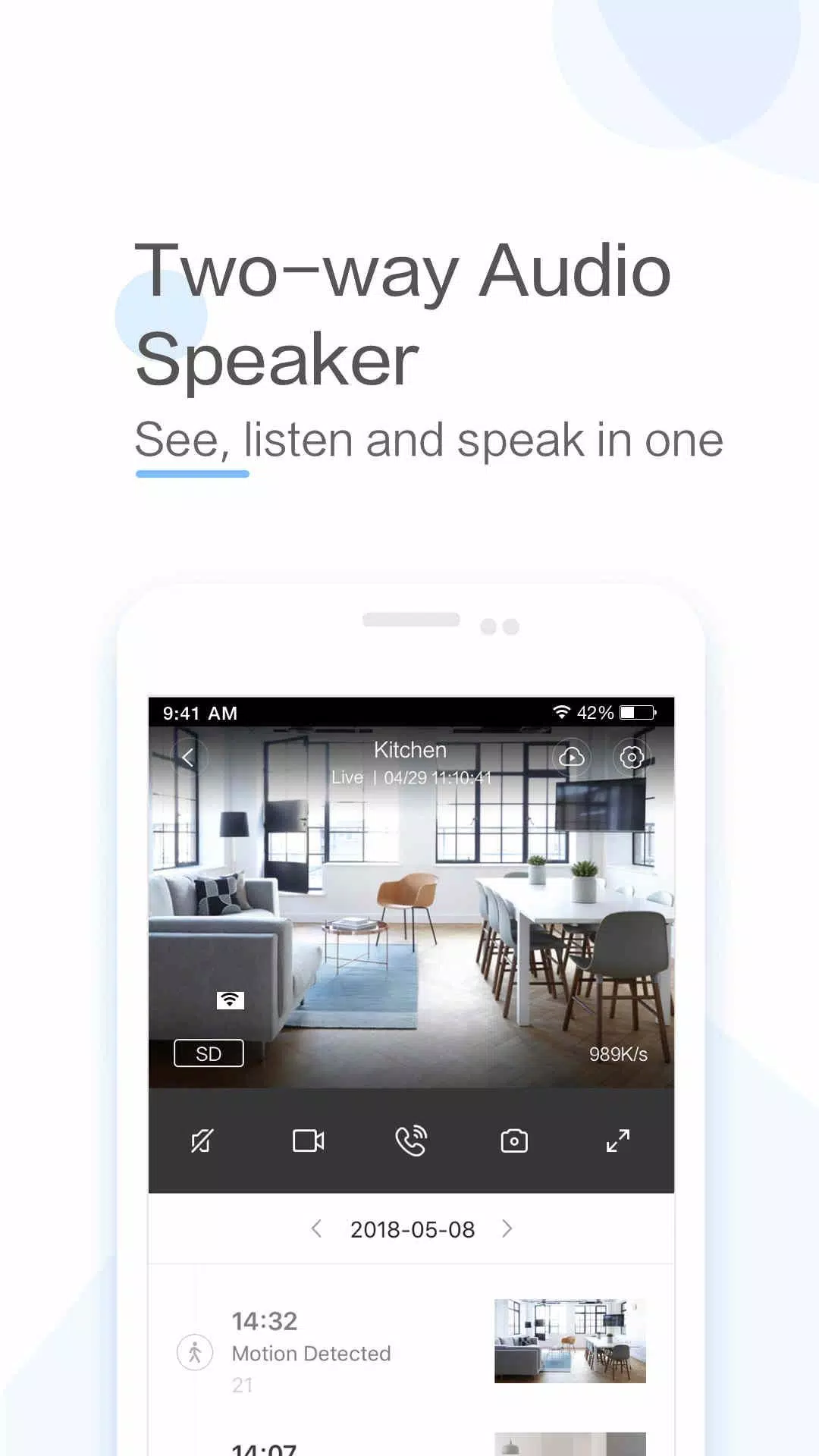
> Start a two-way conversation remotely with a simple tap on your smartphone.
> Features a specially engineered microphone and speaker for clear, loud audio.
> Swipe your phone left or right for a full panoramic view and an enhanced visual experience.
> App gyroscope support automatically adjusts to your phone’s orientation, letting you see every monitored area easily.
> Keep watch over your loved ones and stay connected with the YI IoT App.
In Summary:
YI IoT is the ideal app for connecting with your family through live video and audio. It enables remote two-way conversations and provides a full panoramic view for better monitoring. With features like gyroscope support, the app makes sure you never miss a corner. Download YI IoT today to stay connected and enjoy greater peace of mind.
How to Use This App:
Download the App: Install YI IoT from the Google Play Store or Apple App Store.
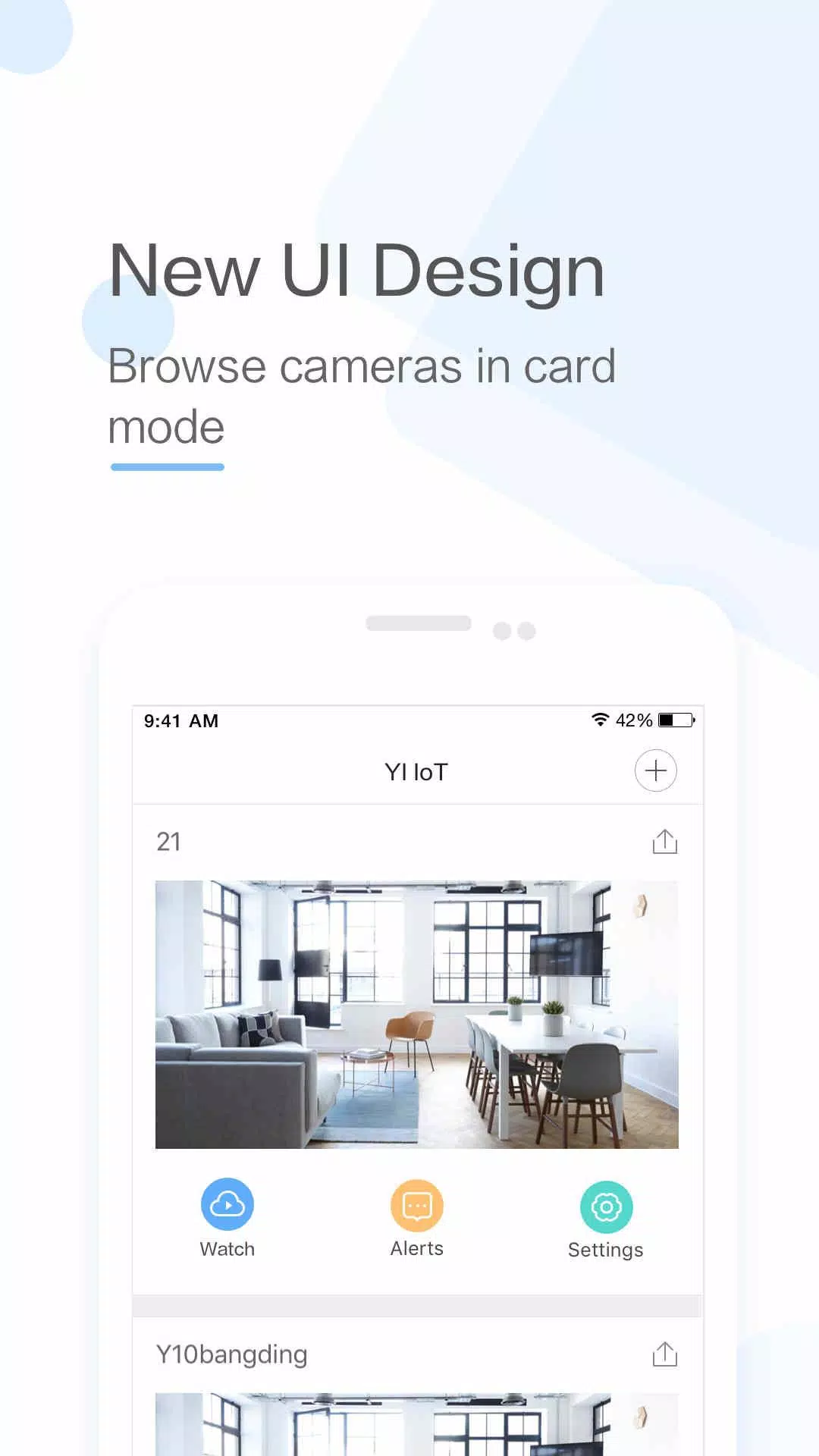
Launch the App: Open the app and tap the ‘+’ button to add a new device.
Connect to Wi‑Fi: Make sure your camera is powered on and your mobile device is connected to Wi‑Fi.
Scan the QR Code: Point the camera lens toward the QR code shown on your screen to link the device.
Name Your Camera: Once connected, assign a name to your camera for easy recognition.
Set Up Cloud Storage: Decide whether to enable cloud storage for motion‑triggered video recordings.
Adjust Settings: Customize options such as motion detection, video quality, and notifications.
View Live Feed: Select your camera in the app to watch the live video stream.
Use Two‑Way Audio: Test the two‑way audio feature to talk with anyone near the camera.
Explore Advanced Settings: Discover additional settings like schedules, activity zones, and smart alerts.
Tags : Lifestyle