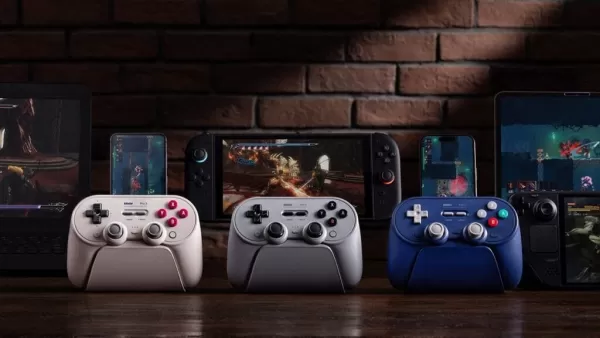
The newest PS5 system update finally lets your DualSense controller connect to multiple devices without needing to disconnect and reconnect each time you switch platforms.
Sony noted that since many users operate their PS5 controllers across various gadgets like PCs, Macs, tablets, and more, "enabling peripheral compatibility across multiple platforms creates a more flexible and seamless gaming experience." This means switching from your PS5 to Steam won't require constantly unpairing and repairing the device.
The feature works by assigning each connected gadget to a specific "slot" on the controller, which you can configure by pressing the PS button alongside an action button (triangle/circle/cross/square). You can store up to four devices at once and switch between them using the PS button combined with the corresponding action key.
The number of lit indicator lights will range from one to four, depending on your current connection slot. Sony explains this in detail below:
| **Slot number** | **Button used** | **Player indicator lights** | **Example connected device** |
| Slot 1 | PS button and Triangle button | One light on | PS5 |
| Slot 2 | PS button and Circle button | Two lights on | PS5 Pro |
| Slot 3 | PS button and Cross button | Three lights on | Windows PC |
| Slot 4 | PS button and Square button | Four lights on | iPhone |
While this feature debuted for testing earlier in the summer, it is soon becoming available to everyone. To make sure you have the most recent update, navigate to Settings > System > System Software > System Software Update and Settings.
Furthermore, the update introduces a Power Saver mode accessible via Settings > System > Power Saving > Use Power Saver. "Future updates for games such as Death Stranding 2: On the Beach, Demon’s Souls, and Ghost of Yōtei will include support for the Power Saver option, with more titles to follow," Sony stated.