NOVA Video Player is a powerful, open-source video player built for Android devices, including phones, tablets, and TVs. It handles a vast array of video formats and offers features like hardware-accelerated decoding, network share support, and subtitle compatibility. What sets NOVA apart is its seamless integration with multiple media sources—from local storage to network servers like SMB, FTP, and WebDAV. It also provides a TV-optimized interface with AC3/DTS pass-through and 3D support. A standout feature is its automatic fetching of movie and TV show metadata, including posters and backdrops, which greatly enhances your media library browsing.
Key Features of NOVA Video Player:
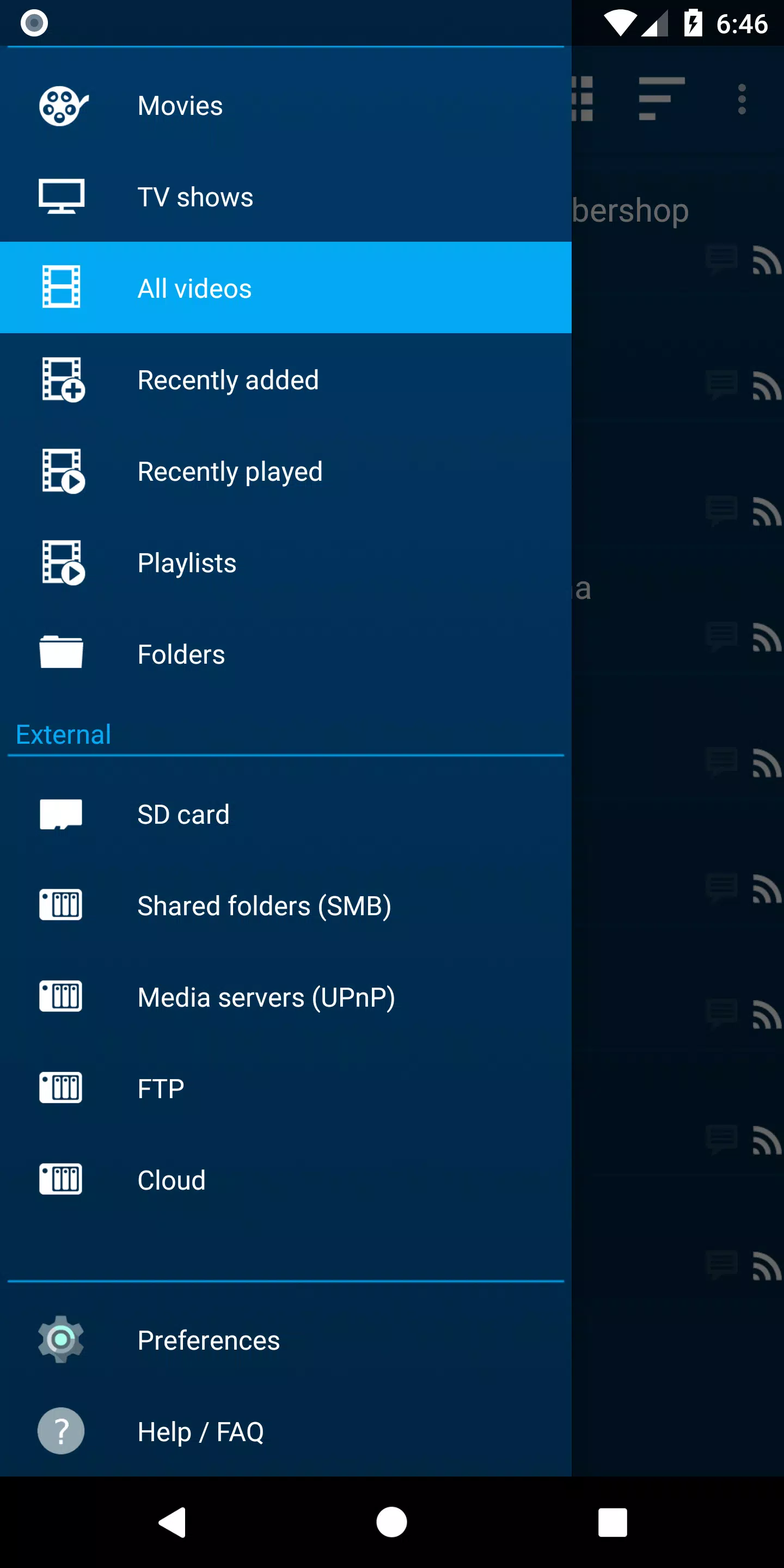
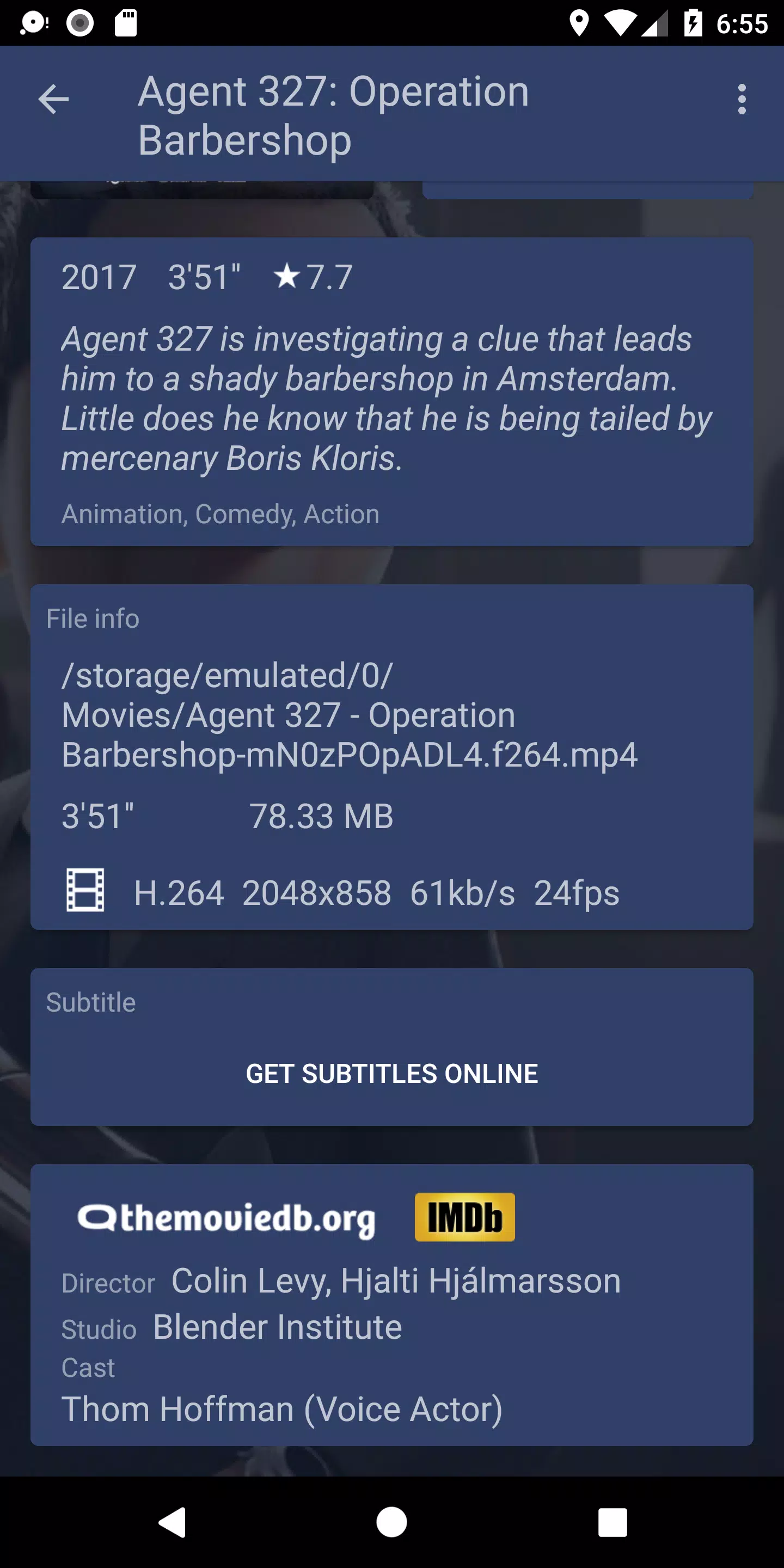
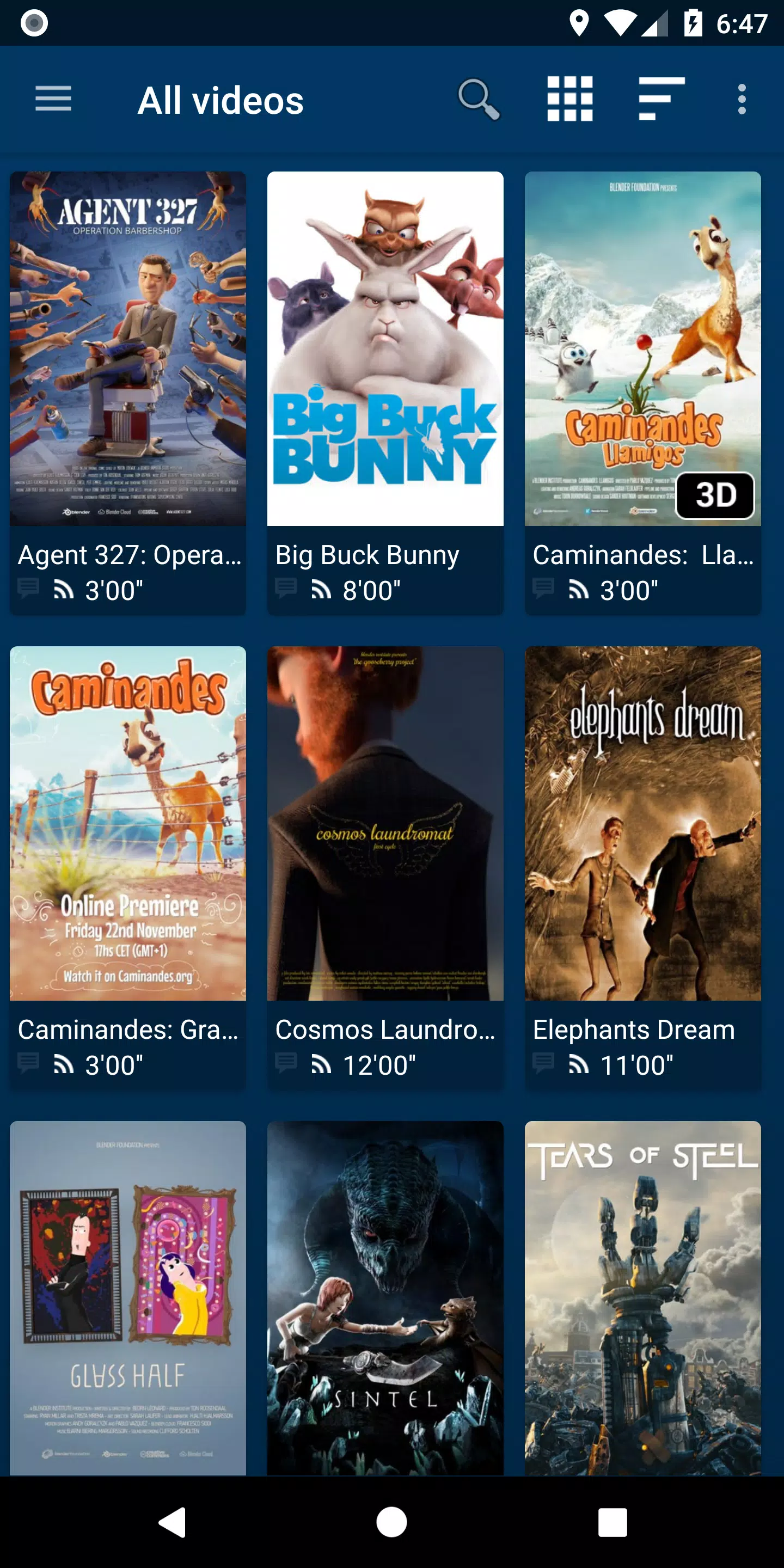
⭐ Universal Player: NOVA lets you play videos from diverse sources like your computer, server, NAS, and external USB drives. It consolidates videos from all sources into a single media library and automatically fetches descriptions, posters, and backdrops for movies and TV shows.
⭐ Optimized Playback: The player utilizes hardware-accelerated video decoding for most devices and formats. It supports multiple audio tracks, various subtitle streams, and a wide range of file and subtitle formats.
⭐ TV-Friendly Experience: Designed for Android TV with a dedicated "leanback" interface, NOVA supports AC3/DTS pass-through on compatible hardware, 3D playback, an Audio Boost mode, and a Night Mode for comfortable viewing.
⭐ Flexible Browsing: Get instant access to recently added and played videos. You can browse movies by title, genre, year, duration, or rating, explore TV shows by season, and navigate via traditional folder view.
Helpful Tips for Users:
⭐ Use the automatic online metadata feature to effortlessly get detailed information and artwork for your movies and TV shows.
⭐ Try out the different audio track and subtitle options to customize and improve your viewing sessions.
⭐ Make the most of TV-specific features like Audio Boost and Night Mode for a more engaging and comfortable experience.
How to Use This App:
Download and Install: Find NOVA Video Player on the Google Play Store or other trusted app platforms and install it on your Android device.
Launch the Player: Open the app. On first launch, it will take a moment to scan and display videos from your device's local storage.
Add Video Sources: Navigate to settings to add network shares, NAS devices, or web sources using protocols like SMB, FTP, or WebDAV.
Configure Preferences: Adjust settings such as video output, subtitle styling, and playback behavior to match your preferences.
Play Videos: Select any video to start playback and use the on-screen controls to manage your experience.
Access Additional Features: Enhance audio with the Audio Boost mode or enable Night Mode for automatic volume adjustment during quiet scenes.
Manage Subtitles: If needed, search for and download subtitles directly within the app's player interface.
Troubleshoot Issues: If you encounter any problems, check the app's built-in FAQ or visit its community forums for help.
Keep the App Updated: Regularly update the app to benefit from the latest features, improvements, and bug fixes.
Tags : Tools