Description
FAB Adblocker Browser is a powerful ad-blocking web browser designed to provide a fast, secure, and private browsing experience. It's equipped with an advanced adblocker that eliminates intrusive ads, pop-ups, and trackers, ensuring a smoother and more enjoyable internet surfing. FAB stands out for its commitment to user privacy and data security, offering features like a free VPN and AI technology to enhance your online activities. With FAB, you can browse without leaving a trace and enjoy an ad-free internet experience.
Features of FAB Adblocker Browser
Adblock:
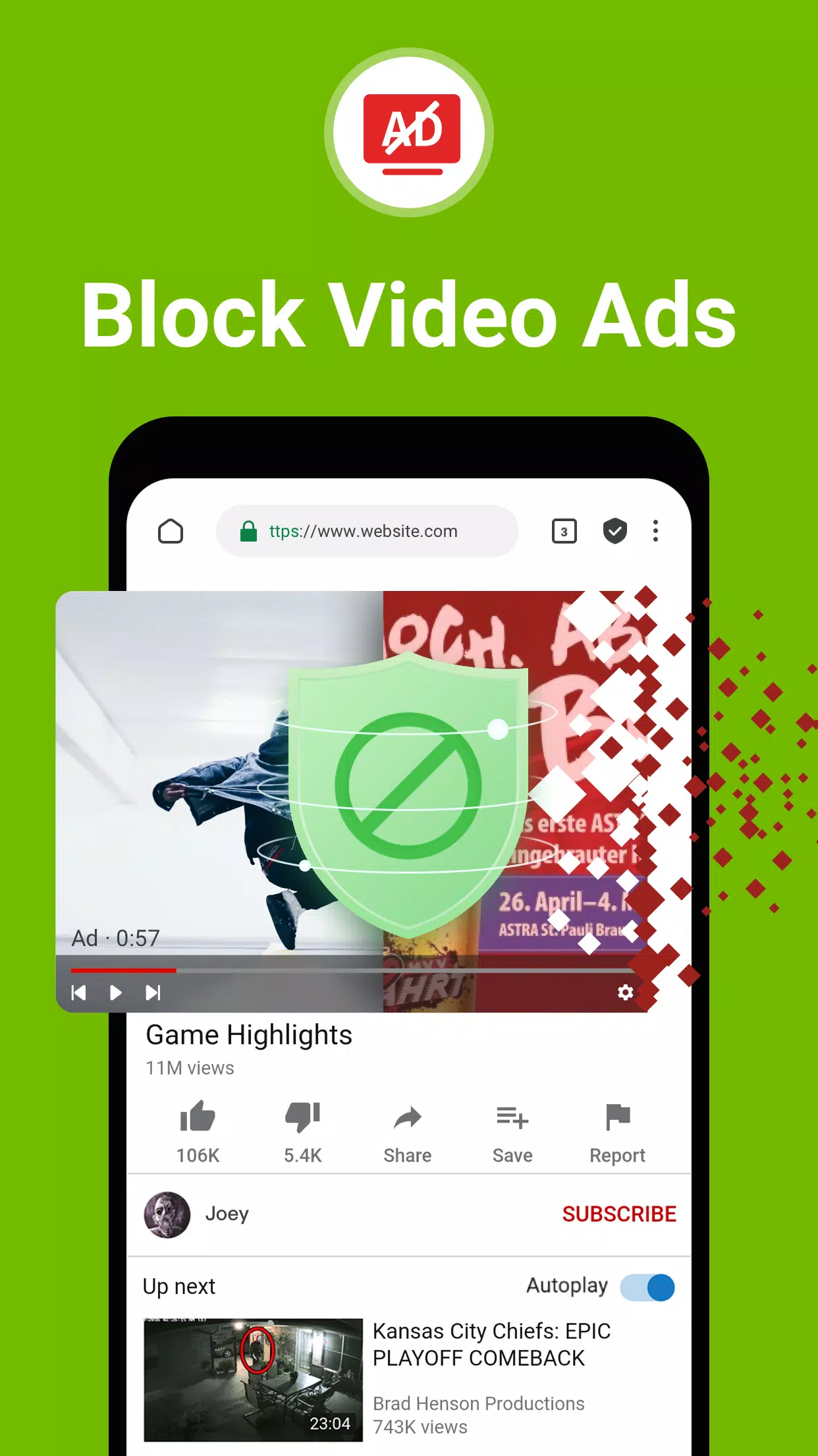
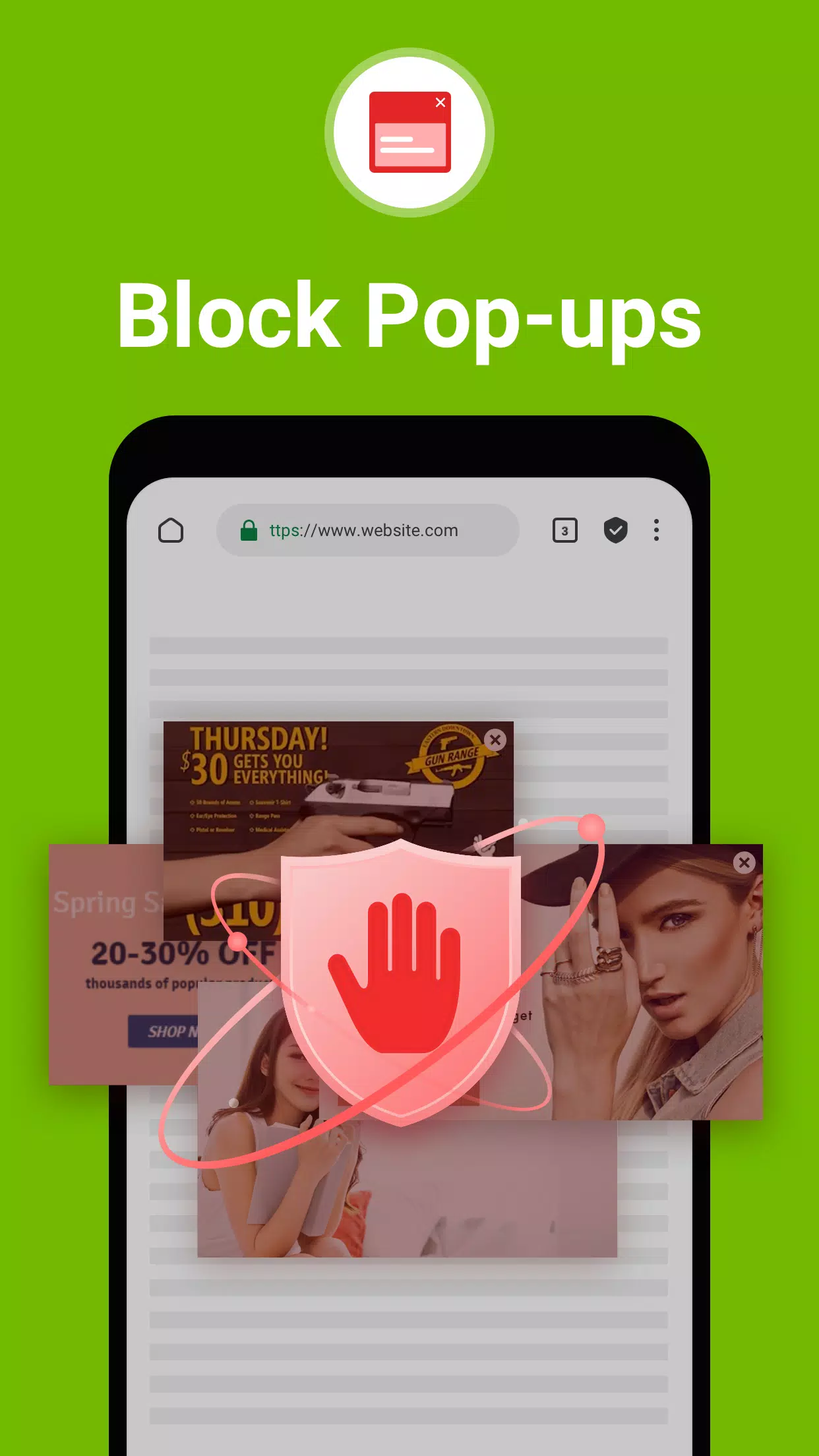
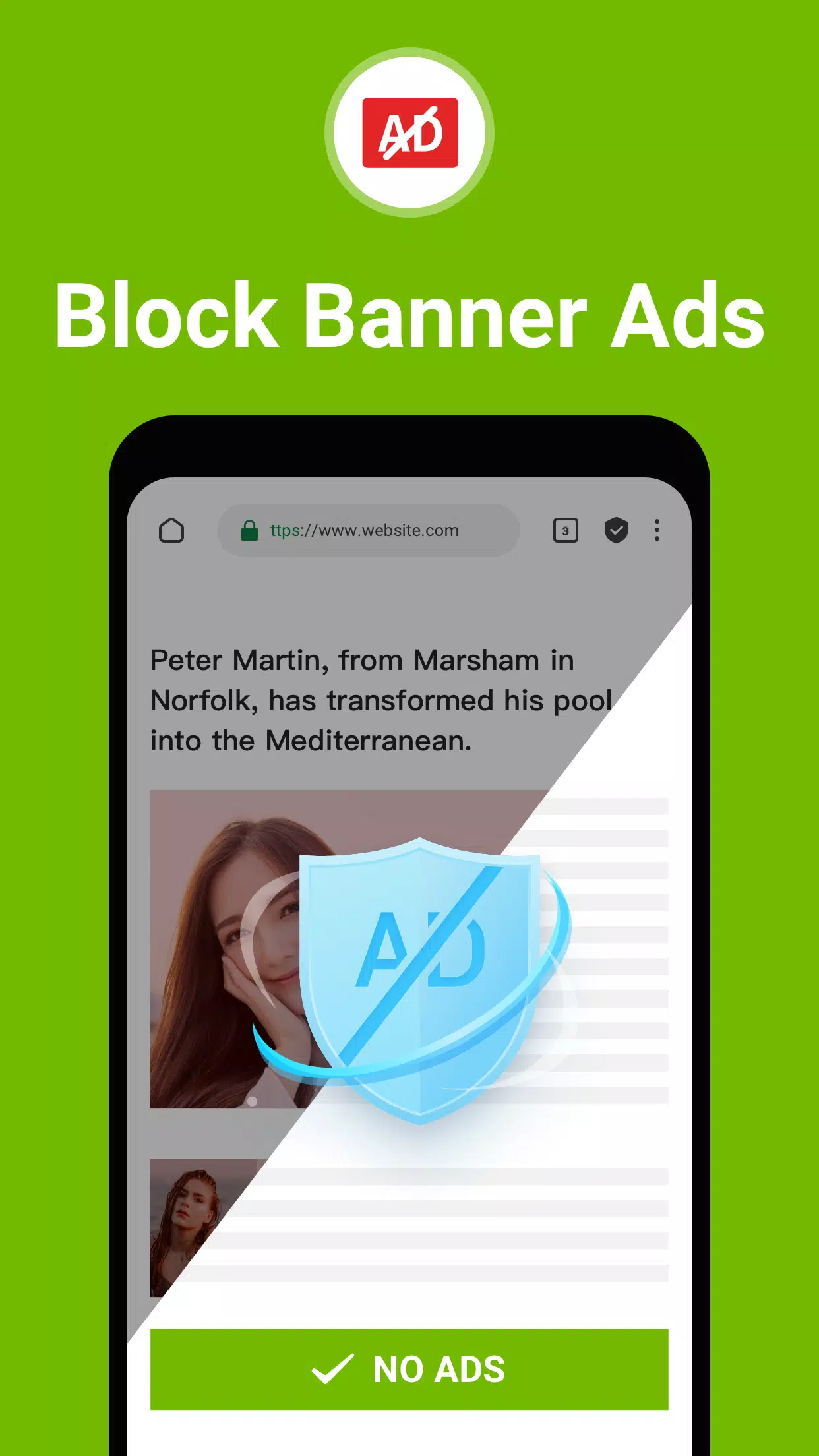
- ⭐ Ad-Free Experience: Say goodbye to annoying ads like banners, popups, and ad-videos with this adblock enabled browser.
- ⭐ Privacy Protection: Blocks ad-cookies from third parties and warns you of malware and adware, ensuring secure browsing.
- ⭐ Data and Battery Saver: The integrated adblocker not only saves your data volume but also extends your device's battery life.
Tips for Users:
- ⭐ Customize your adblocking settings to suit your preferences and browsing habits.
- ⭐ Make use of the super fast browsing speed to navigate through web pages seamlessly.
- ⭐ Enjoy a seamless browsing experience without interruptions, distractions, or privacy concerns.
How to use this app?
- Download and Install: Get the FAB Adblocker Browser from your device's app store.
- Open the Browser: Launch the app and set your preferences, such as the default search engine.
- Start Browsing: Begin your internet session, noticing the absence of ads and pop-ups.
- Activate VPN: For an extra layer of security and privacy, enable the built-in VPN feature.
- Use AI Tools: Utilize the AI tools provided for a more personalized browsing experience.
- Check Ad Block Stats: Review the number of ads blocked and the data savings from the main menu.
- Customize Settings: Adjust settings like theme, privacy, and security levels to suit your needs.
- Stay Updated: Keep the app updated to benefit from new features and improvements.
- Contact Support: If you need assistance, reach out to [email protected].
- Enjoy Private Browsing: Relish the peace of mind that comes with secure and anonymous browsing.
Tags : Tools
FAB Adblocker Browser: Adblock Screenshots