Xbox Cloud Gaming, also referred to as Xbox Game Pass Ultimate Cloud Gaming, enables you to stream a wide range of Xbox titles directly to compatible devices like smartphones, tablets, and PCs. This service lets you enjoy high-fidelity gaming experiences without owning a physical console, provided you have a reliable internet connection. It offers a convenient way to access a massive library of games anytime, anywhere.
Key Features of Xbox Cloud Gaming:
Console-Level Performance on Mobile Devices: Play premium titles directly from the cloud on supported phones or tablets, skipping long download times entirely.
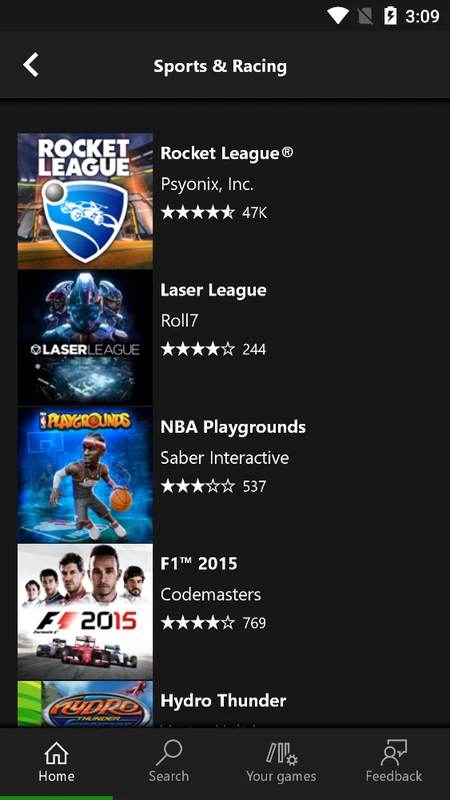
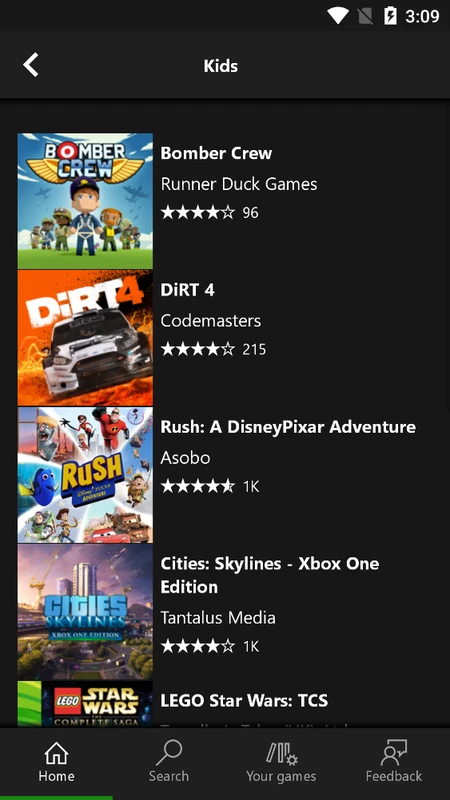
Vast Game Pass Library Access: Dive into an extensive collection spanning multiple genres, helping you find new favorites and enjoy a diverse range of gaming experiences.
Robust Multiplayer Support: Connect with friends for multiplayer sessions, making it easy to play together from different locations using their own devices.
Seamless Game Streaming: Enjoy lag-free streaming that delivers high-quality gameplay without the need for dedicated hardware.
Xbox Console Remote Play: Stream games running on your local Xbox console directly to your mobile device, giving you the freedom to play anywhere.
Enhanced Controller Compatibility: Experience precise input and improved responsiveness with full support for compatible controllers, delivering a more immersive gaming feel.
The Xbox Cloud App brings high-end console gaming to any compatible smartphone or tablet via cloud streaming. Powered by advanced Xbox Game Streaming technology and optimized architecture, it lets you jump into games instantly without waiting for downloads. The app pairs seamlessly with the Bluetooth-enabled Xbox Wireless Controller (sold separately) for optimal control.
This free Android-compatible service provides flexible access to a huge catalog of titles through Xbox Game Pass. Users can browse genres, revisit favorites, and uncover new releases effortlessly. The Xbox Cloud Gaming APK meets specific system requirements and includes features like instant-on functionality and the ability to capture gaming clips.
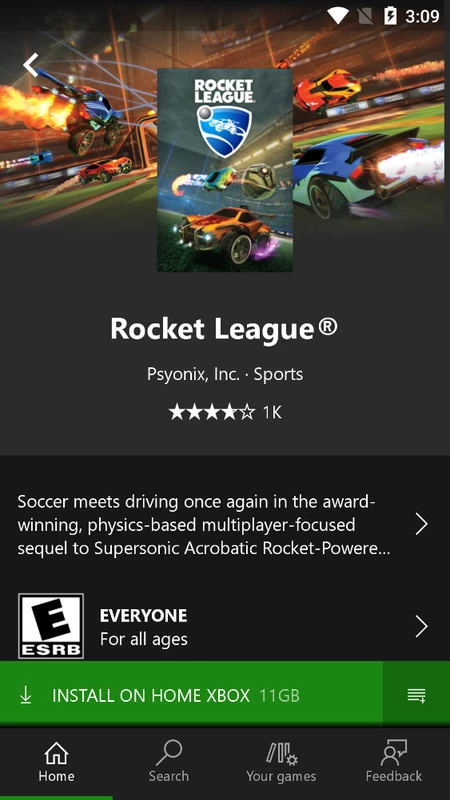
Invite friends to join you in playing any title within the library. The latest update supports streaming games installed on your Xbox One console or those compatible with supported controllers. Enjoy a smooth discovery process with playable titles that require no additional downloads, ensuring easy access to your favorite games.
Can I play multiplayer games using the xCloud APK?
Absolutely. The xCloud App fully supports multiplayer modes, allowing you to team up or compete against friends and other players online. Whether you prefer cooperative missions or head-to-head matches, the Xbox Cloud App delivers engaging social gameplay on your Android device.
MOD INFO
Latest Version
What's new
Bug Fixes: We have resolved all known issues in this update.
Tags : Tools