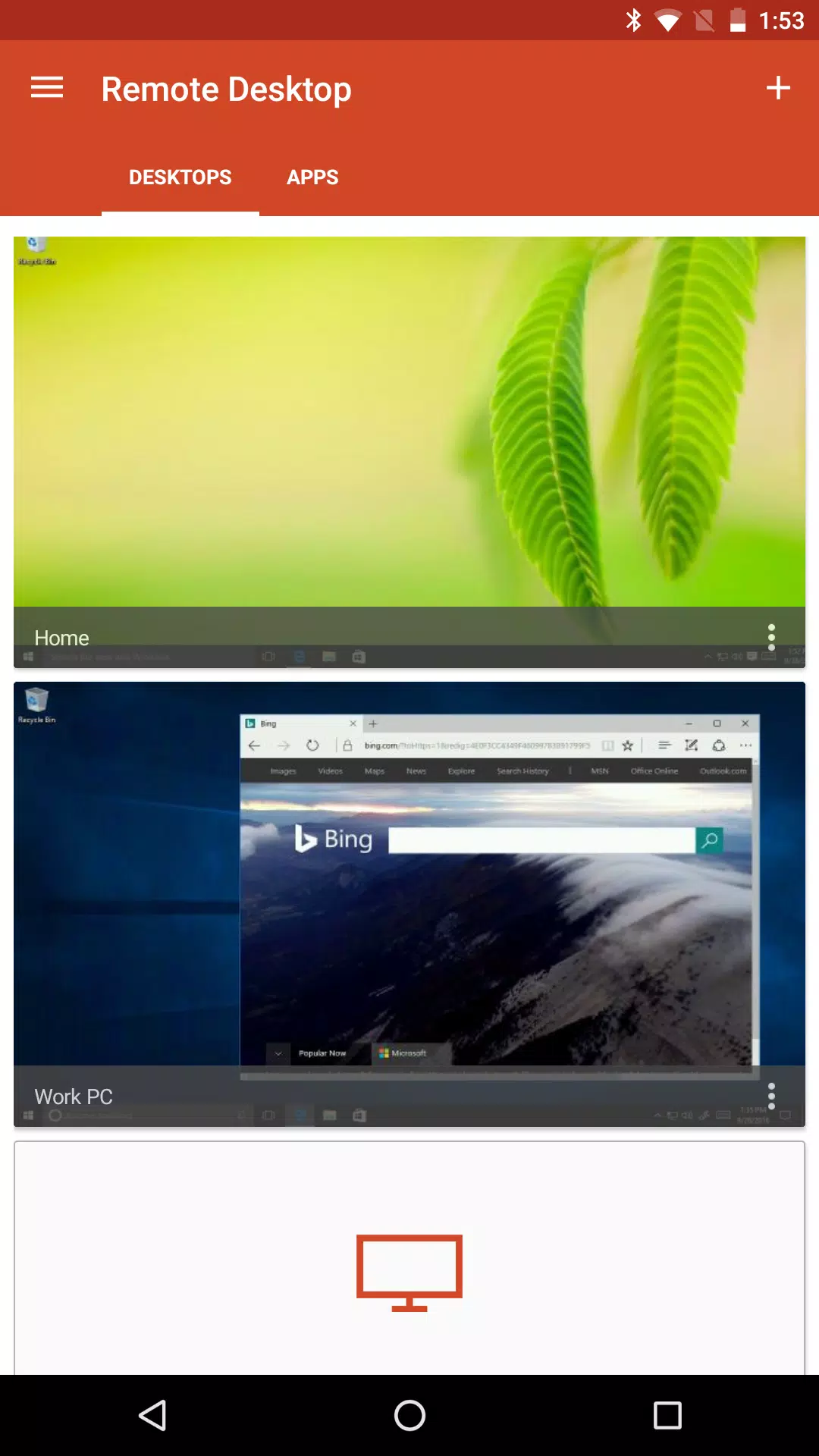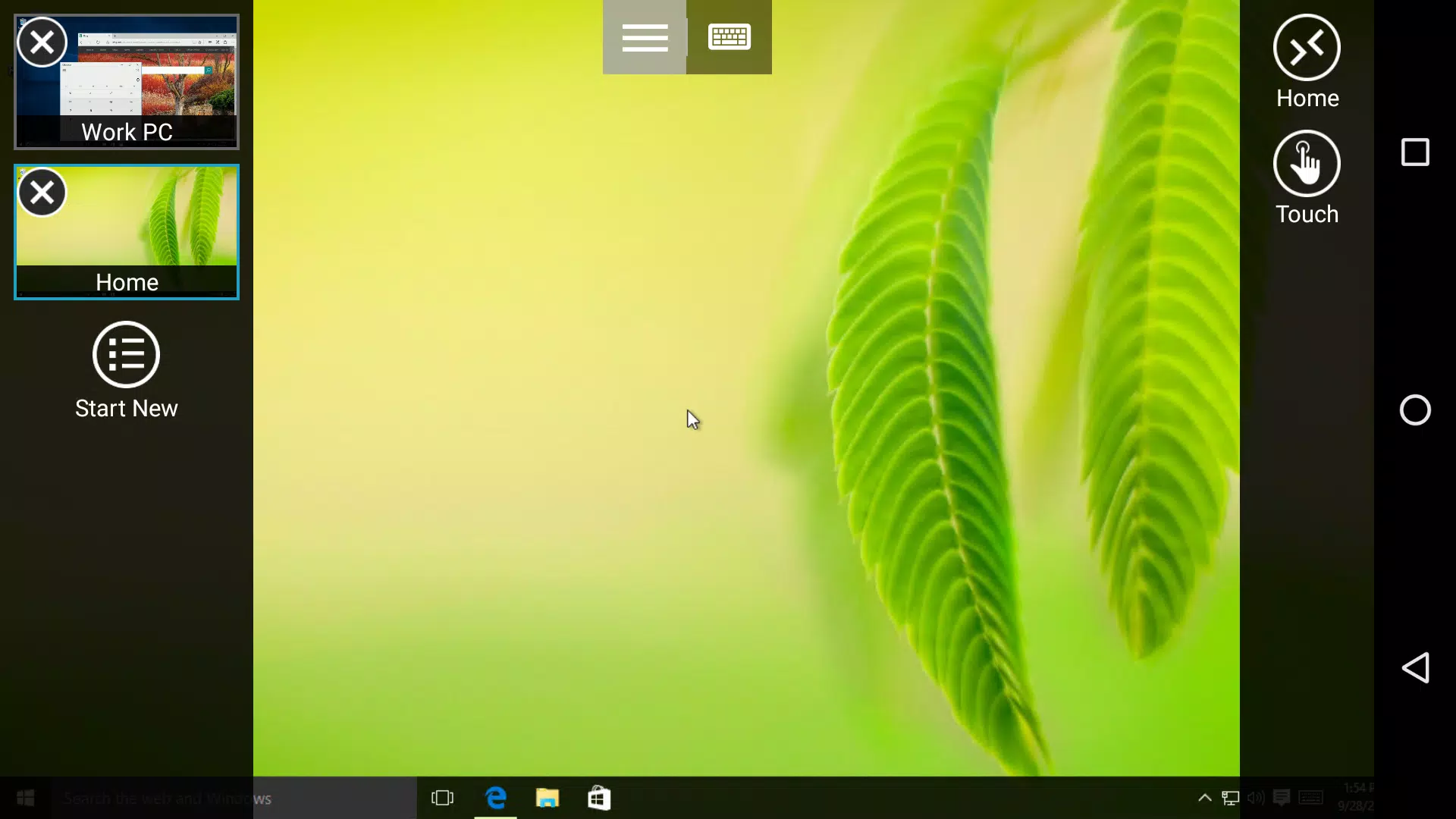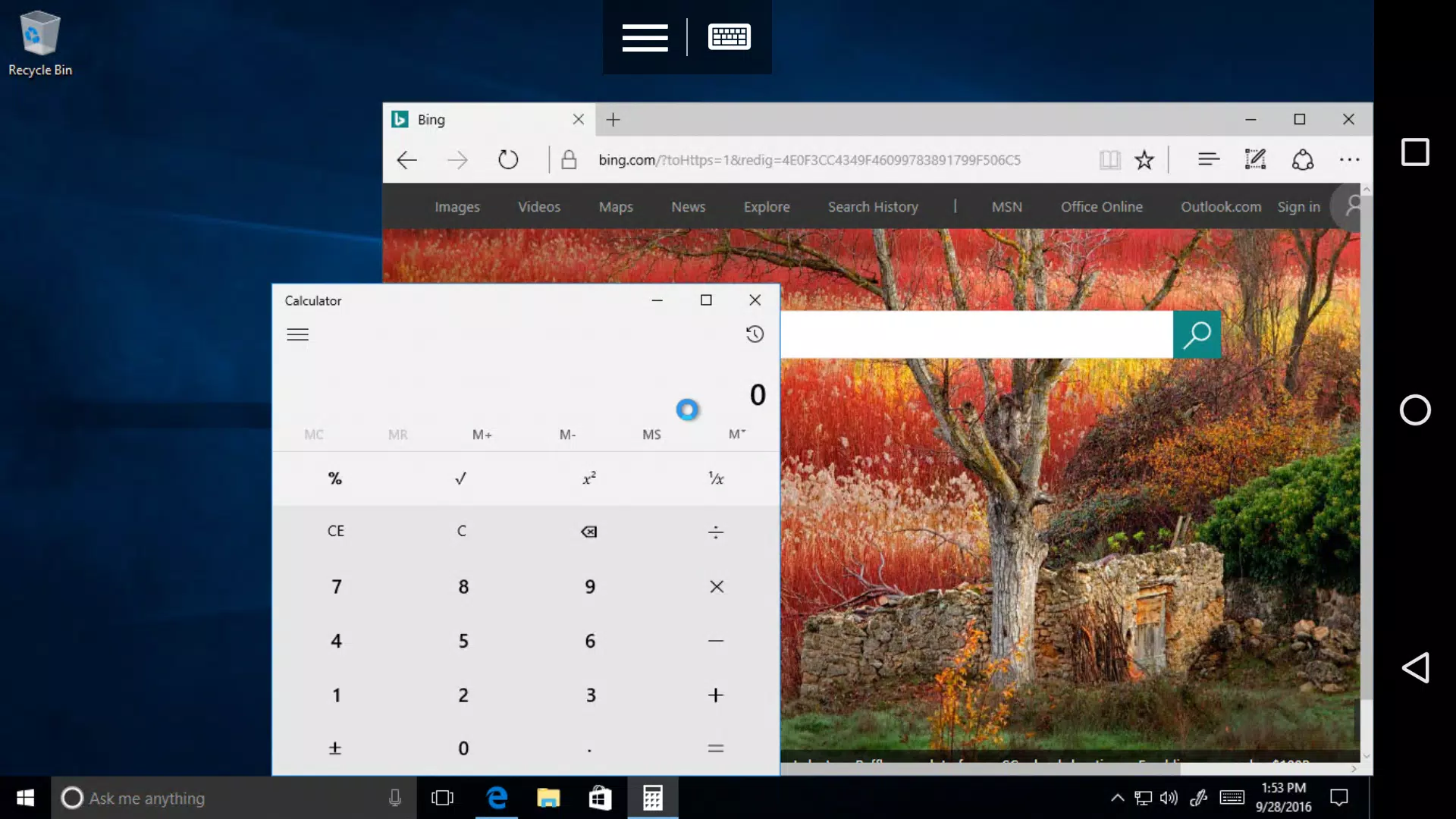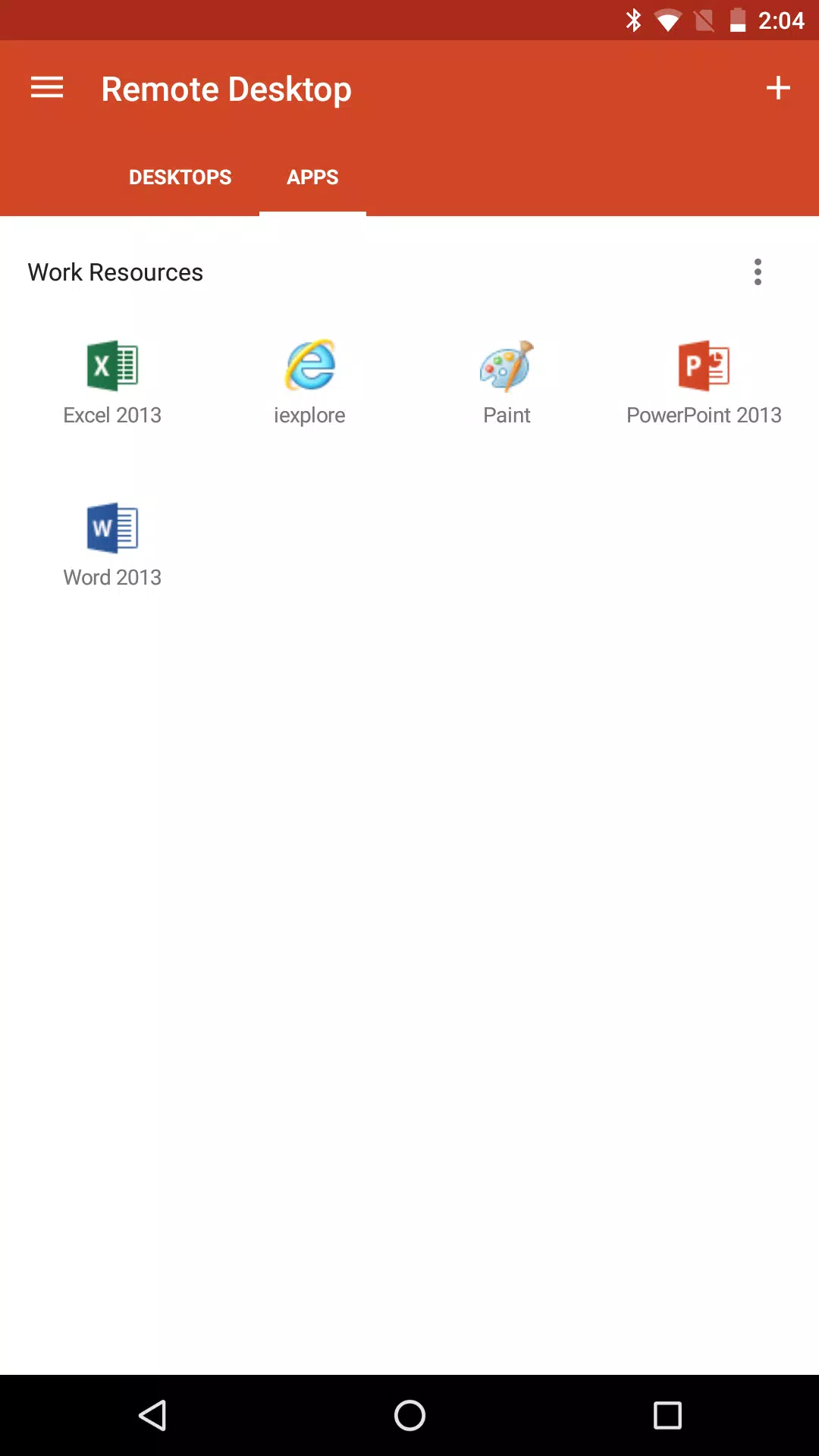
Microsoft Remote Desktop enables secure remote connections to Windows desktops and applications.
Connect to remote PCs or virtualized applications and desktops provided by your administrator using the Microsoft Remote Desktop app. Stay productive from any location with Microsoft Remote Desktop.
Getting Started
+ Discover how to use Microsoft Remote Desktop at https://aka.ms/rdanddocs.
+ Explore our other Remote Desktop clients at https://aka.ms/rdclients.
+ Share your feedback at https://aka.ms/rdandfbk.
Features
+ Connect to remote PCs with Windows Professional, Enterprise, or Windows Server
+ Utilize remote resources published by your IT administrator
+ Establish remote connections via a Remote Desktop Gateway
+ Enjoy a rich multi-touch experience with full Windows gesture support
+ Ensure secure connections to your data and apps
+ Easily manage all your connections from the centralized Connection Center
+ Stream high-quality video and audio
Permissions
This application requires specific permissions to use certain features, as detailed below.
Optional access
[Storage]: Permission is required to access local drives and documents from a remote session when the Local Storage Redirection feature is active.
What's New in the Latest Version 8.1.82.445
Last updated on Jul 16, 2021
- Resolved an issue where images could display incorrectly as text characters
- Added a notification informing users that this application is no longer supported by Microsoft
Tags : Business