Description
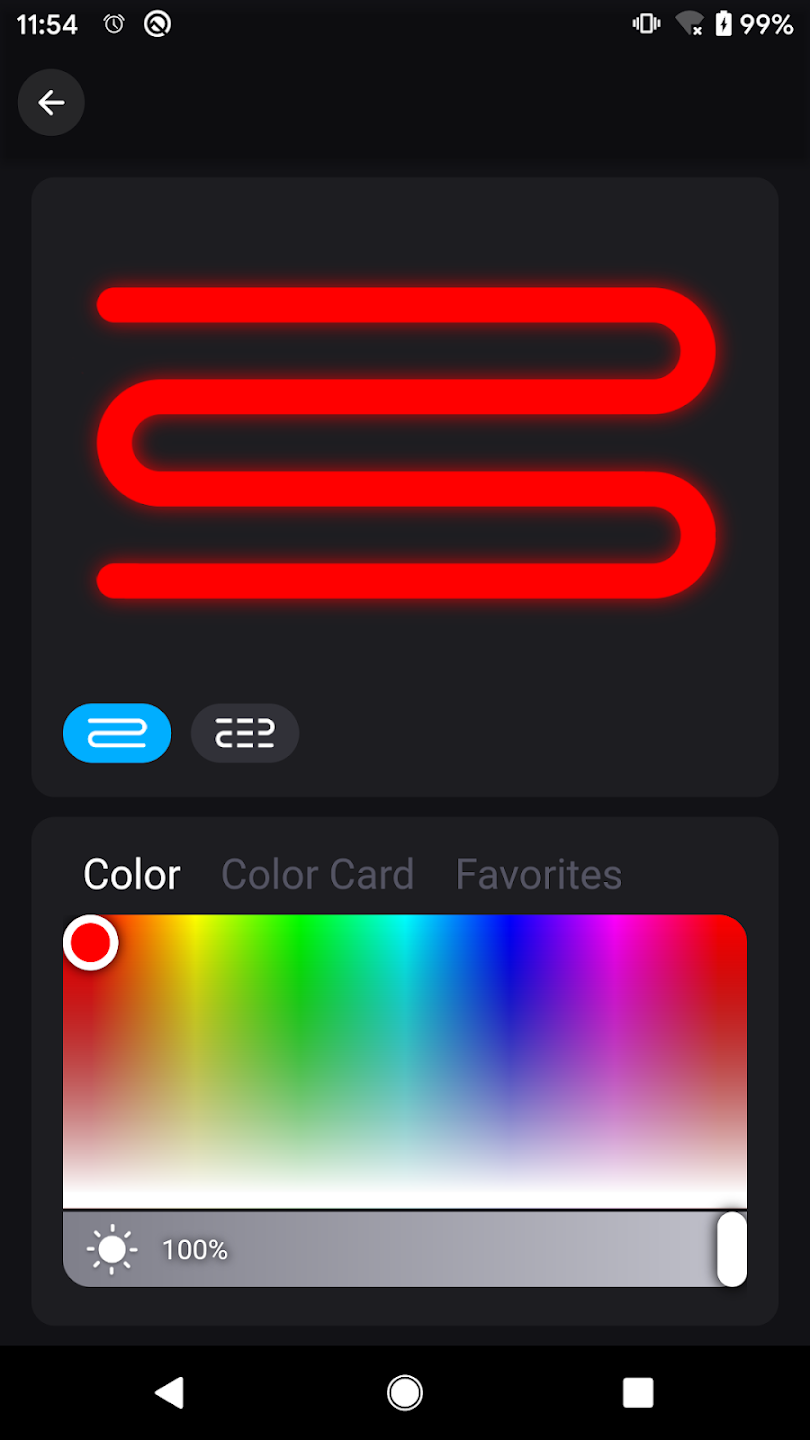
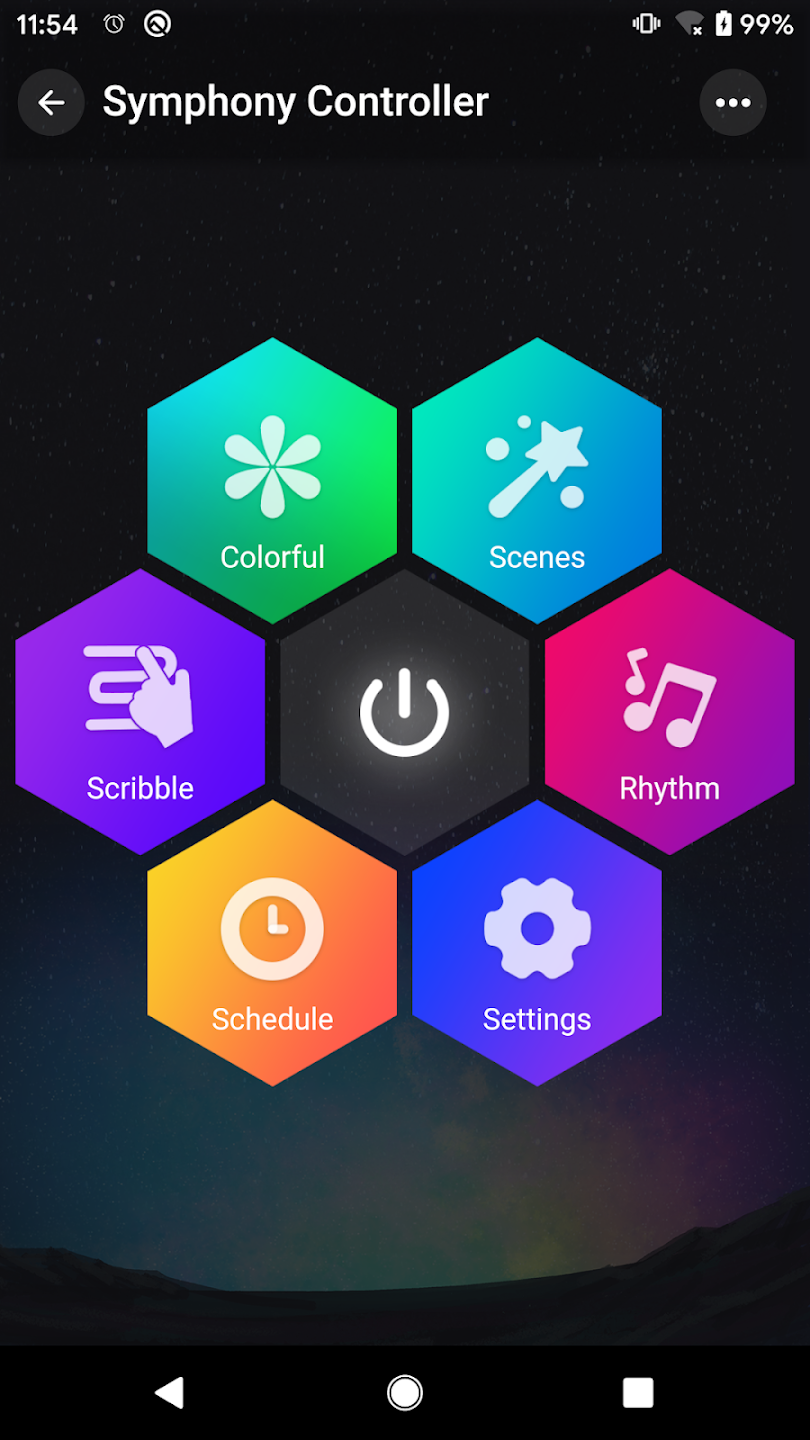
PIXIE LINE by LEDeez is a Bluetooth-enabled smart lighting application designed to provide innovative control over your LED lighting systems. It enables you to effortlessly manage the color, brightness, and color temperature of your LED strips. The application also includes a range of dynamic lighting modes that synchronize with music beats, creating a vibrant and responsive atmosphere. Featuring an intuitive interface, PIXIE LINE by LEDeez is ideal for enhancing home decor or events with customizable, rhythmic lighting effects.
Key Features of PIXIE LINE by LEDeez
- Effortless LED Strip Control: Manage the color, brightness, and color temperature of your LED strips with just a few taps on your device.
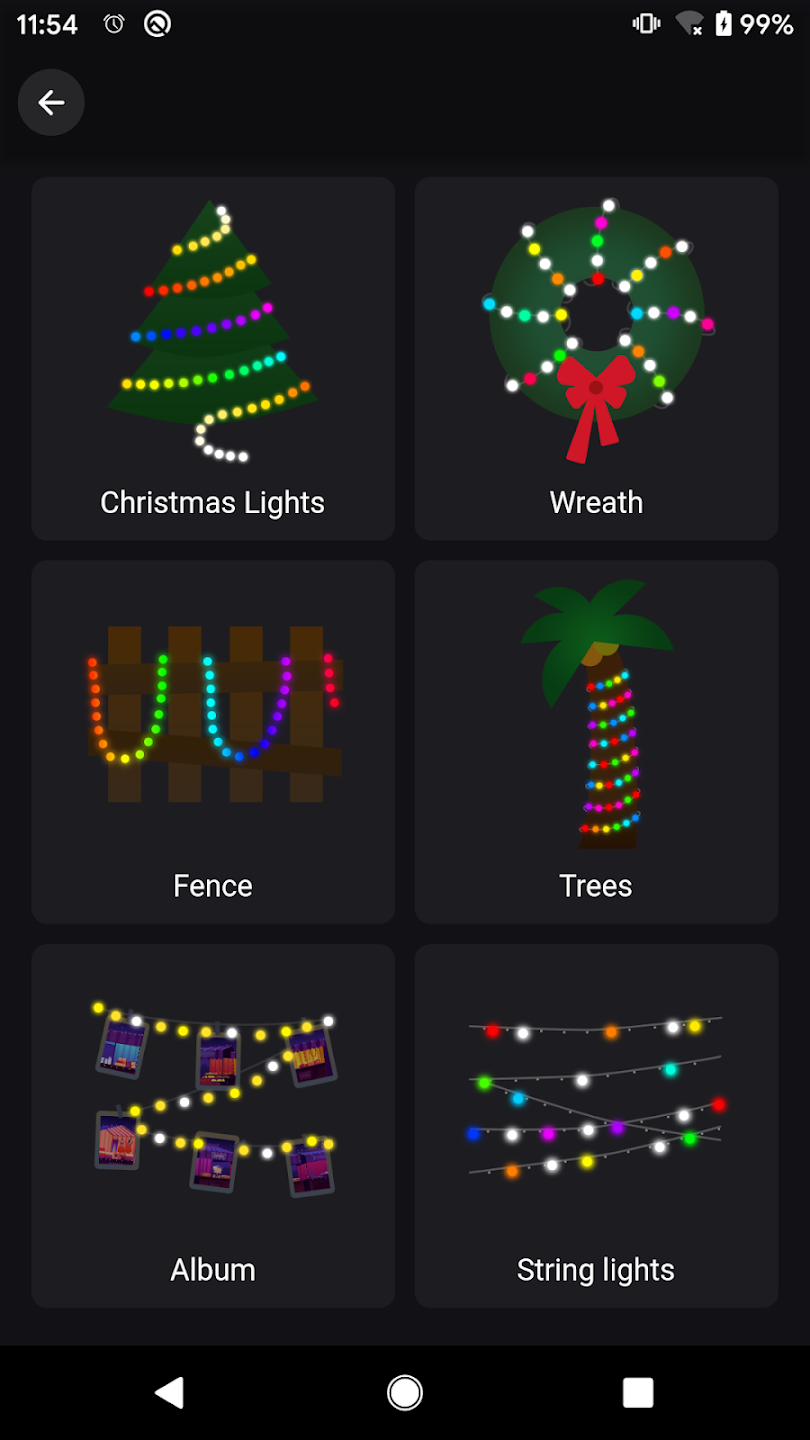
- Dynamic Flash Modes: Create the perfect ambiance for any occasion, from parties and movie nights to romantic evenings at home, using various fancy flash modes.
- Music Synchronization: Elevate your lighting experience by syncing LED strip lights to the rhythm of your favorite music, creating a dynamic and immersive atmosphere.
- Customization Options: Tailor your LED strip lights to match your personal style, whether you prefer cool, calming colors for relaxation or vibrant, energetic hues for a lively atmosphere.
User Tips
- Experiment with different color combinations and brightness levels to create unique lighting effects that align with your mood and style.
- Leverage the music synchronization feature by playing your favorite songs and watching as the LED strip lights dance along to the beat.
- Use the fancy flash modes to add an extra touch of flair to your space, whether you are hosting a party or simply relaxing at home.
Frequently Asked Questions: How to Use This App?
- Download: Install the PIXIE LINE by LEDeez app from your device's app store.
- Pair: Turn on your LEDeez lights and pair them with the app via Bluetooth.
- Connect: Ensure your device is connected to the lights.
- Control: Use the app's interface to adjust the color, brightness, and color temperature of your lights.
- Sync: Set up dynamic lighting modes that respond to music or other triggers.
- Enjoy: Watch as your lights create the desired ambiance.
Tags : Wallpaper
PIXIE LINE by LEDeez Screenshots