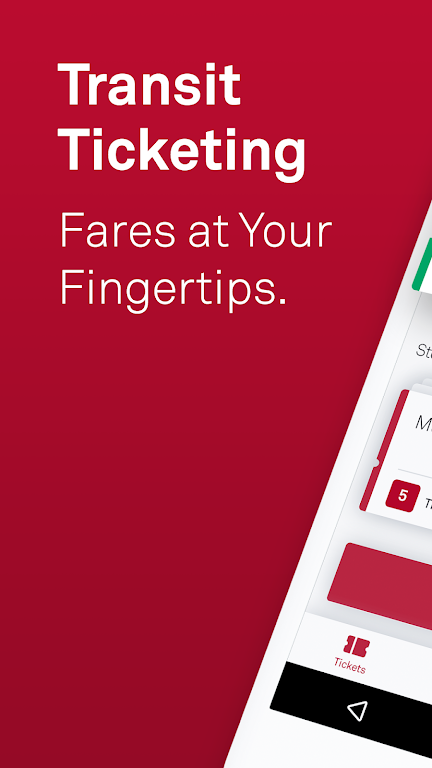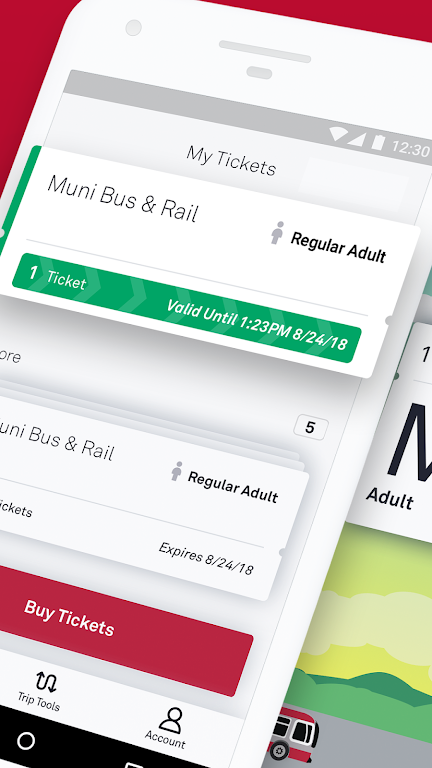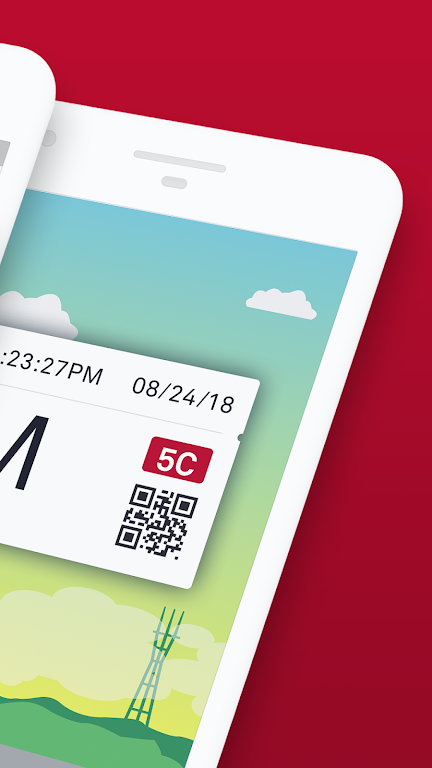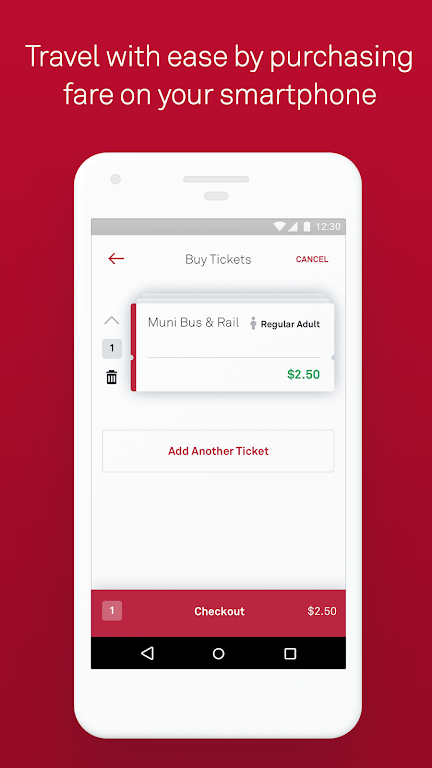
MuniMobile, the official application from the San Francisco Municipal Transportation Agency (SFMTA), simplifies your public transportation trips throughout the city. The app provides a range of features such as mobile ticketing, real-time arrival predictions, and improved journey planning. Using MuniMobile, you can buy tickets with a debit/credit card, PayPal, or Apple Pay and activate them effortlessly before boarding. It's a complete travel companion that eliminates the need for cash or paper tickets.
MuniMobile Features:
> Convenience: Skip paper tickets and spare change—buy and use transit fares instantly from your mobile device.
> Payment Options: Purchase fares with a debit/credit card, PayPal, or Google Pay.
> Multiple Tickets: Store several tickets on your phone and use them whenever needed.
> Group Travel: Quickly buy tickets for multiple people traveling together.
> Secure System: Register payment details securely for a worry-free experience.
Frequently Asked Questions:
> Do I need to be online to buy tickets?
- An internet connection is required for ticket purchases, but you can activate and use tickets offline.
> What happens if my phone runs out of battery?
- Plan ahead by keeping your phone charged to always have a valid ticket ready.
> Can I move my tickets to a new phone?
- Yes, by creating an account before buying tickets, you can transfer any unused fares to a new device. Only unused tickets are transferable.
How to Use This App:
Download the App: Get MuniMobile from the App Store or Google Play Store.
Create an Account: Register using your email address or mobile number.
Choose Rider Type: Pick Adult, Senior/Disabled/Medicare, Youth, or SF Access.
Select Fare: Choose from Single Trip Fare for Muni Bus & Rail, Cable Car, or Passports.
Purchase Tickets: Buy the number of tickets you want and pay with your preferred method.
Activate Before Boarding: Activate your ticket before entering the vehicle or passing through fare gates.
Use Offline: Tickets can be activated and used without an internet connection.
Manage Tickets: Save and organize multiple tickets on your phone for later use.
Set Up Auto-Refresh: Enable auto-refresh in the app for real-time service updates.
Get Help: Check the MuniMobile FAQ page or the in-app help section for support.
Tags : Tools