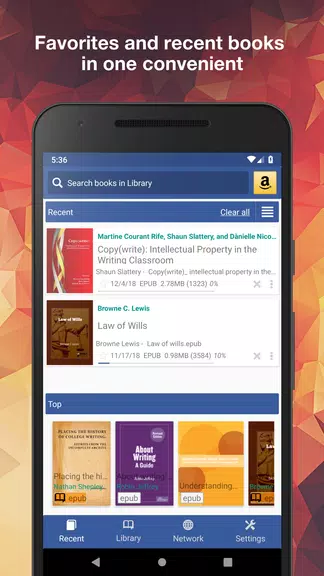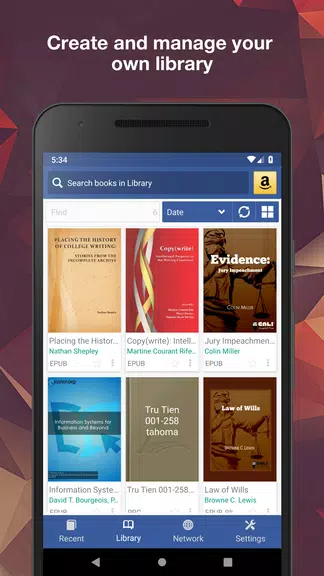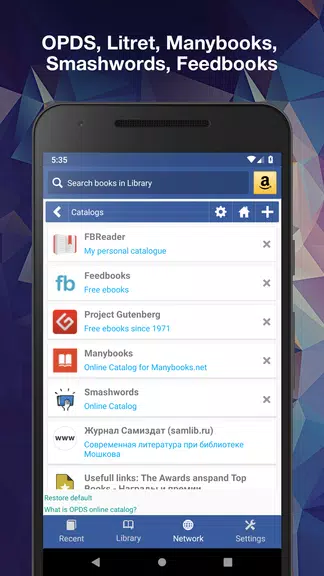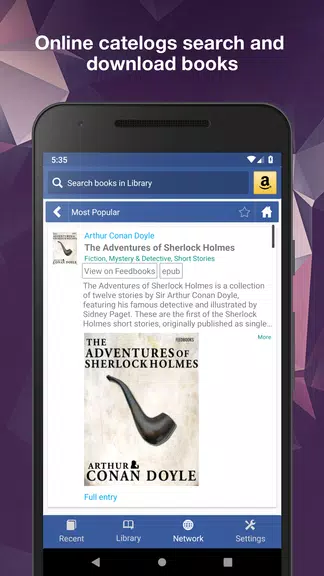
Experience the ultimate reading with an innovative, fully customizable KReader app, designed to handle all your books across a wide array of formats—including PDF, EPUB, MOBI, and beyond. Its intuitive interface, along with standout features like auto-scroll and hands-free music mode, transforms how you read. Effortlessly organize your library, search for any document, and enjoy tools for bookmarking, annotating, and instant online translation. KReader keeps your progress synced across devices, lets you personalize every reading setting, and opens up a new world of reading possibilities. Try the free version now and elevate your experience with a PRO license for uninterrupted, ad-free reading.
KReader: Features That Enhance Your Reading
Supports a broad spectrum of document formats
Discover documents easily with customizable lists
Bookmark and annotation support for better note-taking
Day and Night modes to reduce eye strain
Read-aloud functionality powered by a TTS engine
Sync your reading progress seamlessly across multiple devices
Helpful Tips for Readers:
Organize your library by building custom lists, allowing you to quickly find and return to your favorite books and documents.
Use bookmarks and annotations to highlight important sections and jot down notes as you read.
Keep your reading progress in sync across all your devices, so you can always pick up right where you left off, wherever you are.
Final Thoughts:
KReader is a versatile, user-friendly reading app packed with features to enrich your reading time. From adjustable settings to built-in online translators and offline dictionaries, it has everything you need. Download the free version to explore its full potential, and consider upgrading to the ad-free PRO license for ongoing support and updates. Begin your enhanced reading journey with KReader today!
Tags : Tools