GoodNotes is a powerful digital note-taking app designed for iOS and macOS users. It enables seamless creation and organization of notes with advanced features like handwriting support, customizable templates, and robust annotation tools including image insertion and highlighting. The app's iCloud synchronization ensures your notes are always available across all your Apple devices, making it ideal for both students and professionals who need efficient note management.
Key Features of GoodNotes:
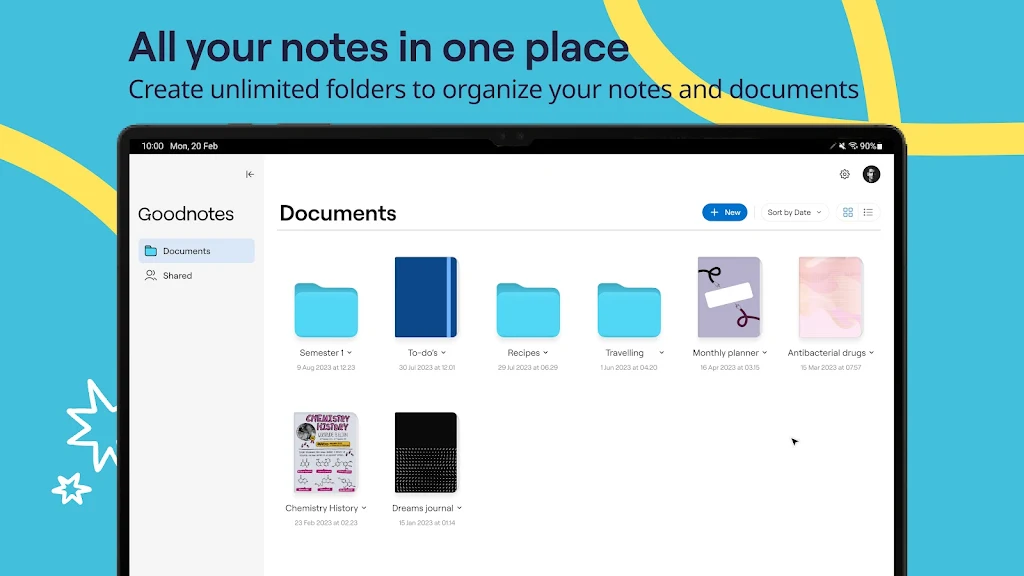
Unlimited Digital Notebooks: Break free from paper constraints with fully customizable digital notebooks that adapt to your workflow. Effortlessly organize and retrieve your notes whenever inspiration strikes.
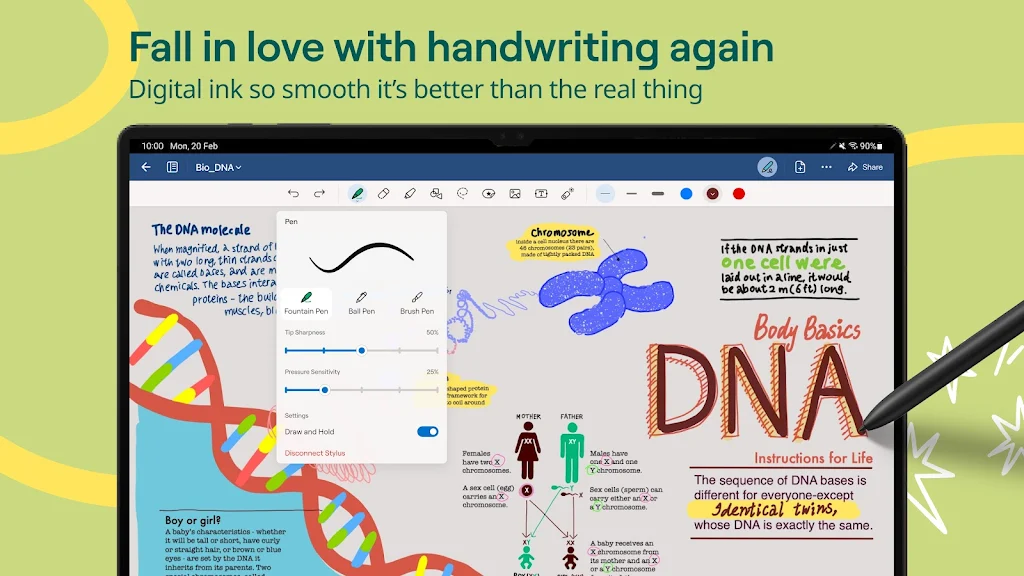
Natural Writing Tools: Enjoy fluid handwriting with your preferred stylus, enhanced by intuitive features like the Lasso Tool for easy editing. Built-in Shape Recognition helps create perfectly proportioned diagrams and sketches.
Personalized Styling: Express your creativity with adjustable pen settings including color palettes, stroke thickness, and multiple pen types (fountain, ballpoint, brush, and highlighter) to craft visually appealing notes.
Cloud Synchronization: Access your notes anytime, anywhere with reliable syncing across Windows, Android, and web platforms alongside your Apple devices, ensuring your ideas follow you wherever you go.
Frequently Asked Questions:
Does GoodNotes support PDF and image imports?
Absolutely. You can import PDF documents and images directly into your notebooks for annotation or reference purposes.
Does the app convert handwriting to text?
While GoodNotes doesn't currently offer handwriting-to-text conversion, its advanced writing tools provide exceptional digital inking capabilities.
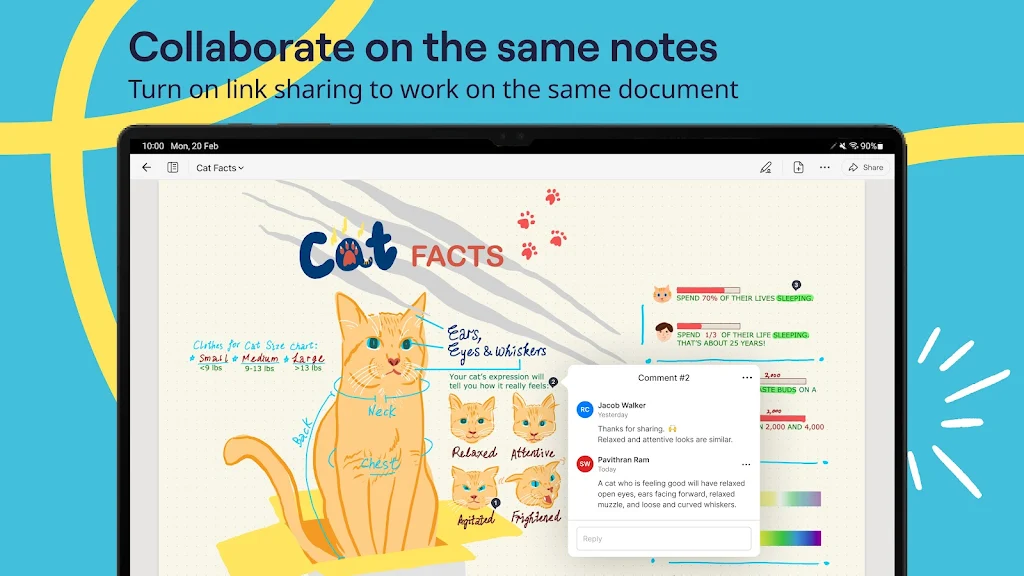
Can I collaborate by sharing my notes?
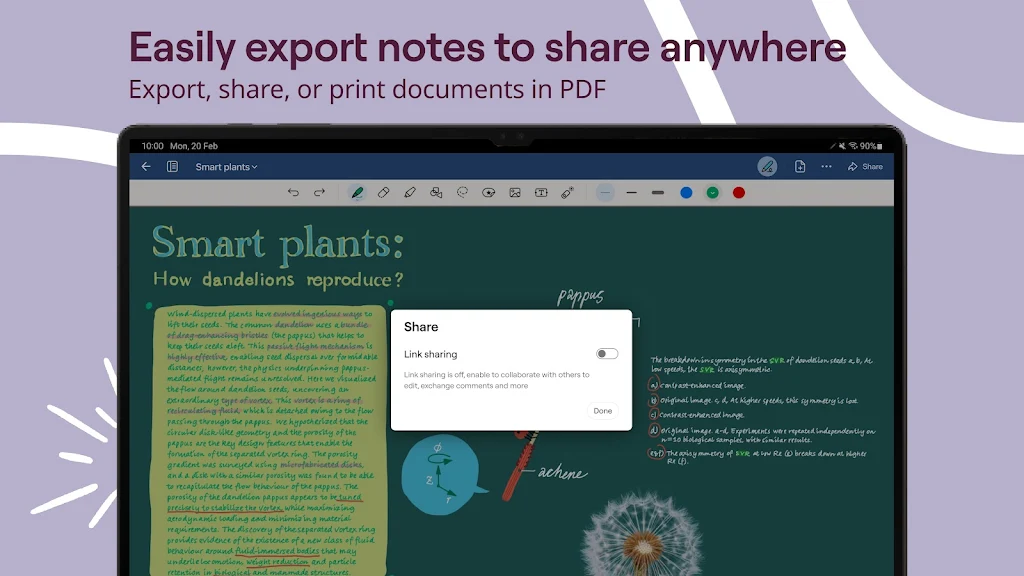
Yes, sharing is simple. Export any note as a PDF or image file to easily collaborate with colleagues or classmates.
Final Thoughts:
GoodNotes revolutionizes digital note-taking with its blend of customization, organization, and cross-platform accessibility. Whether you're sketching ideas, annotating documents, or keeping lecture notes, this app replaces traditional notebooks with a versatile digital solution that keeps pace with your creative workflow.
Latest Updates
- Instant Erase: Remove unwanted strokes by scribbling over them.
- Recycle Bin Functionality: Safely delete and restore pages, notebooks, or entire folders.
- Expanded Platform Support: Now access your Goodnotes 6 documents consistently across iPad, iPhone, Mac, Android, Windows, and web browsers.
Tags : Productivity