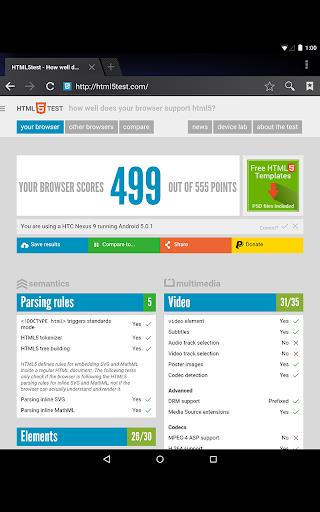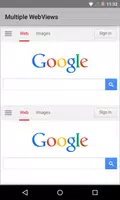
Android System WebView is a built-in component that enables Android apps to show web content directly. It leverages Chrome's engine to render web pages inside applications, delivering a smooth, integrated browsing experience without leaving the app. Regular updates strengthen security and boost performance, giving users access to the newest web standards and capabilities.
Features of Android System WebView:
⭐ Seamless Integration: It blends web content naturally into apps, offering a fluid and uninterrupted user experience.
⭐ Security Updates: Updating Android System WebView regularly provides the latest security patches and bug fixes, helping to keep your device safer.
⭐ Chrome Powered: Built on Chrome technology, it ensures fast and dependable browsing within applications.
⭐ Resource Efficiency: Designed to use resources wisely, it optimizes performance without significantly impacting battery life.
Tips for Users:
⭐ Check for Updates Regularly: Be sure to update Android System WebView often to gain the latest security improvements and bug fixes.
⭐ Clear Cache and Data: Occasionally clearing the WebView cache and data can enhance performance and troubleshoot problems.
⭐ Disable if Necessary: If you face compatibility problems with certain apps, you can disable Android System WebView and switch to using the Chrome browser.
Conclusion:
Android System WebView is a vital system component that enriches in-app browsing. Keeping it updated helps you enjoy better security, performance, and efficiency. Feel free to explore its features and get the most from this integrated web content solution on your Android device.
What's New
Minor bug fixes and improvements. Install or update to the latest version to see what's changed!
Tags : Tools