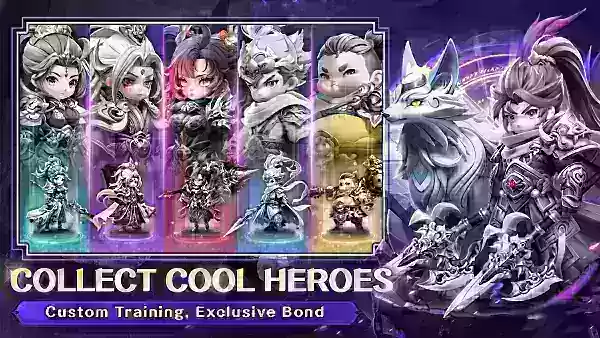
Embark on an epic adventure in Convallaria, a realm brimming with magic and ancient lore! In Sword of Convallaria, you become a chosen warrior, tasked with wielding a powerful blade to vanquish a looming evil. Explore diverse lands, forge alliances, and engage in thrilling, strategic real-time combat. Customize your character's skills to create a unique and personalized gameplay experience. This RPG blends classic elements with innovative mechanics.
Redeem codes unlock exclusive in-game treasures, rewards, and premium features, offering a fantastic way to enhance your adventure without spending real money. Below are currently active codes and instructions on how to use them.
Active Sword of Convallaria Redeem Codes:
SOCENLAUNCHSOCTACTICS SOCFORCE SOCTLP SOCCREATORSOCMTASHED
How to Redeem Codes:
- Complete the Prologue: Finish the Wheel of Fortune I stage in the Sea of Chaos.
- Access the Main Menu: Click the three lines in the top-left corner (near your character name and UID).
- Open Settings: Tap the cog icon in the top-right corner.
- Redeem Code Section: Locate "Redeem Code" under the Account section and click "Redeem."
- Enter Code: Input your code into the provided text box.
- Exchange: Click "Exchange" to claim your rewards.
- Check Mailbox: Your rewards will be delivered to your in-game mailbox, accessible from the main menu.
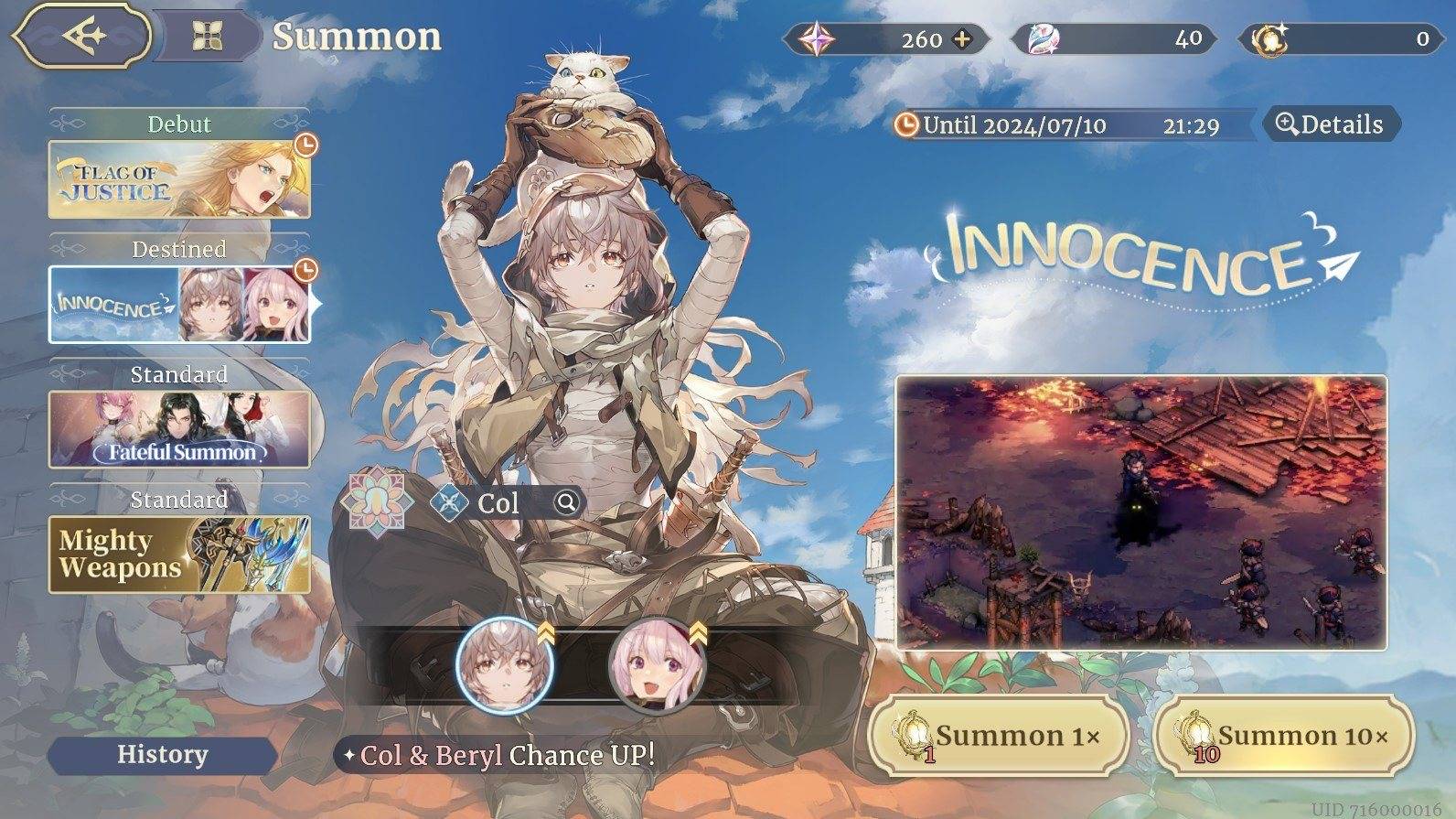
Troubleshooting Redeem Codes:
Encountering issues with your code? Here are some common causes:
- Expired Codes: Codes have limited validity periods.
- Case Sensitivity: Ensure correct capitalization.
- Typos: Double-check for errors.
- Platform Restrictions: Some codes are platform-specific.
- Technical Problems: Server issues or game bugs may temporarily prevent redemption.
- Usage Limits: Codes may have usage restrictions.
For an unparalleled Convallaria experience, play on PC with BlueStacks! Enjoy enhanced visuals on a larger screen and precise controls using your keyboard and mouse.