Marvel Rivals Season 1 Launch Issues: Troubleshooting Guide
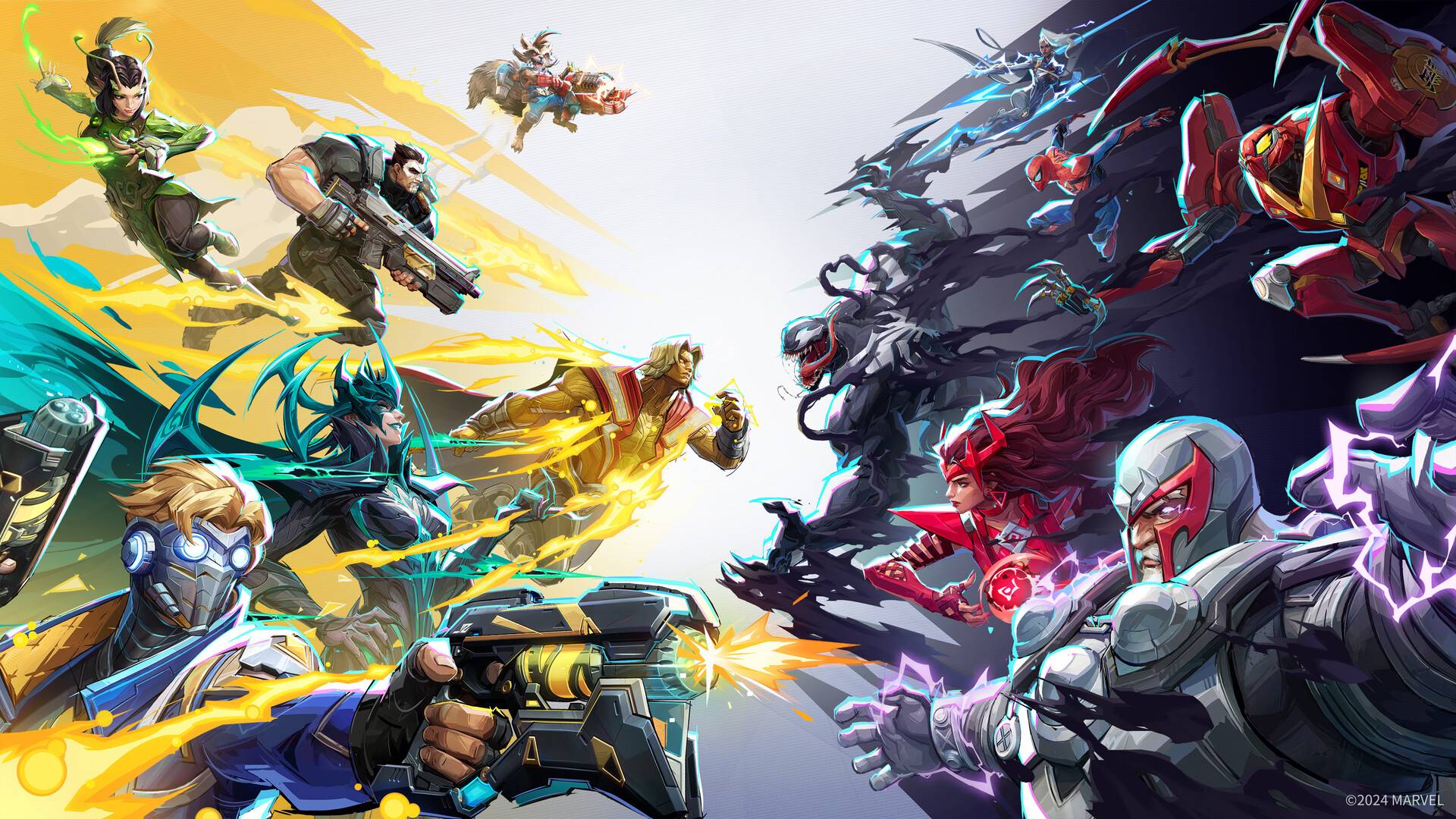
The highly anticipated Marvel Rivals Season 1 has arrived, bringing new heroes and challenges to the Marvel Universe. However, some players are encountering difficulties connecting. This guide provides solutions for common Marvel Rivals Season 1 launch problems.
High server load is a frequent issue with free-to-play game launches. While a positive sign for the developers, it can lead to frustrating login problems for players. Here's what to try:
1. Verify Server Status: Check the official Marvel Rivals social media channels (like X) and server monitoring sites such as Downdetector for updates on server outages or maintenance.
2. Update the Game: Ensure your game is fully updated to the latest version. This often resolves many launch issues.
3. Restart the Game: A simple restart can sometimes clear minor glitches preventing connection. Try closing and reopening the game.
4. Check Your Internet Connection: Marvel Rivals requires a stable internet connection. Restart your modem and router to rule out network problems.
5. Take a Break: On launch day, server congestion is common. Stepping away for a while and trying again later may be the best solution.
Marvel Rivals is available now on PS5, PC, and Xbox Series X|S.