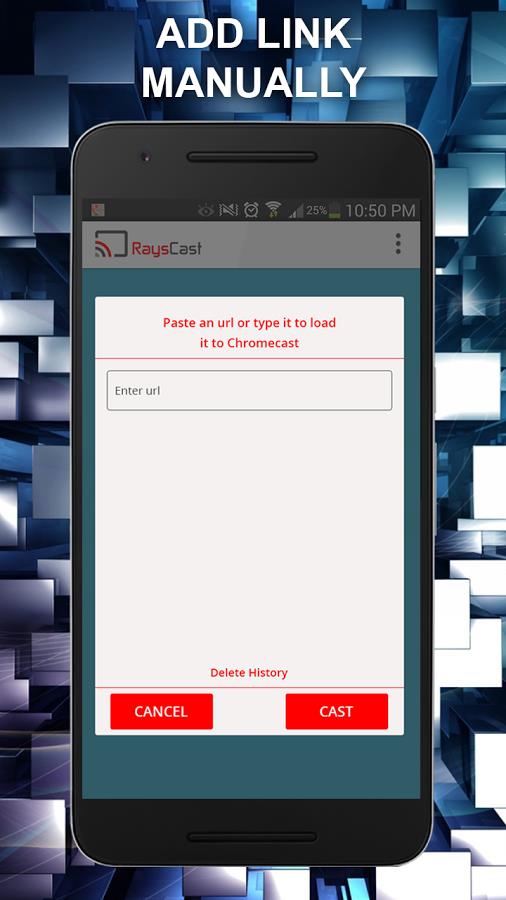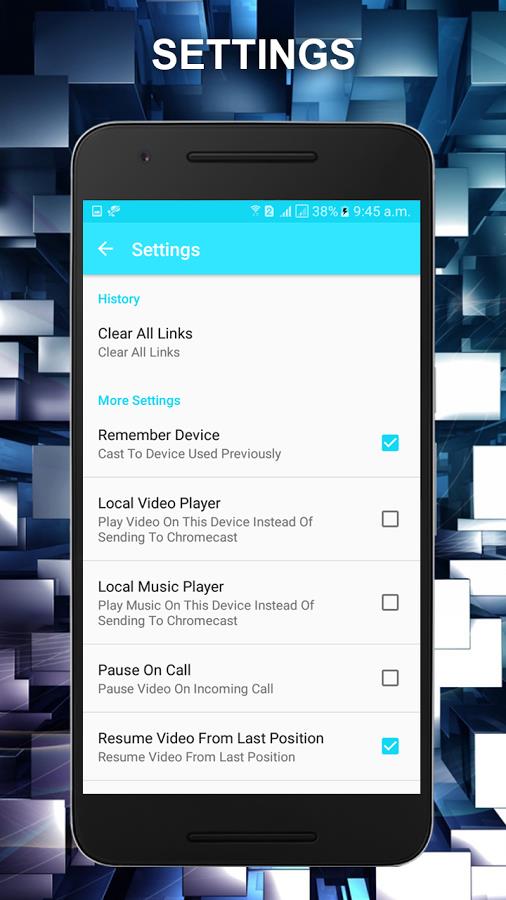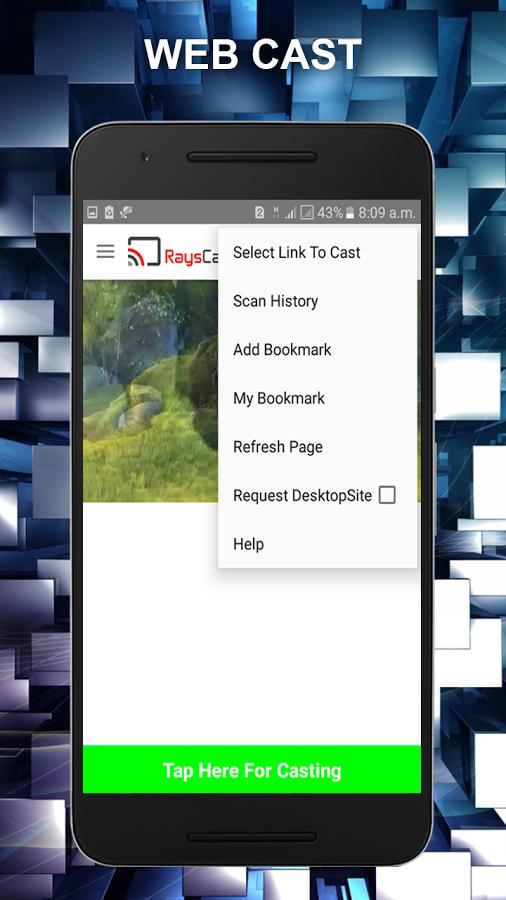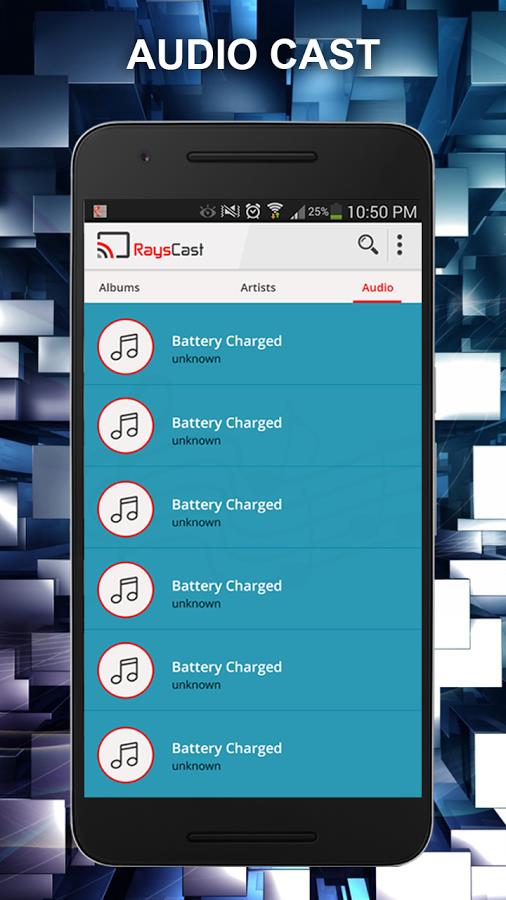
RaysCast for Chromecast is the ultimate application for streaming and sending your favorite music, images, videos, films, and iptv to your Smart TV and other devices that support Chromecast. With the new web casting capability, you can now send content from any website, making it very practical. This app not only supports online videos but also lets you share media from your phone's internal storage. It essentially turns your mobile device into a TV remote, offering smooth control over your entertainment. You can download this remarkable Google cast application for free and take advantage of all its great features, including fluid playback, simple navigation, and compatibility with various types of media. Transform your phone into a Chromecast controller and enjoy watching videos on a large screen, no matter where you are.
Features of RaysCast For Chromecast:
- Free to Download and Use: You can download and use RaysCast for Chromecast at no cost. Enjoy sending your media files without any extra expenses.
- Smooth Playback for Faster Streaming: Experience faster video streaming with the Smooth Playback feature of RaysCast. Enjoy your favorite content without interruptions or delays.
- Cast Online Media Seamlessly: RaysCast enables you to send online media from servers and Dropbox effortlessly. Access and stream your preferred online videos and web videos directly to your TV.
- Cast Any Local Media: In addition to sending online content, you can also cast all local media from your Android device and SD card. Keep all your media in one place and easily access and send them to a larger screen.
- Easy to Use Interface: RaysCast provides an intuitive interface that is simple and easy to navigate. Send your media files with just a few taps and enjoy a straightforward casting experience.
Tips for Users:
- Explore web casting: Make the most of RaysCast's web casting feature and enjoy watching online videos from any website on your TV. Turn your mobile device into a Chromecast remote and experience the excitement of watching videos on a large screen wherever you go.
- Utilize Smooth Playback: Ensure a smooth streaming experience by activating the Smooth Playback feature. Enjoy video playback without buffering and with quicker load times.
- Utilize media search: With RaysCast's media search function, you can easily locate and explore all your media files. Save time and effort by automatically searching for your favorite content.
Conclusion:
With RaysCast for Chromecast, you can turn your mobile device into a strong casting tool. Send your favorite music, images, videos, and more to a larger screen effortlessly. Enjoy fluid playback, smooth online media casting, and simple navigation. Download RaysCast for Chromecast for free and improve your entertainment experience today. Share this app with your friends and help the development team by leaving ratings and reviews. Happy casting!
Tags : Media & Video