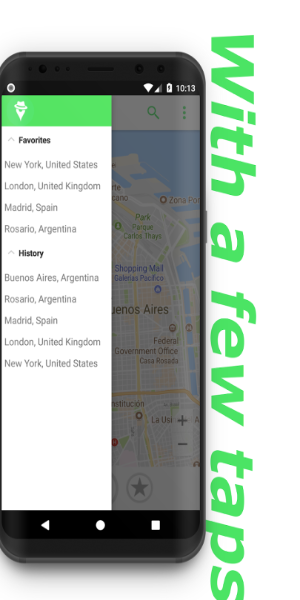
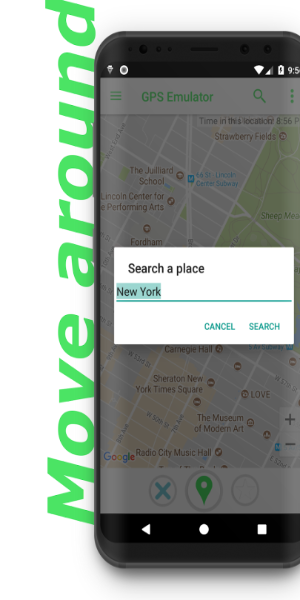
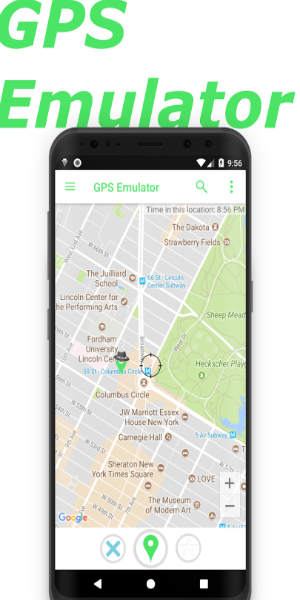
Enhance your phone's location with GPS Emulator. This app enables you to mimic any global location, making other apps believe you are there. Modify your fake location, elevation, and precision, and even set the current time for the simulated place.
Features of GPS Emulator:
- Explore Anywhere in the World
This app allows you to establish a fake GPS location that will trick other apps on your phone into thinking you are in any part of the world. Imagine being able to discover famous landmarks, scenic cities, or secluded beaches, all from the comfort of your own home.
- Customizable Location and Altitude
In addition to changing your location with this app, you can also adjust your altitude. Want to experience the views from the top of a mountain or feel like you're diving deep into the ocean? This app enables you to personalize your GPS settings for an immersive experience.
- Refine Accuracy and Time
Beyond choosing your preferred location and altitude, this app lets you adjust the accuracy of your fake GPS position. Whether you want to appear exactly in the center of a city or within a specific area, you have the freedom to modify the settings according to your preference. Additionally, you can display the current time of the simulated location, ensuring an authentic experience.
- Multiple Map Types Available
To make your virtual exploration more realistic, this app offers three different map types. You can choose between a standard map view, satellite imagery, or even terrain maps. Each map type provides a unique perspective, enhancing the realism of your fake GPS experience.
Tips for Users:
- Plan Your Virtual Journeys
Before entering the world of fake GPS, take some time to plan your virtual adventures. Research places of interest, create a list of destinations, or even work with friends on shared experiences. Having a plan in place will help you maximize this app and ensure an exciting and rewarding exploration.
- Try Different Altitude Settings
Don't restrict yourself to just changing your location. Make use of the altitude settings and try exploring various heights. Soar above skyscrapers, climb mountains, or even simulate a hot air balloon ride. The options are limitless, and by experimenting with altitude, you can add an entirely new dimension to your virtual trips.
- Adjust Accuracy for Realism
To make your fake GPS experience feel more authentic, take the time to customize the accuracy settings. If you're exploring a busy city, setting a higher accuracy level can help you blend in seamlessly. Conversely, if you're exploring nature trails or remote areas, reducing the accuracy can add an adventurous element to your virtual expeditions.
Design and User Experience
User-Friendly Interface
GPS Emulator offers a simple and easy-to-use interface. The main screen provides clear options for setting your desired location and making adjustments, ensuring accessibility for users of all skill levels.
Flexible Location Simulation
The app allows you to easily change your GPS location anywhere in the world. You can quickly enter coordinates or choose a location on the map, giving you full control over your simulated position.
Altitude and Accuracy Settings
Users have the ability to customize both altitude and location accuracy. These settings allow you to refine the simulation based on specific requirements, increasing the app's adaptability for different uses.
Real-Time Position Adjustments
GPS Emulator allows you to set the current time for your simulated location. This feature helps ensure that your fake position appears as realistic as possible, complementing the adjustments made to location and altitude.
What's New
Several improvements.
Tags : Lifestyle