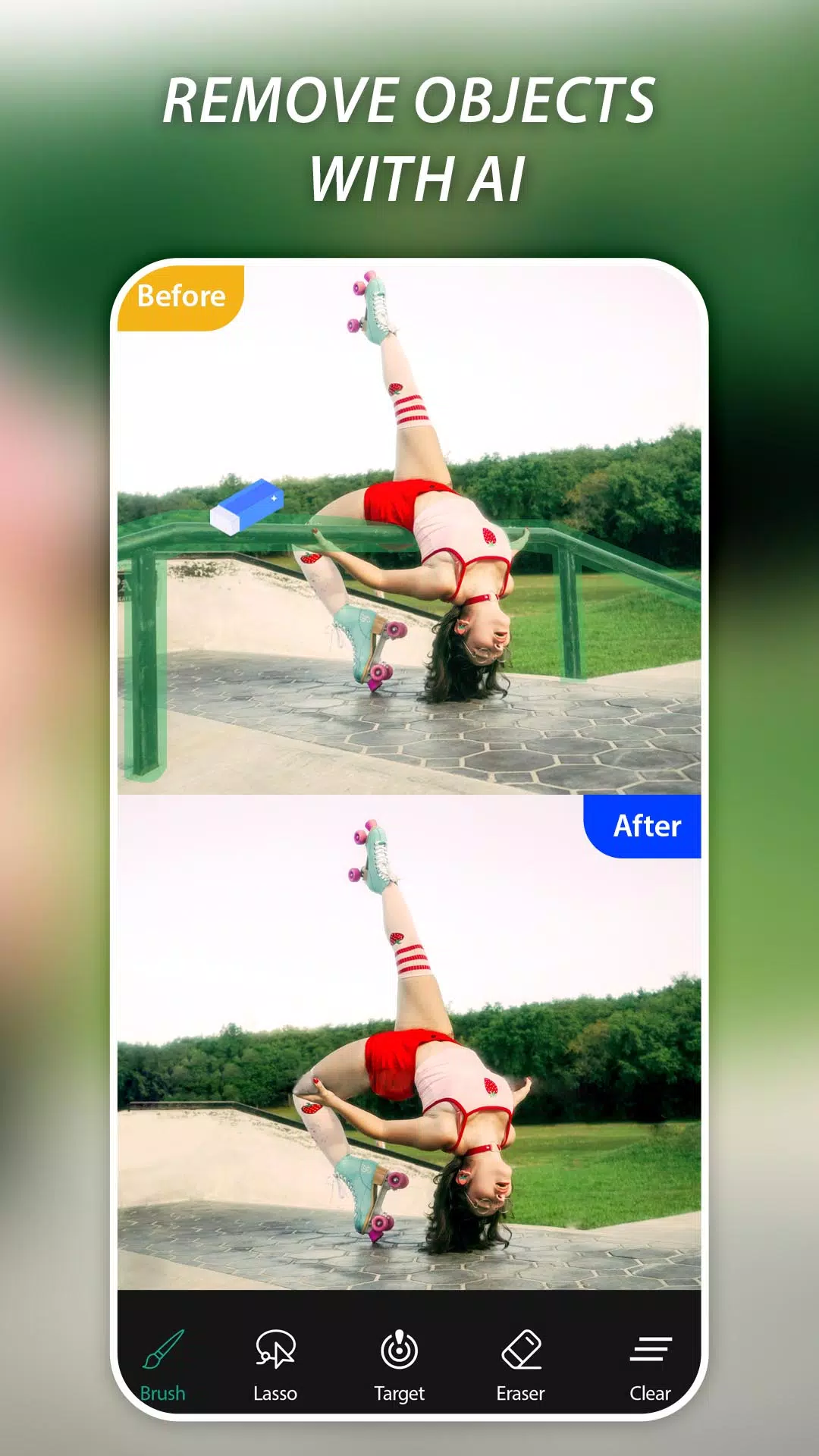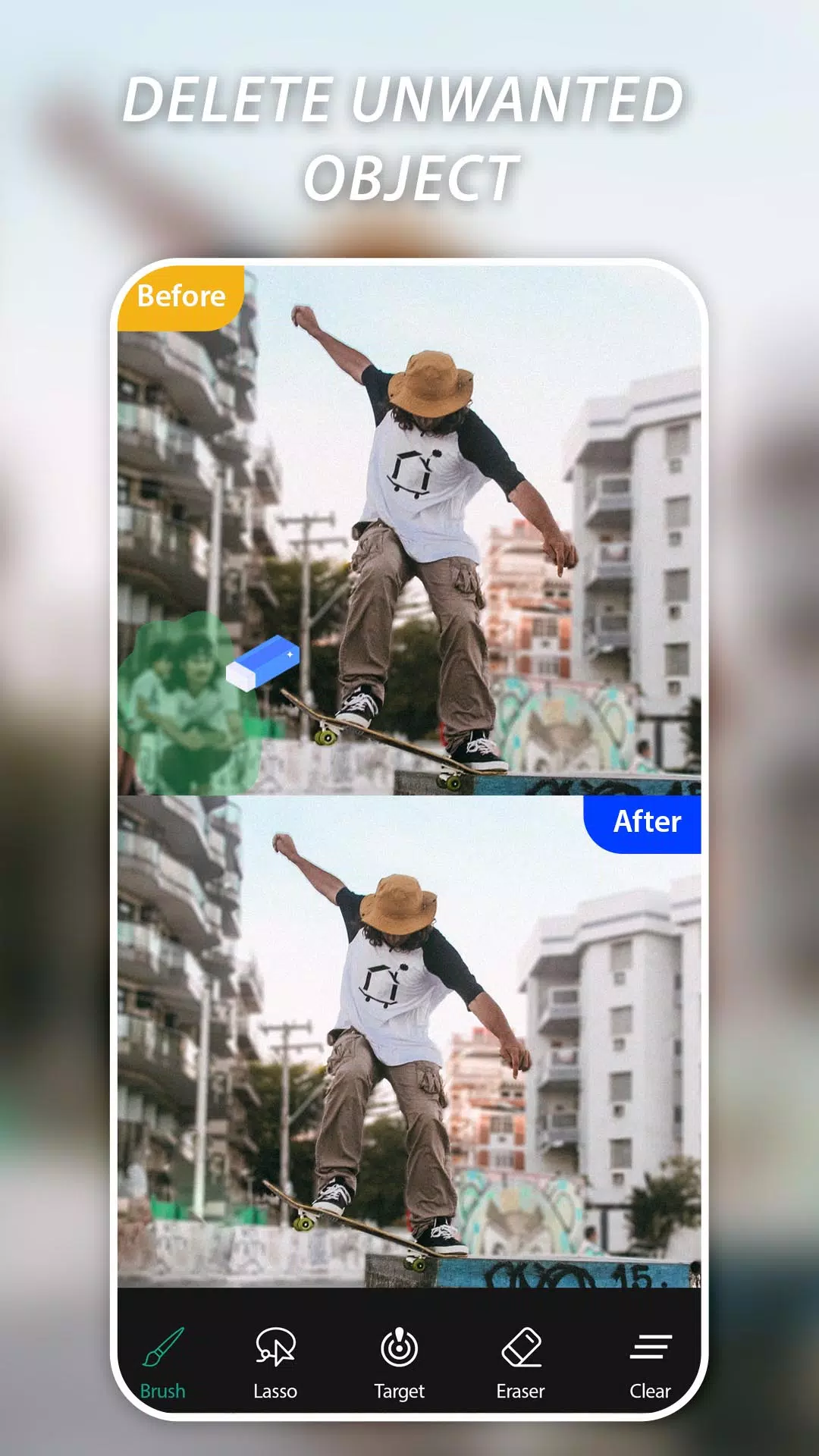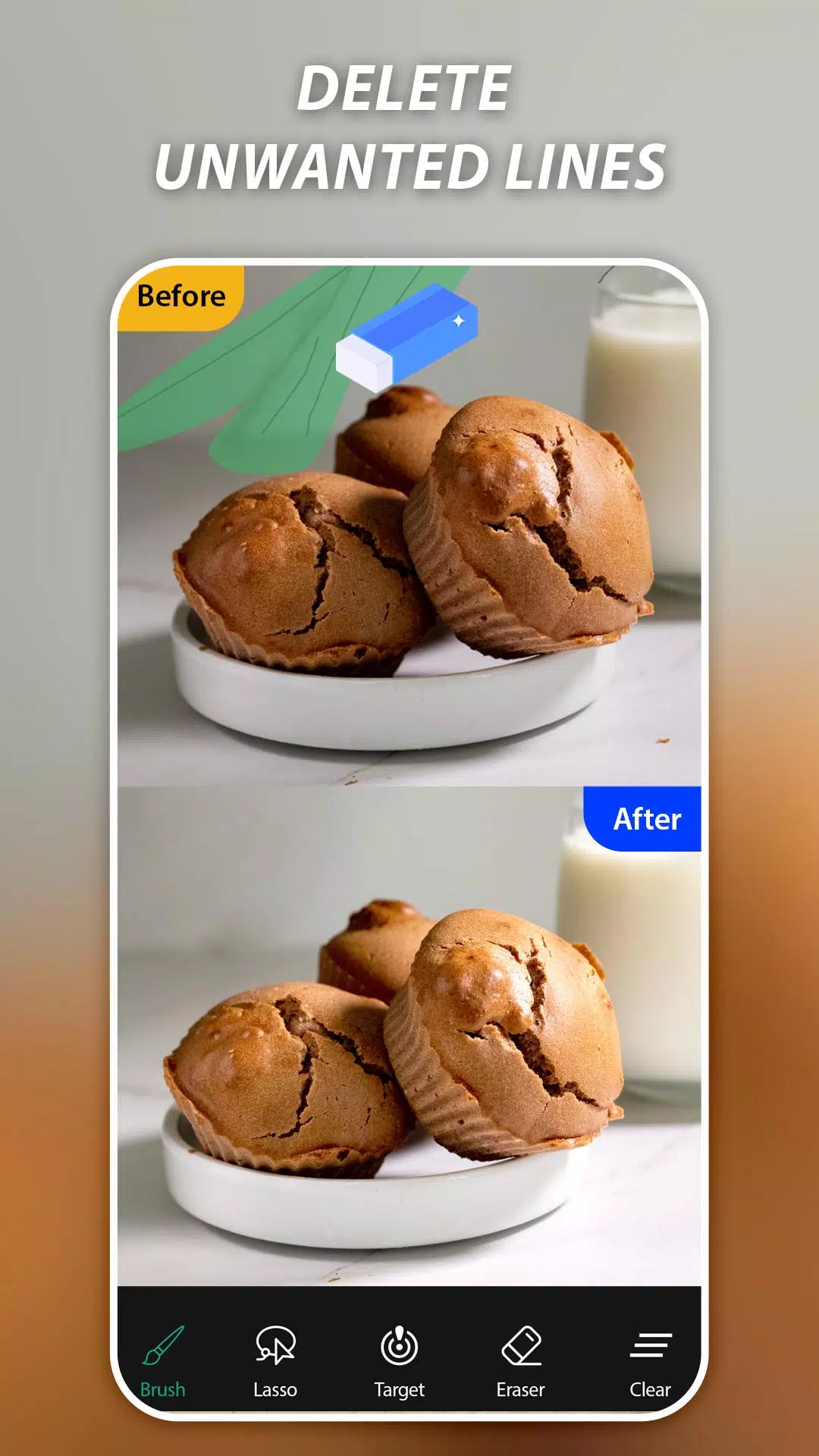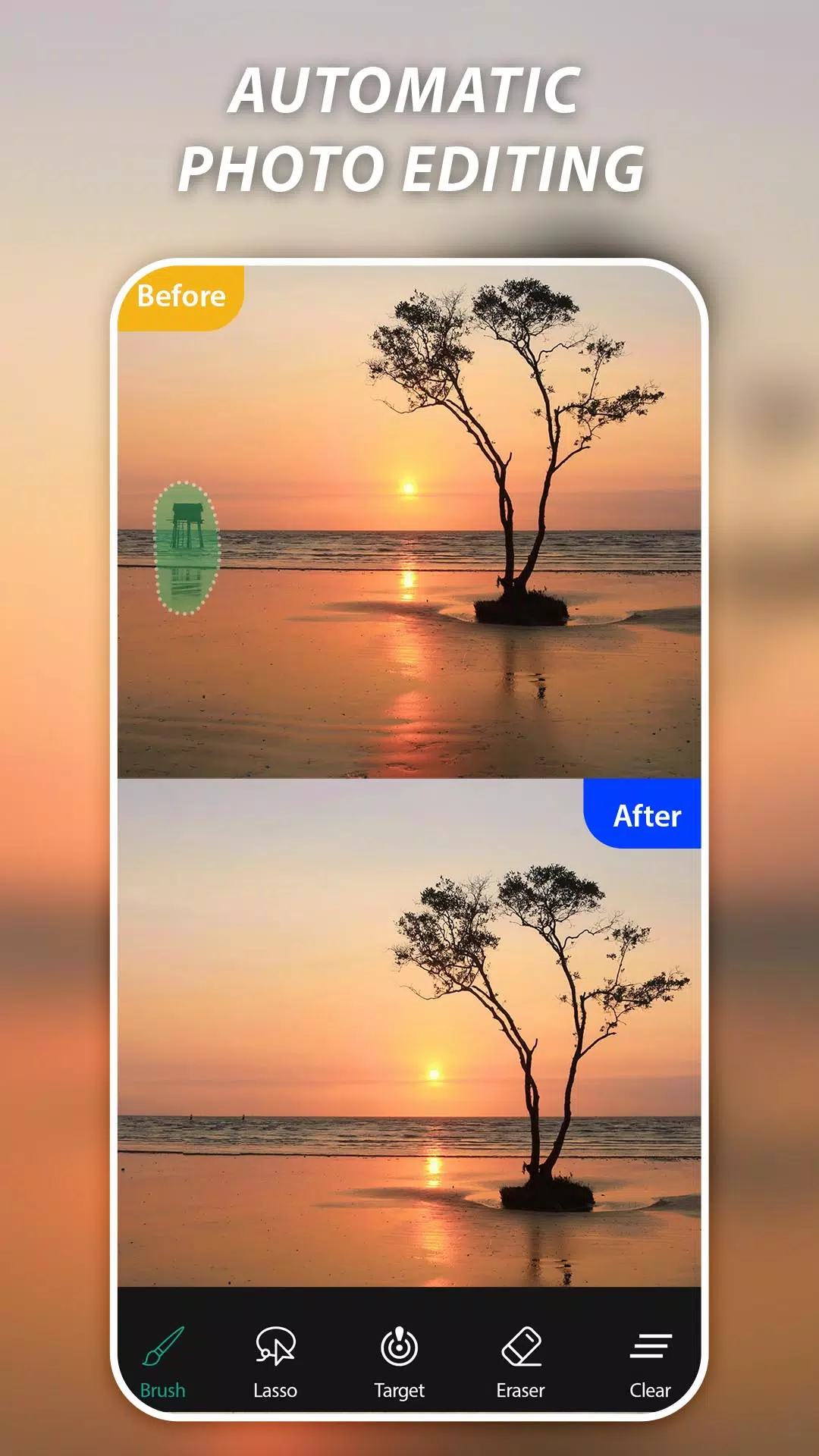
Easily delete objects and erase backgrounds using advanced machine learning.
"AI Remove Objects," "Magic Eraser," or "Background Remover" are among the top applications that allow you to erase unwanted elements from your photos with just a tap of your finger. Remove any undesirable object or watermark with this professional photo editor, which utilizes AI technology to clean up your images. Say goodbye to photobombers, unwanted watermarks, logos, text, and enjoy flawless photos every time.
✨ Key Features:
✓ Easily remove unwanted people from your photos
✓ Quickly erase watermarks, text, captions, logos, and stickers
✓ Magic eraser to delete telephone wires, posts, and power lines
✓ AI-powered tool for fast and smooth object removal
✓ Delete human-made objects like stop lights, street signs, trash cans, or watermarks
✓ Remove surface breaks and scratches—both straight and curved
✓ Erase pimples, acne, and more to let your true self shine in every shot
✓ Remove anything ruining your photos with magical retouch power
How to use AI Retouch Photo & Magic Eraser:
1. Select a photo from your gallery
2. Mark the objects you want to remove (highlighted in green)
3. Press the Process button for instant retouching
4. Save or share the result with friends
Magic Eraser & Remove Objects helps you erase unwanted people and objects, delete watermarks, text, or logos. Simply mark the unwanted content and remove it with a single touch!
What's New in the Latest Version 4.5
Last updated on Oct 28, 2024
Minor bug fixes and improvements. Install or update to the latest version to experience the enhancements!
Tags : Art & Design