Dexcom G6 Continuous Glucose Monitoring System
Use this app only if you have the [[IMG_BASE64_PLACEHOLDER]] Dexcom G6 or G6 Pro CGM Systems.
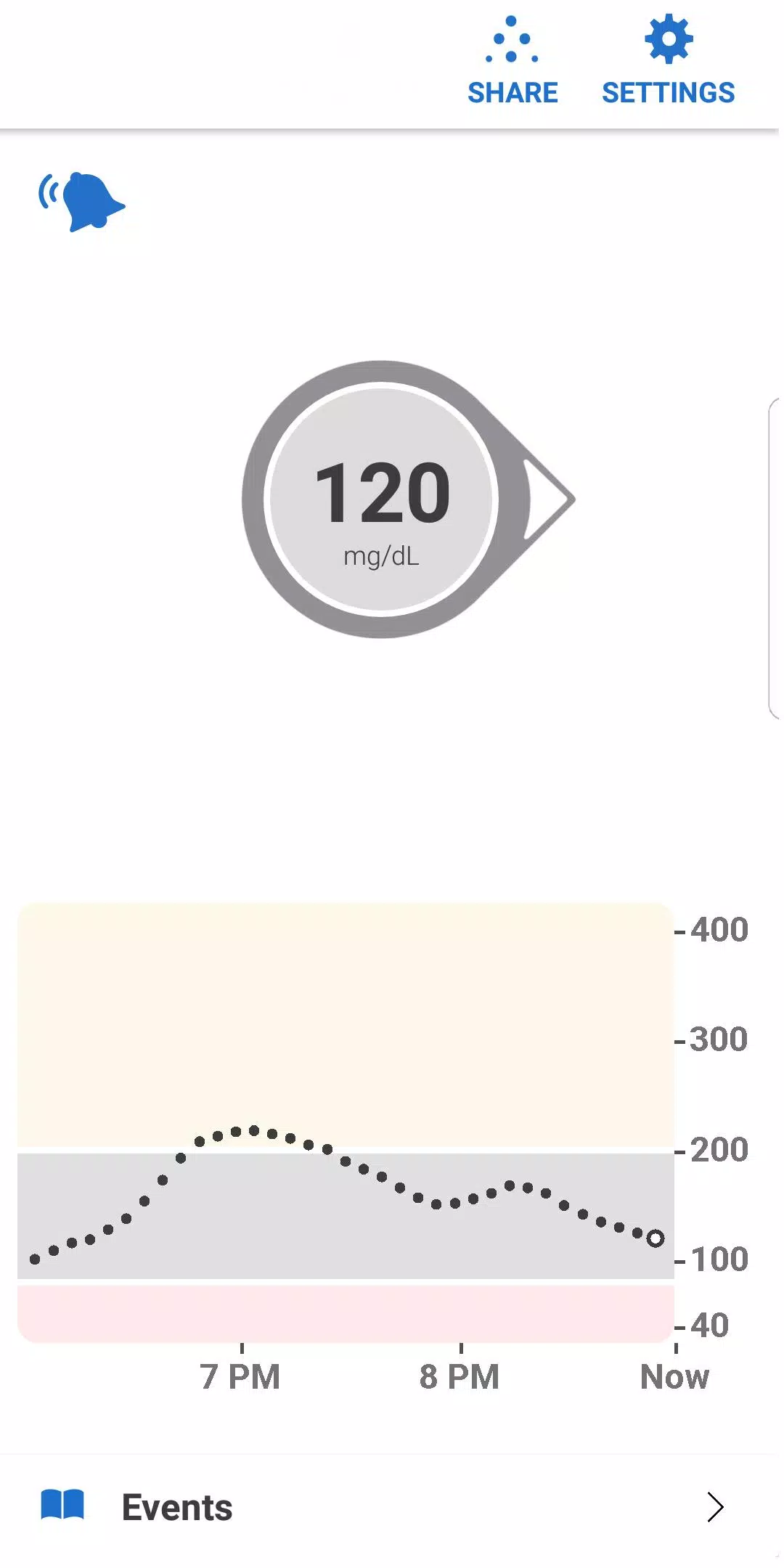
Stay informed about your glucose levels and their trends with the [[IMG_BASE64_PLACEHOLDER]] Dexcom G6 and G6 Pro Continuous Glucose Monitoring (CGM) Systems—designed for diabetes treatment decisions without fingersticks or calibration.\* A key feature of these systems is providing personalized alarms and alerts based on your glucose readings.
\*Fingersticks are required for diabetes management decisions if your symptoms do not match the glucose readings.
[[IMG_BASE64_PLACEHOLDER]]Dexcom G6 and [[IMG_BASE64_PLACEHOLDER]] G6 Pro deliver real-time glucose readings every five minutes for individuals with type 1 or type 2 diabetes. These systems are suitable for children aged two years and older.
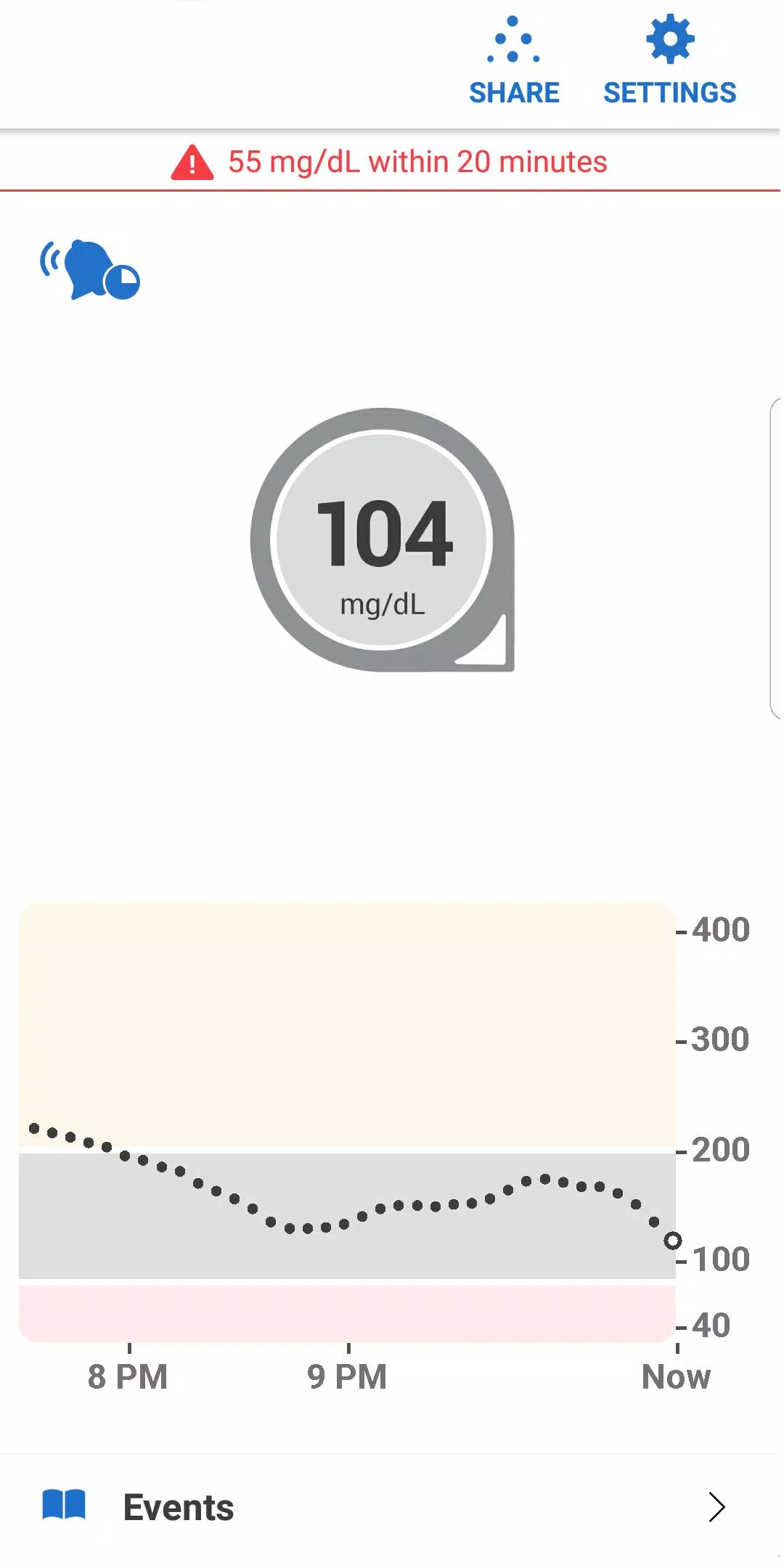
Get personalized trend alerts directly on your smart device with the Dexcom G6 and G6 Pro Systems, enabling you to detect when glucose levels drop too low or rise too high for better diabetes management. The [[IMG_BASE64_PLACEHOLDER]] Alert Schedule feature allows you to customize a secondary set of alerts, such as adjusting settings for work hours and different times of the day. You can choose from custom alert sounds, including a vibrate-only option on your phone for glucose alerts. Note that the Urgent Low Alarm cannot be disabled.
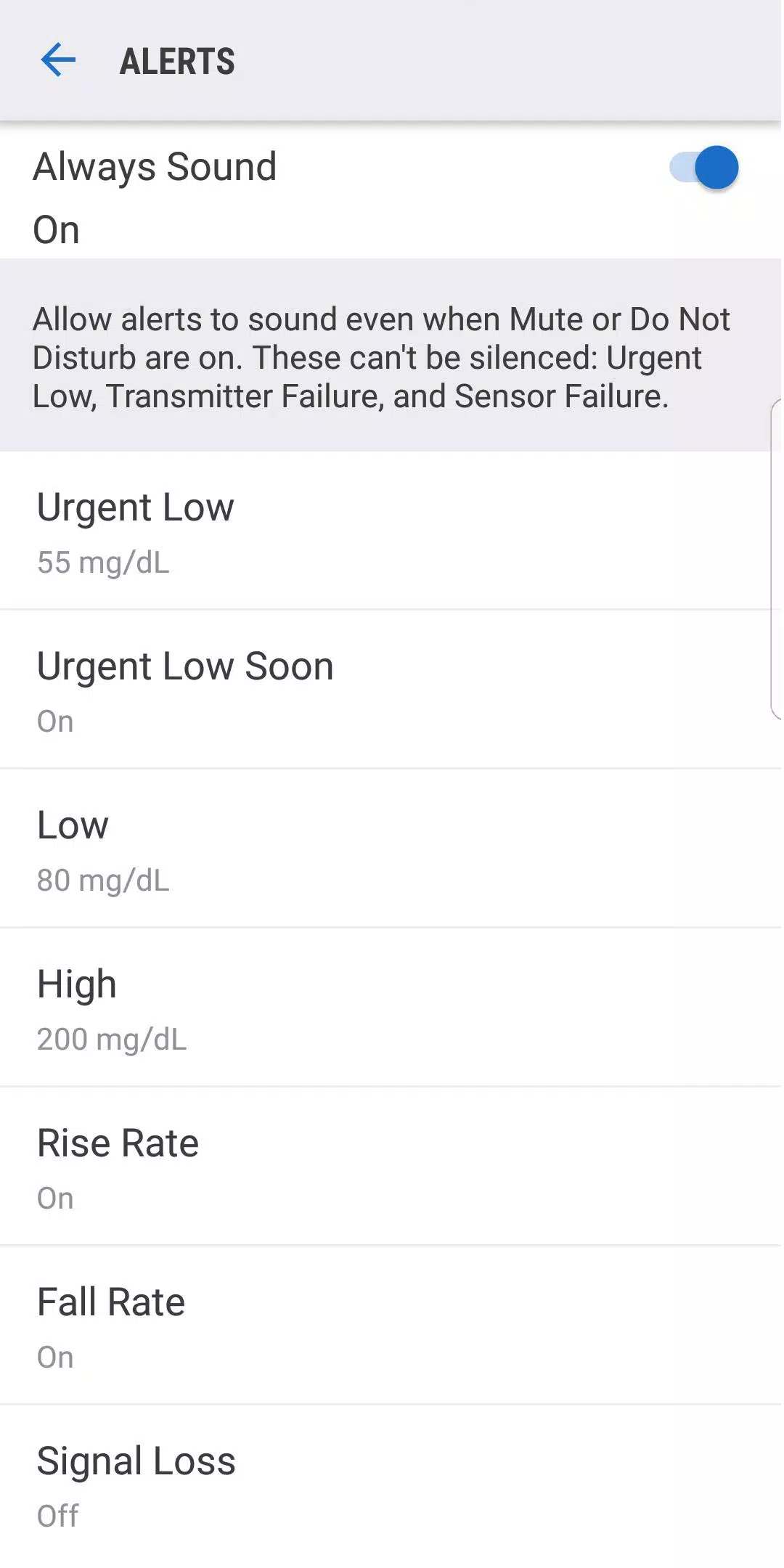
The [[IMG_BASE64_PLACEHOLDER]] Always Sound setting, enabled by default, ensures you receive critical Dexcom CGM Alerts even when your phone is silent, set to vibrate, or in Do Not Disturb mode. This lets you mute calls and texts while still hearing audible CGM Alarms and Alerts, including the Urgent Low Alarm, Low and High Glucose alerts, [[IMG_BASE64_PLACEHOLDER]] Urgent Low Soon Alert, and [[IMG_BASE64_PLACEHOLDER]] Rise and Fall Rate alerts. A Home screen icon indicates whether your Alerts will sound. For safety reasons, the Urgent Low Alarm and three other alerts cannot be silenced: Transmitter Failed, Sensor Failed, and App Stopped.
Additional features:
[[IMG_BASE64_PLACEHOLDER]]- [Share\*\*](#share) your glucose data in real time with up to ten followers. Followers can monitor your glucose levels and trends on their compatible smart devices using the [[IMG_BASE64_PLACEHOLDER]][Dexcom Follow\*\*](#dexcom-follow-app) app. Note that Share and Follow functions require an active internet connection.
- [Access Health Connect](#health-connect) to share retrospective glucose data with third-party apps.
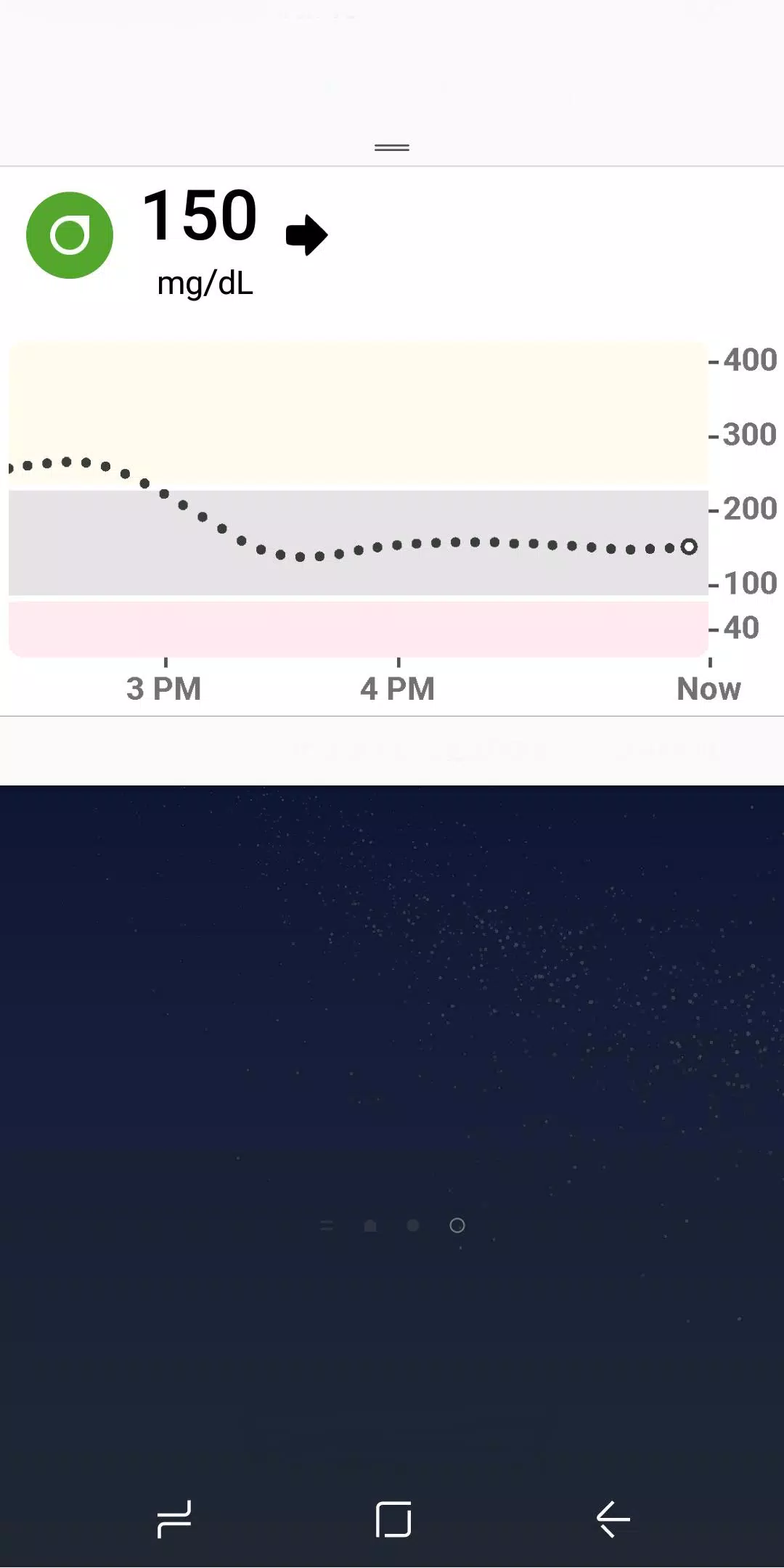
- [[IMG_BASE64_PLACEHOLDER]] [Quick Glance](#quick-glance) lets you view your glucose data directly from your smart device's lock screen.
\*\*Not available on the [[IMG_BASE64_PLACEHOLDER]] Dexcom G6 Pro System.
[Wear OS Integration](#wear-os-integration) enables you to view glucose alerts and alarms directly from your Wear OS watch.
Теги : Медицинский