Say goodbye to the hassle of juggling multiple devices to enjoy your personal media collection. The FRITZ!App Media is a straightforward yet powerful application that lets you seamlessly stream and manage your photos, videos, and music from a media server to any device on your home network. Whether your content lives on a FRITZ!Box media server, a NAS, or services like XBMC, Plex, or Windows Media Server, this app connects it all. Stream to local devices, UPnP/DLNA-compatible TVs, receivers, Chromecast, Amazon Fire TV, WiFi speakers, Sonos, XBMC, WDTV Live, or a Medion Streaming client — the choice is yours. Simply pick your media, tap play, and use your Android device as a handy universal remote for your entire home network.
Key Features of FRITZ!App Media:
- Access Media from Multiple Sources: Select and play your favorite photos, videos, and music from a wide range of sources, including your FRITZ!Box media server, NAS, XBMC, Plex, Serviio, or Windows Media Server, all from one central app.
- Playback on Various Devices: Enjoy your media on different screens and speakers. The app supports playback on local devices, UPnP/DLNA-compatible TVs and receivers, Chromecast, Amazon Fire TV (with a suitable UPnP/DLNA app installed), WiFi speakers, Sonos, XBMC, WDTV Live, and Medion Streaming client, offering true flexibility across your home.
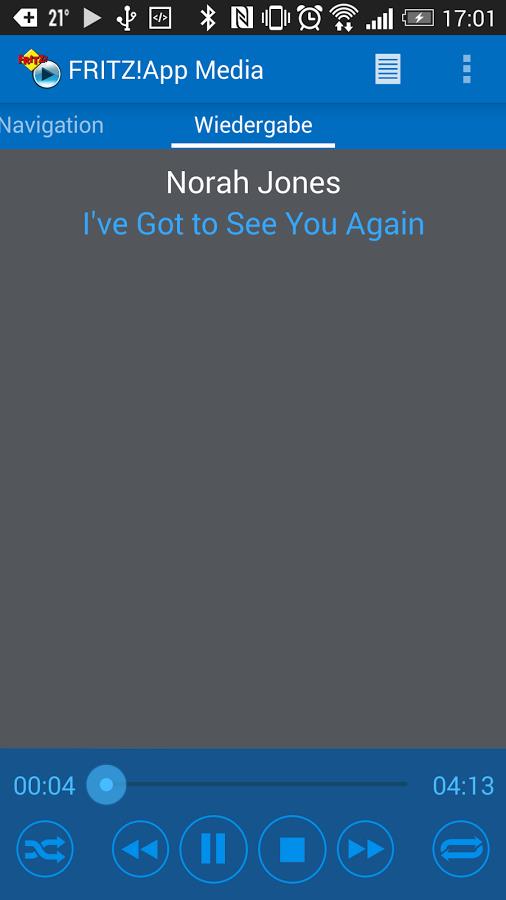
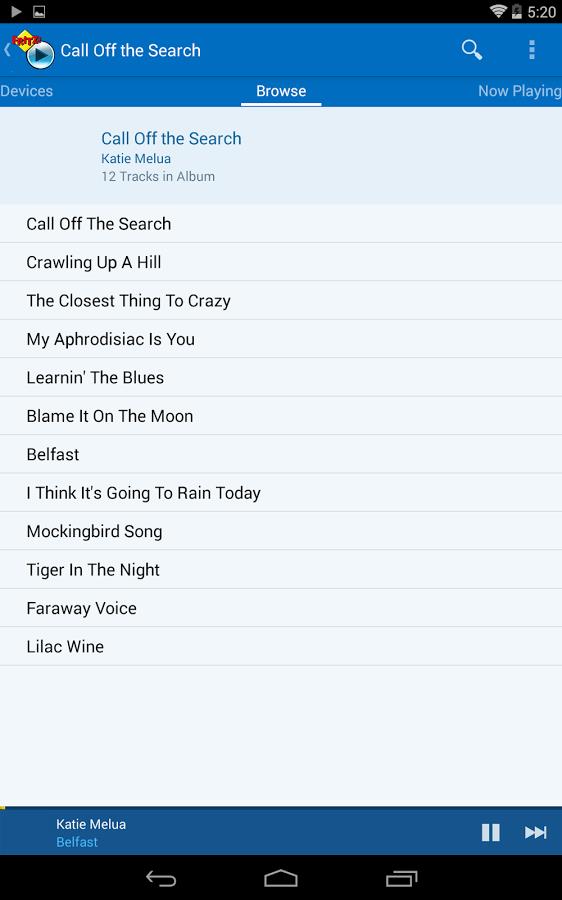
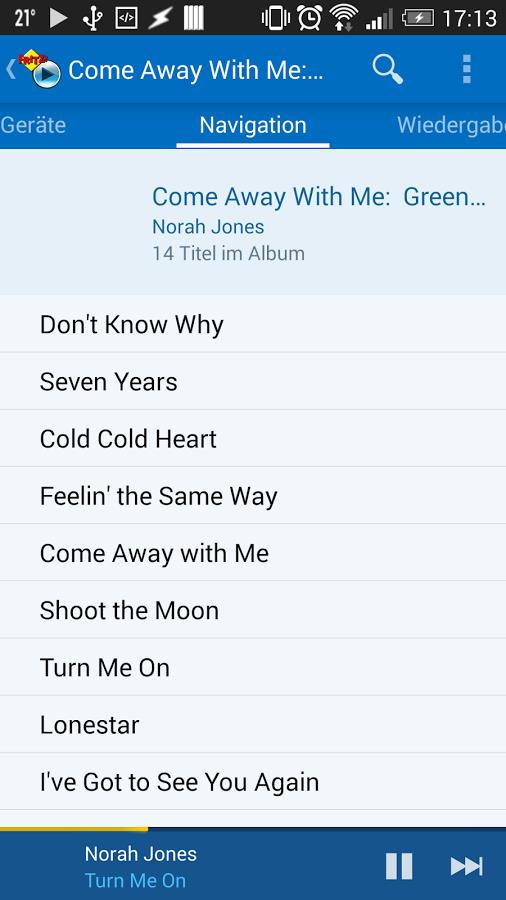
- Simple, Functional Interface: Navigate your media library with ease thanks to an intuitive, user-friendly interface. Finding and playing your files is quick and straightforward, making media control accessible for everyone.
- A Remote for Your Network: Transform your Android smartphone or tablet into a versatile remote control for your home network. Manage music, video, and picture playback on your networked TV or home theater system directly from your hand.
Helpful Tips for Users:
- Ensure Your Media Server is Properly Configured: Before starting, verify that your media server (e.g., FRITZ!Box, XBMC, Plex, Windows Media Server) is correctly set up and connected to your network for smooth, reliable access to your files.
- Connect Your Playback Devices to the Network: For seamless streaming, make sure your playback devices — such as TVs, receivers, or WiFi speakers — are connected to your home network and are discoverable by the app.
- Utilize the App as a Remote: Maximize convenience by using the app's remote control feature. Select your desired playback device directly from your Android device to enjoy music and videos on a larger screen with effortless control.
In Summary:
FRITZ!App Media is a practical, easy-to-use application for controlling and streaming your personal media from various servers to different devices around your home. Its intuitive interface, broad compatibility with media sources and playback devices, and handy remote control functionality provide a flexible and convenient solution for enjoying your multimedia collection. Whether you're listening to music, watching videos, or viewing photos on your home theater system, this app delivers a seamless, user-friendly experience. Download FRITZ!App Media today and elevate your home entertainment.
Tags : Media & Video