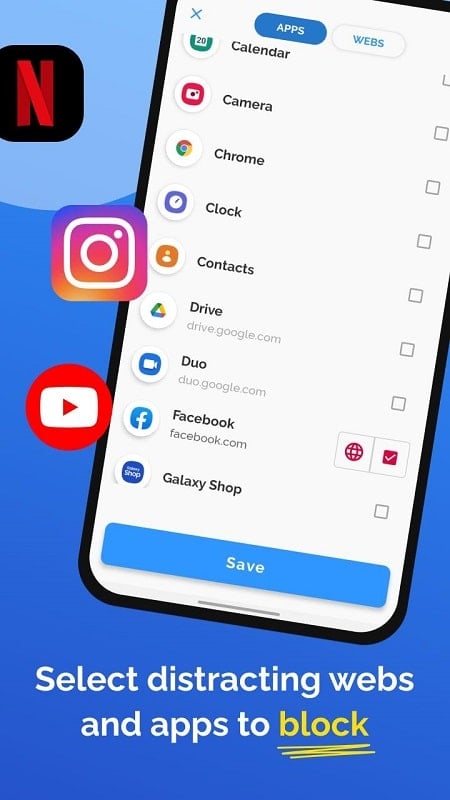
Take charge of your time and enhance your efficiency with AppBlock, the premier mobile application designed to help you manage and restrict access to distracting apps. Whether your aim is to reduce interruptions, sharpen your focus, or build healthier digital routines, AppBlock equips you with the necessary tools to foster a more balanced and productive lifestyle. Explore how AppBlock can reshape your daily habits and support you in reaching your objectives.
AppBlock Features:
* Lock specific applications: Select which apps to lock, preventing access for a designated duration.
* Boost productivity: By blocking distracting apps, it enhances your concentration on work or studies, lifting both focus and output.
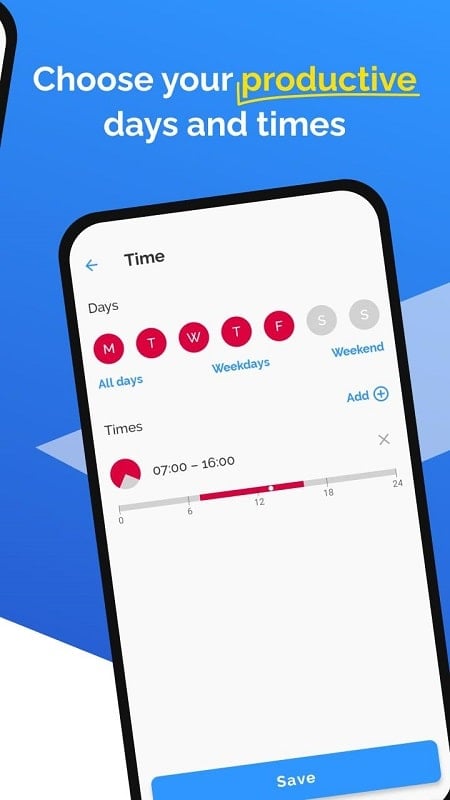
* Flexible scheduling: Set custom schedules to make selected apps unavailable, helping you prioritize tasks and cut out distractions.
* Restrict network connections: AppBlock can also block notifications and web browsing, reducing interruptions and maintaining your focus.
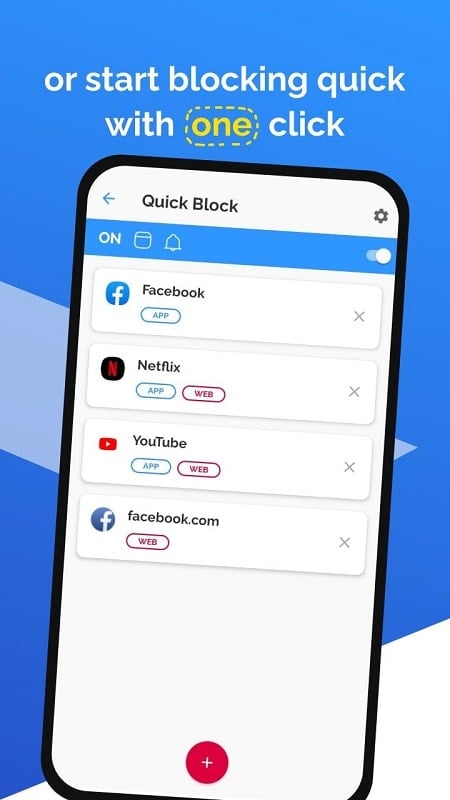
* Timer system: A built-in timer lets you block multiple apps simultaneously with one setting, saving time and effort.
* Statistics tracking: View insights on your focus time with AppBlock’s stats, helping you understand usage patterns and track progress.
⭐ Powerful Distraction Blocking
Stay focused and cut distractions using AppBlock’s robust blocking capabilities. Easily restrict access to specific apps or entire categories that tend to divert your attention. Whether it's social media, games, or messaging platforms, AppBlock lets you customize blocking preferences to match your needs. By minimizing interruptions, you can sharpen concentration and work more effectively.
⭐ Custom Blocking Schedules
Design personalized blocking schedules that fit your daily routine with AppBlock. Choose specific times or days to block certain apps, such as during work hours, study periods, or before sleep. AppBlock’s flexible scheduling helps you create a digital environment that promotes productivity and personal well-being.
⭐ Monitor and Analyze Usage
Track and evaluate your app usage through AppBlock’s detailed reports and statistics. Gain a clear picture of how much time you spend on different applications and identify habits that may impact your productivity. With these analytics, you can make informed adjustments to your digital behavior and enhance time management.
⭐ Temporary and Permanent Blocking
Select between temporary and permanent blocking options with AppBlock. Use temporary blocks to limit access to distracting apps for a set period, ideal for staying focused during important tasks. For long-term improvements, apply permanent blocks to apps that regularly hinder your productivity. AppBlock’s adaptability lets you manage distractions in a way that aligns with your personal goals.
▶ Latest Version 6.10.3 Updates
Last updated: September 12, 2024
Dynamic PIN Length
Countdown Before Closing Blocking Screen
Enable a countdown before the blocking screen closes. During this period, the close button is disabled.
Block split-screen activities in Strict Mode. Attempting split screen will trigger and then cancel the blocking screen.
Automatically block reinstalled apps that were previously blocked.
Easily select previously used pause times.
Tags : Productivity