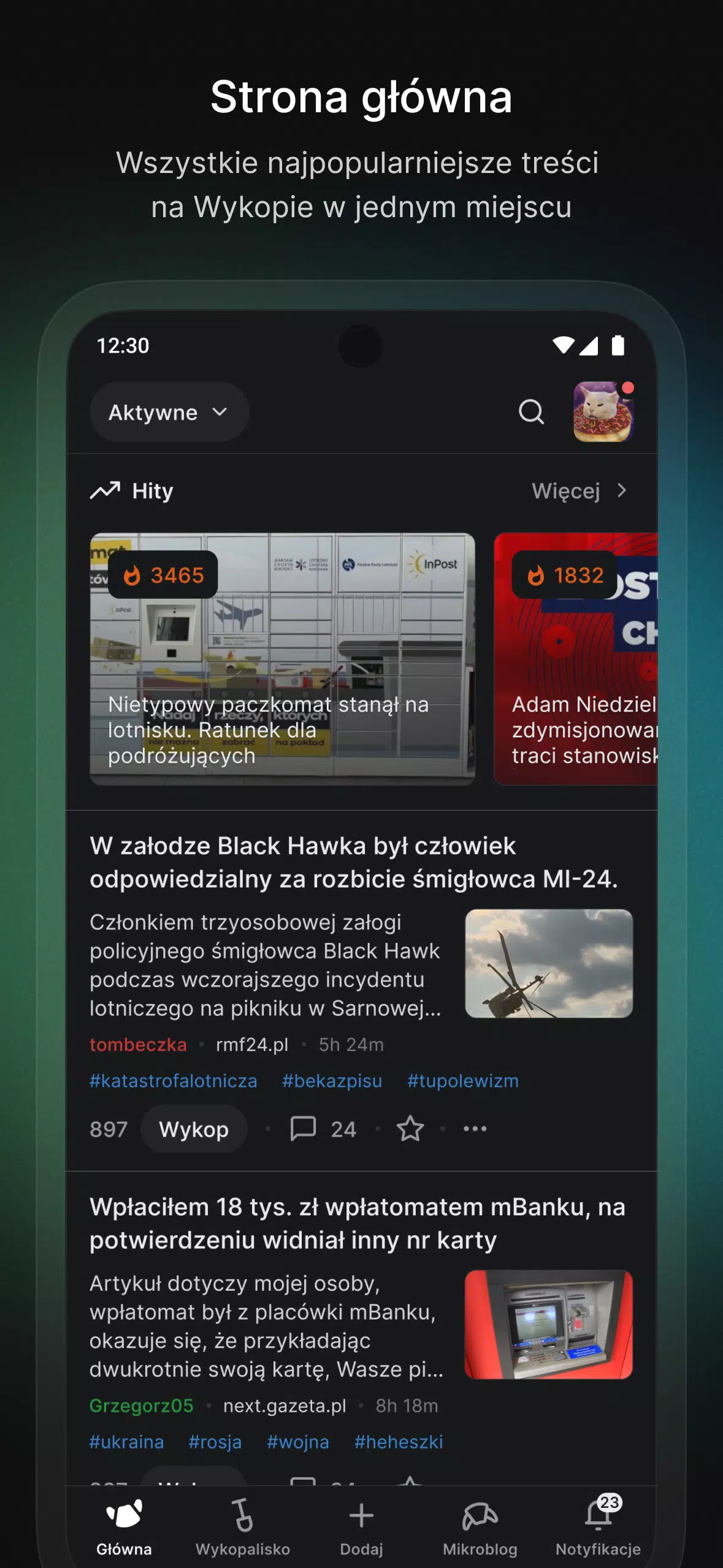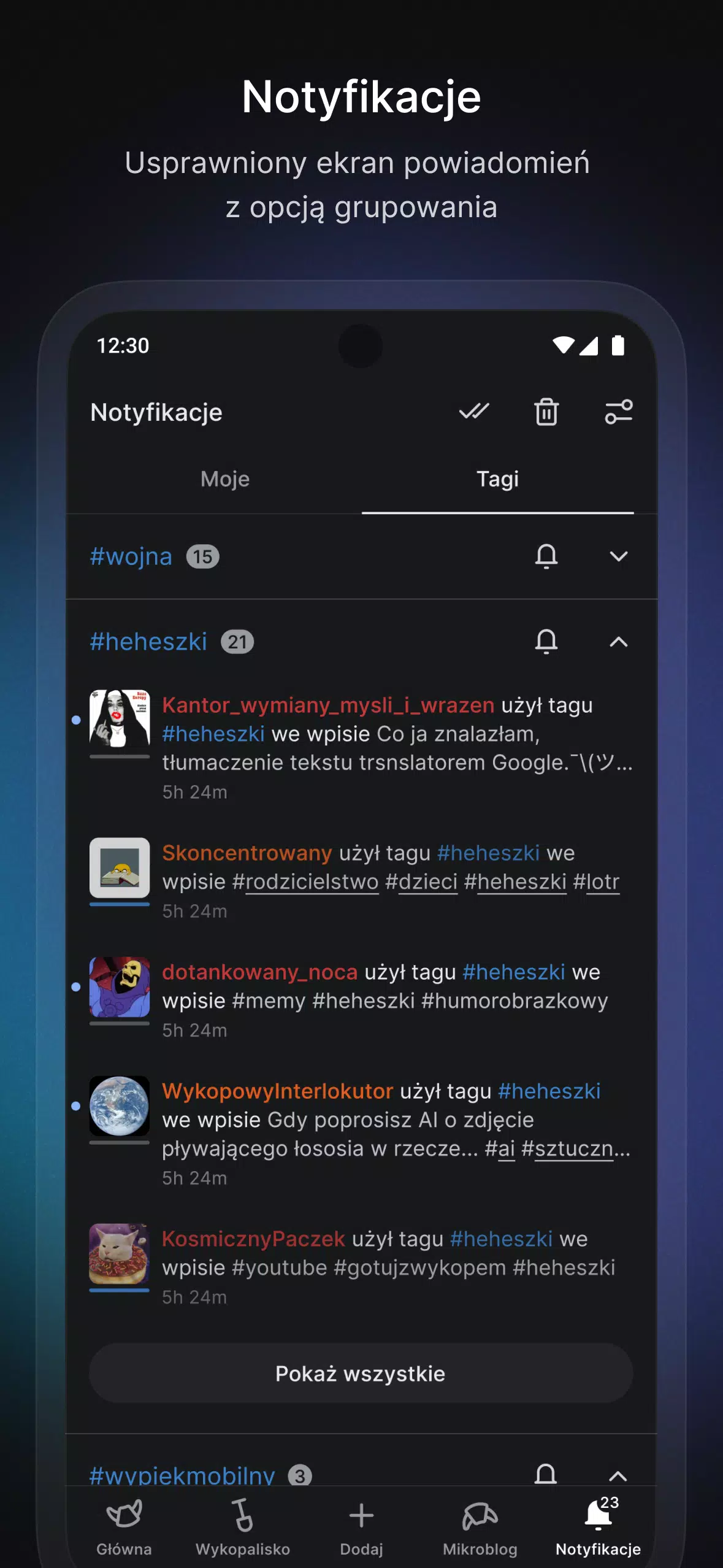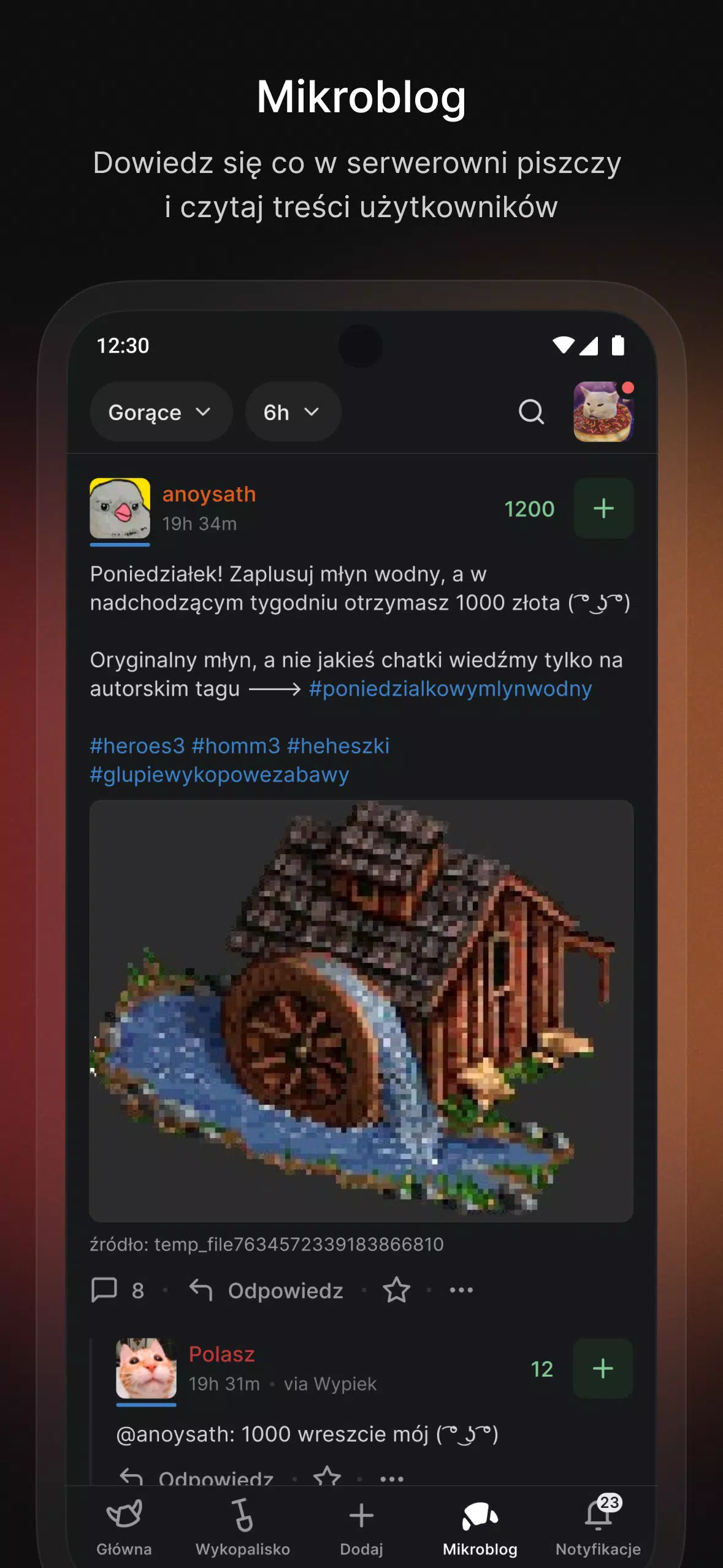
Nostalgic Design: The app's interface draws inspiration from the classic version of the website, evoking a feeling of nostalgia for the community's long-standing members.
Enhanced Multimedia Experience: Browse photos and videos with improved features, including Picture-in-Picture mode for videos and seamless in-app viewing via text links.
Intuitive Navigation: Streamlined gestures and navigation allow users to effortlessly explore and interact with content across the platform.
Visual Sharing: Share entries and comments as images, offering a more engaging and visually rich way to distribute content.
Expanded Capabilities: Beyond mirroring the website's features, the app will soon support tablets, introduce category filters, and provide new ways to engage with the portal.
Frequently Asked Questions:
Is this app officially associated with the Wykop portal?
No, this is an unofficial Wykop application, developed independently to improve the user experience on the platform.
Does the app include all the features available on the website?
The app currently supports most website functionalities, with plans to add more features in upcoming updates.
Is the app available for both iOS and Android?
Yes, Wypiek is compatible with iOS and Android, designed for use on smartphones and tablets.
In Summary:
Wypiek combines a nostalgic interface, enhanced multimedia browsing, smooth navigation, and creative sharing options to deliver a uniquely improved experience for the Wykop community. As development continues with new functionalities and updates, users can expect an even more interactive and user-friendly space for discussions, content sharing, and community engagement. Download now and step into the croissant-themed world of Wykop!
Latest Version Updates
- Resolved logout-related issues,
- Fixed a problem where the keyboard remained open after adding an image,
- Added a style toggle button to the side panel,
- Fixed persistent information banners,
- Properly hiding notifications when green account activity is disabled,
- Clicking below text now correctly moves the cursor to the end of the text field,
- Tapping the top bar in the editor now dismisses the keyboard
Tags : Communication