Read books in PDF, EPUB, WORD, Kindle, and MOBI formats! An all-in-one ebook reader among reading apps.
ReadEra — a book reader app that lets you read books for free, offline, in PDF, EPUB, Microsoft Word (DOC, DOCX, RTF), Kindle (MOBI, AZW3), DJVU, FB2, TXT, ODT, and CHM formats.
No ads
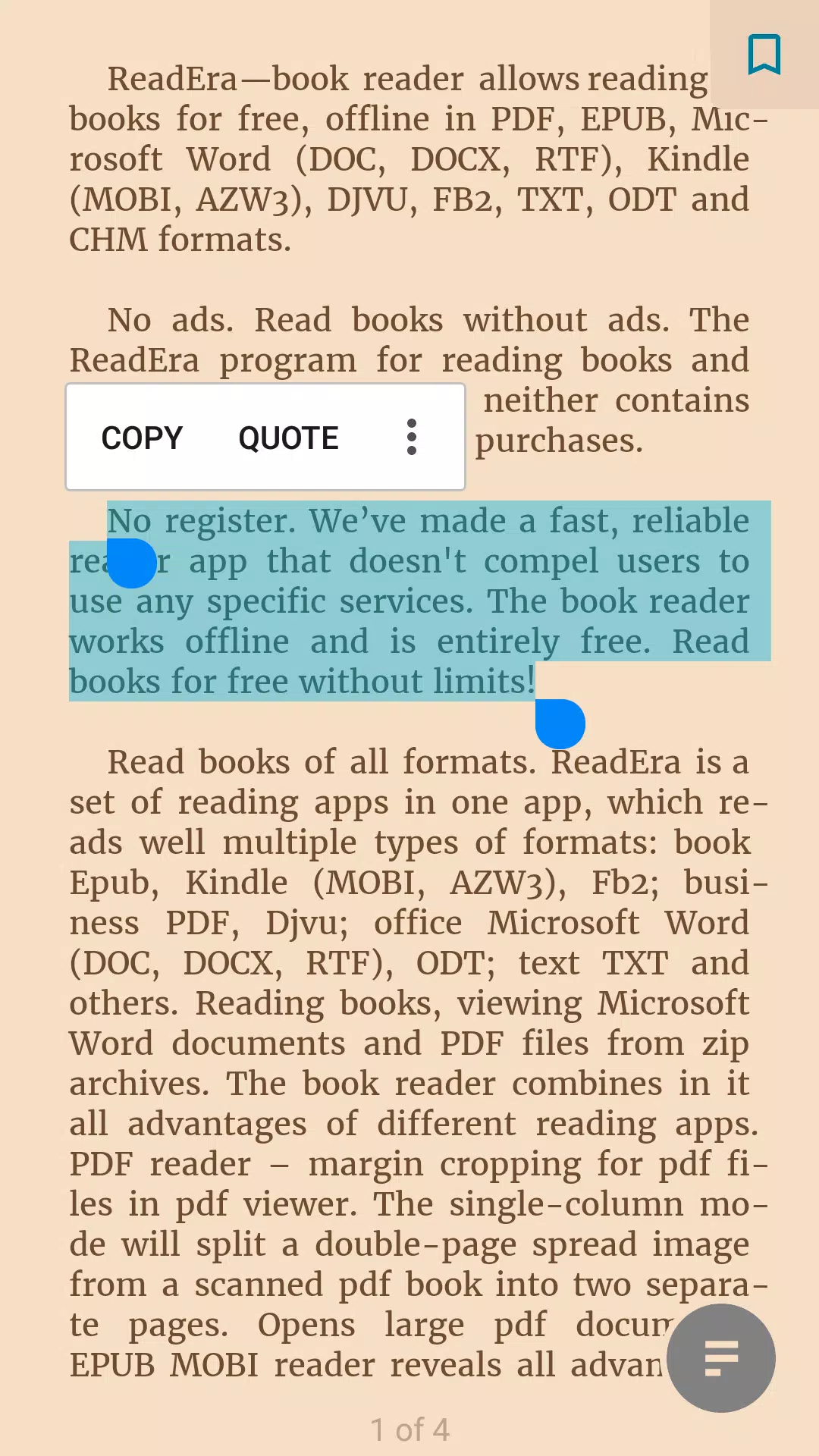
Enjoy reading books without ads. ReadEra, the ebook and PDF reader, contains no advertisements and requires no in-app purchases.
No registration
We built a fast, reliable reader app that doesn’t require specific services. The app works offline and is completely free. Read unlimited books for free!
Read books in all formats
ReadEra combines multiple reading apps into one—supporting popular formats such as Epub, Kindle (MOBI, AZW3), Fb2, PDF for business, Djvu, Microsoft Word (DOC, DOCX, RTF), ODT, TXT, and more. Read books and view Word documents or PDF files directly from zip archives.
This book reader brings together the best features of various reading apps.
PDF reader – crop margins in PDF files. Use single-column mode to split double-page spreads in scanned PDFs into two separate pages. Opens large PDF documents quickly.
EPUB & MOBI reader – takes full advantage of the EPUB and MOBI ebook formats.
WORD reader – automatically generates a table of contents based on headings.
FB2 reader – opens FB2 books from zip archives without unpacking.
ReadEra supports all popular book, journal, article, and document formats in a single app.
Best book manager for your library
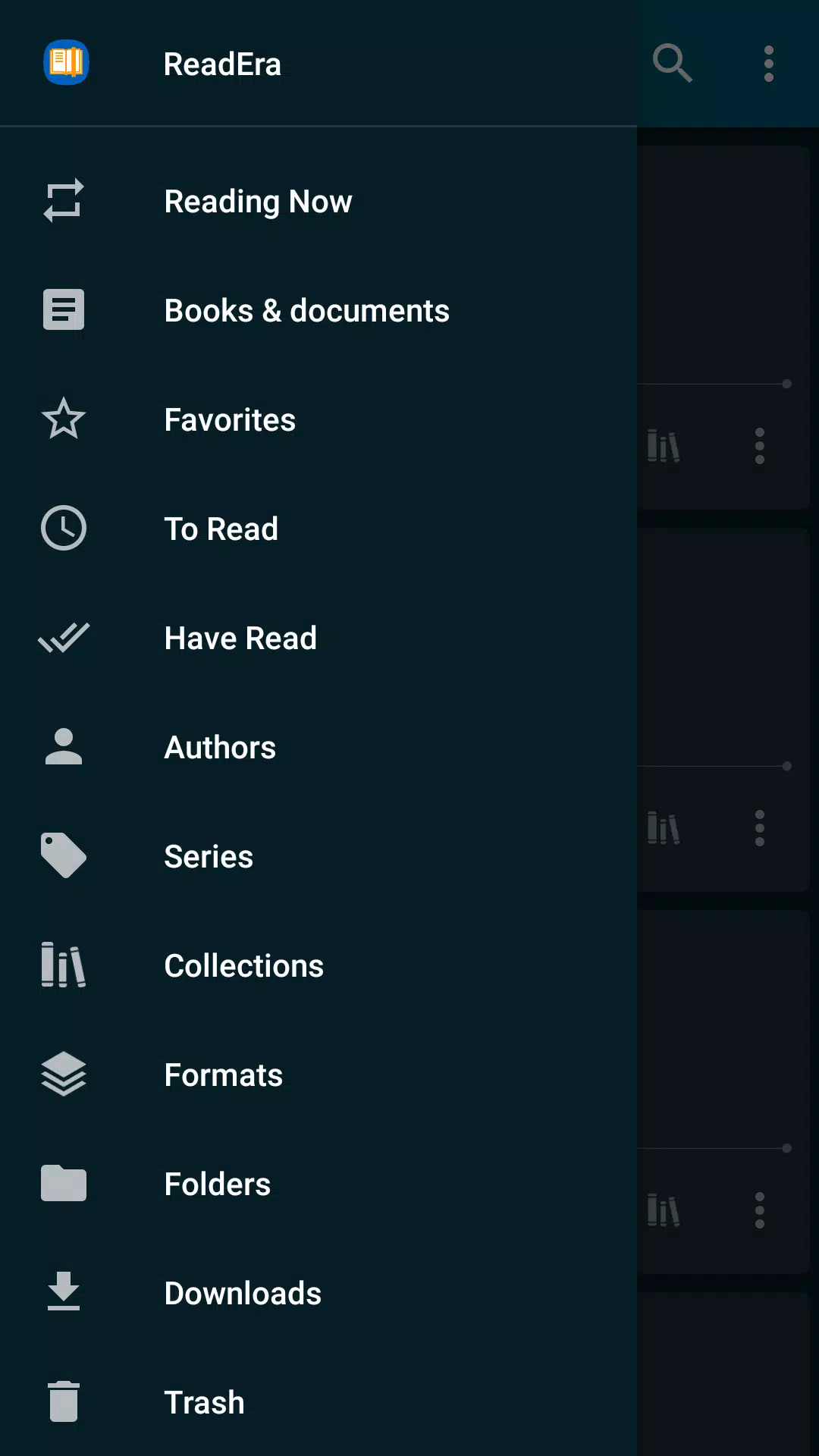
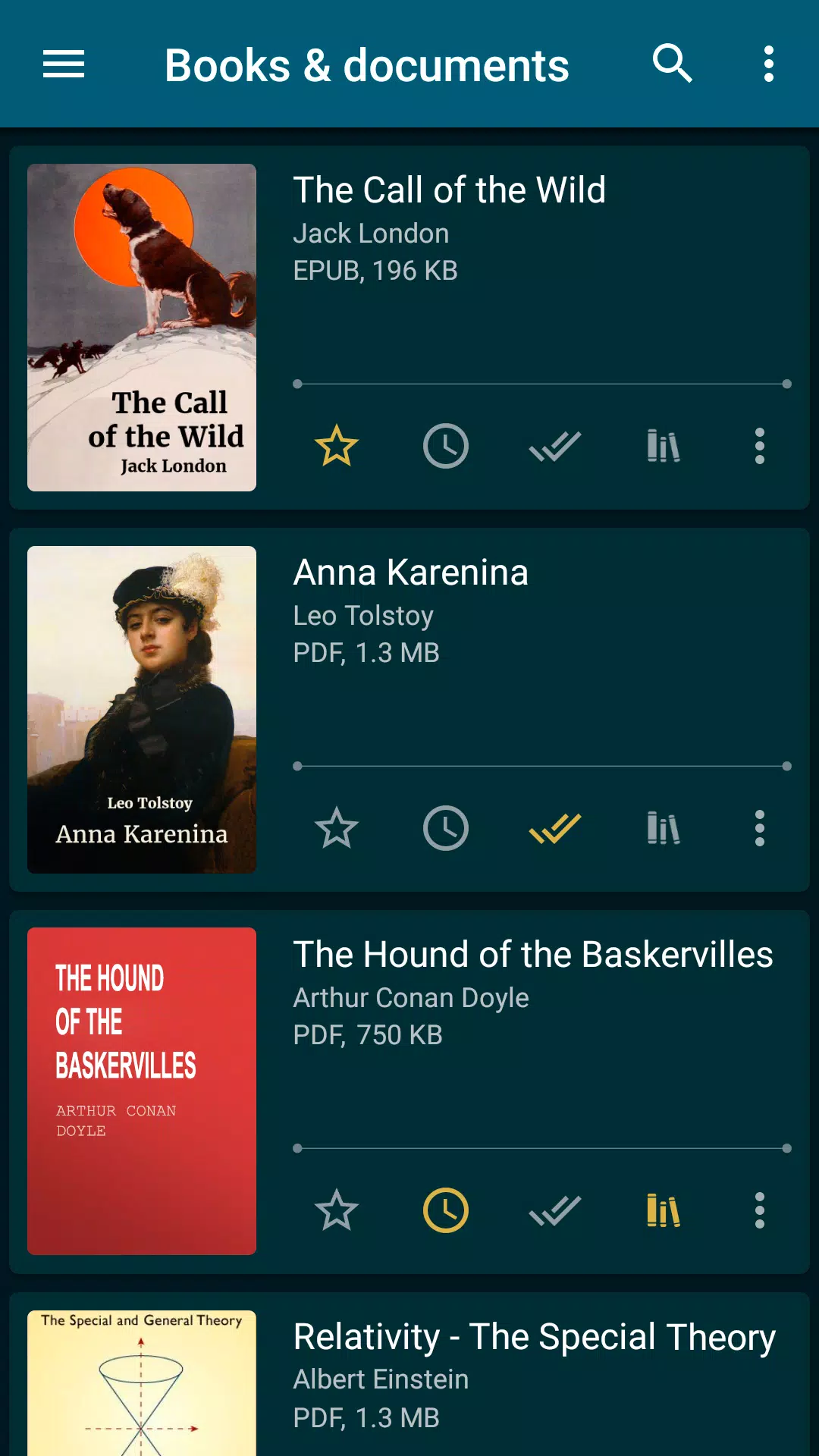
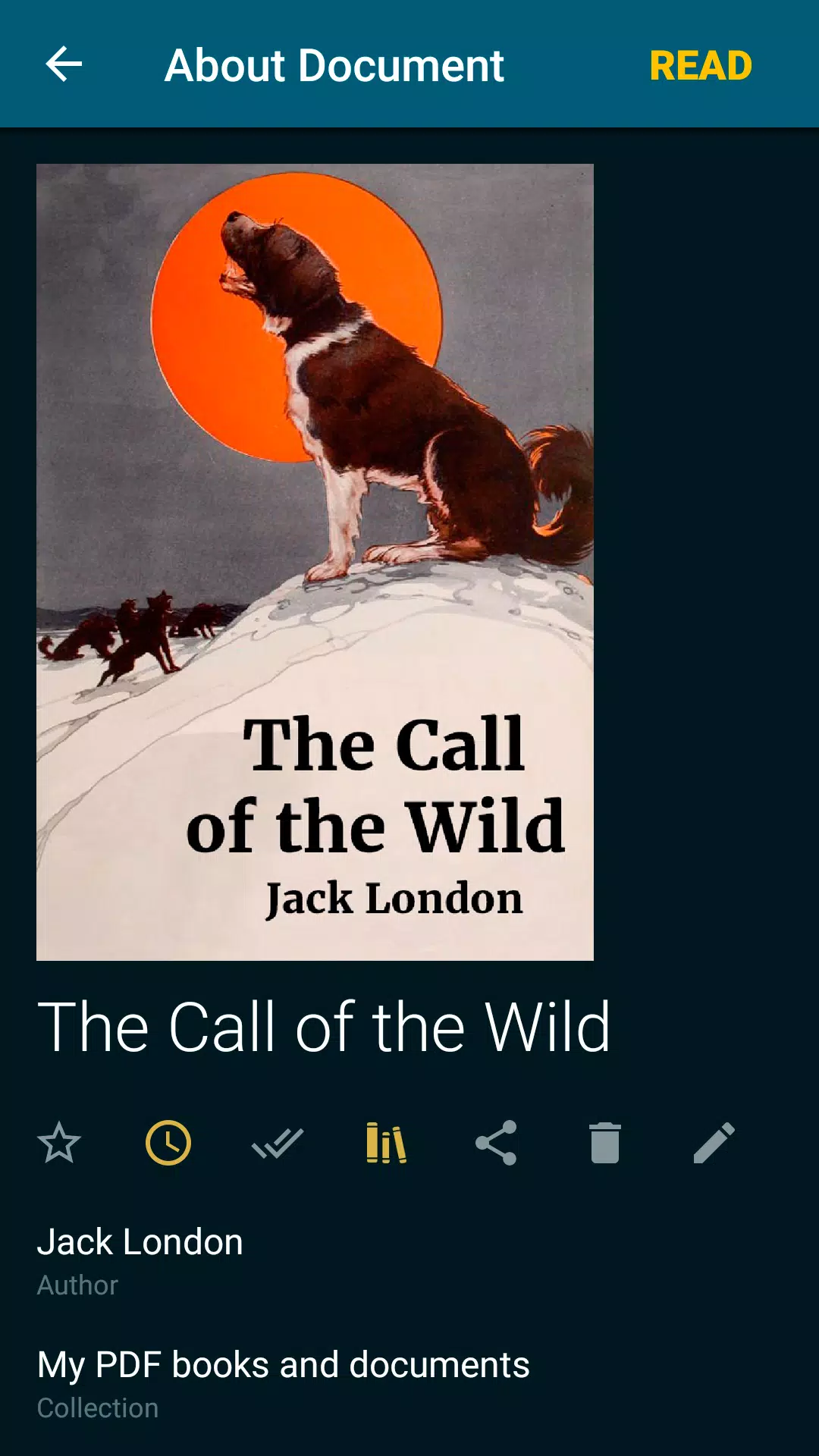
Automatically detects books and documents. Download EPUB books, PDF journals, Word documents, or articles—they'll appear in your reader instantly. Browse folders and downloads with ease. Organize books by author and series. Create reading lists: To Read, Have Read, Favorites. Use Collections (bookshelves) to build personal thematic libraries. Add books and documents to multiple collections at once. We help you keep your ebook library tidy.
Easy book navigation
Quickly access reading settings, table of contents, bookmarks, highlights, notes, and reading history. Navigate using the page pointer or progress bar. Footnotes in EPUB, MOBI, DOCX, and FB2 appear at the bottom of the page, just like in a printed book. View total pages and current chapter pages.
Customizable reading experience
Auto-saves your current page. Choose from comfortable reading themes: Day, Night, Sepia, Console. Switch between vertical or horizontal page turn modes. Adjust screen orientation, brightness, and margins—even for PDF and DjVu. Customize font type, size, weight, line spacing, and hyphenation for Word, EPUB, Kindle (MOBI, AZW3), FB2, TXT, and ODT. Zoom in and out on PDF and DjVu files.
Efficient memory usage
ReadEra doesn’t duplicate files into its own storage. It detects duplicates and saves your reading progress and bookmarks—even if files are moved or deleted. If you re-download a book, you’ll resume right where you left off. Store data on an SD card.
Multi-document mode
Read multiple books or documents at once. Use split-screen mode to view EPUB books and PDF journals side-by-side. Or switch between active reading sessions—like Word documents, EPUB/MOBI books, and PDFs—using the system’s "Recent Apps" button.
ReadEra is the ultimate Android reading app—supporting PDF, EPUB, Kindle (MOBI, AZW3), TXT, FB2, Microsoft Word (DOC, DOCX, RTF), ODT documents, and more.
Read books easily and for free with ReadEra!
Tags : Books & Reference