Portable PDF scanner with built-in OCR technology
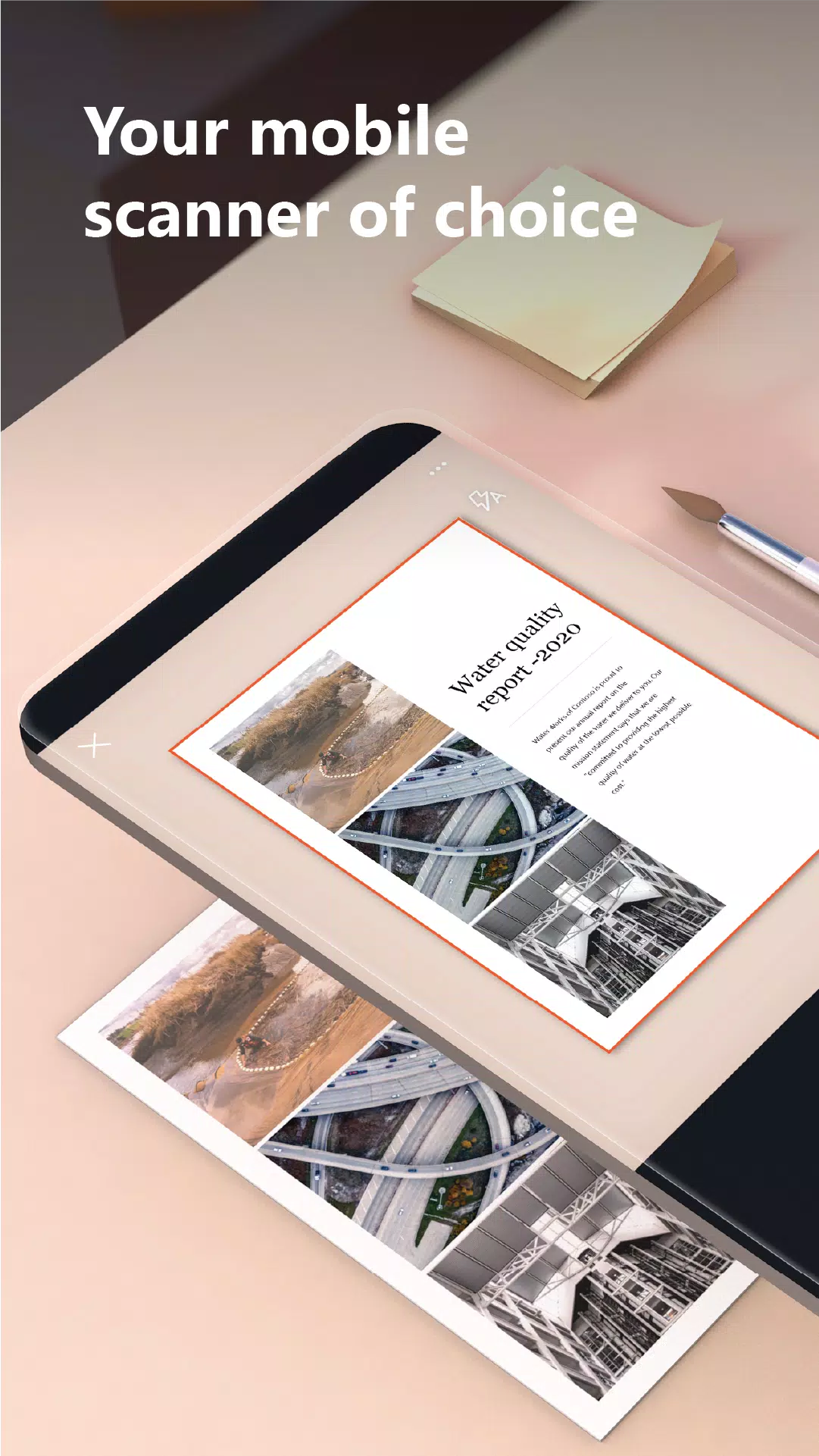
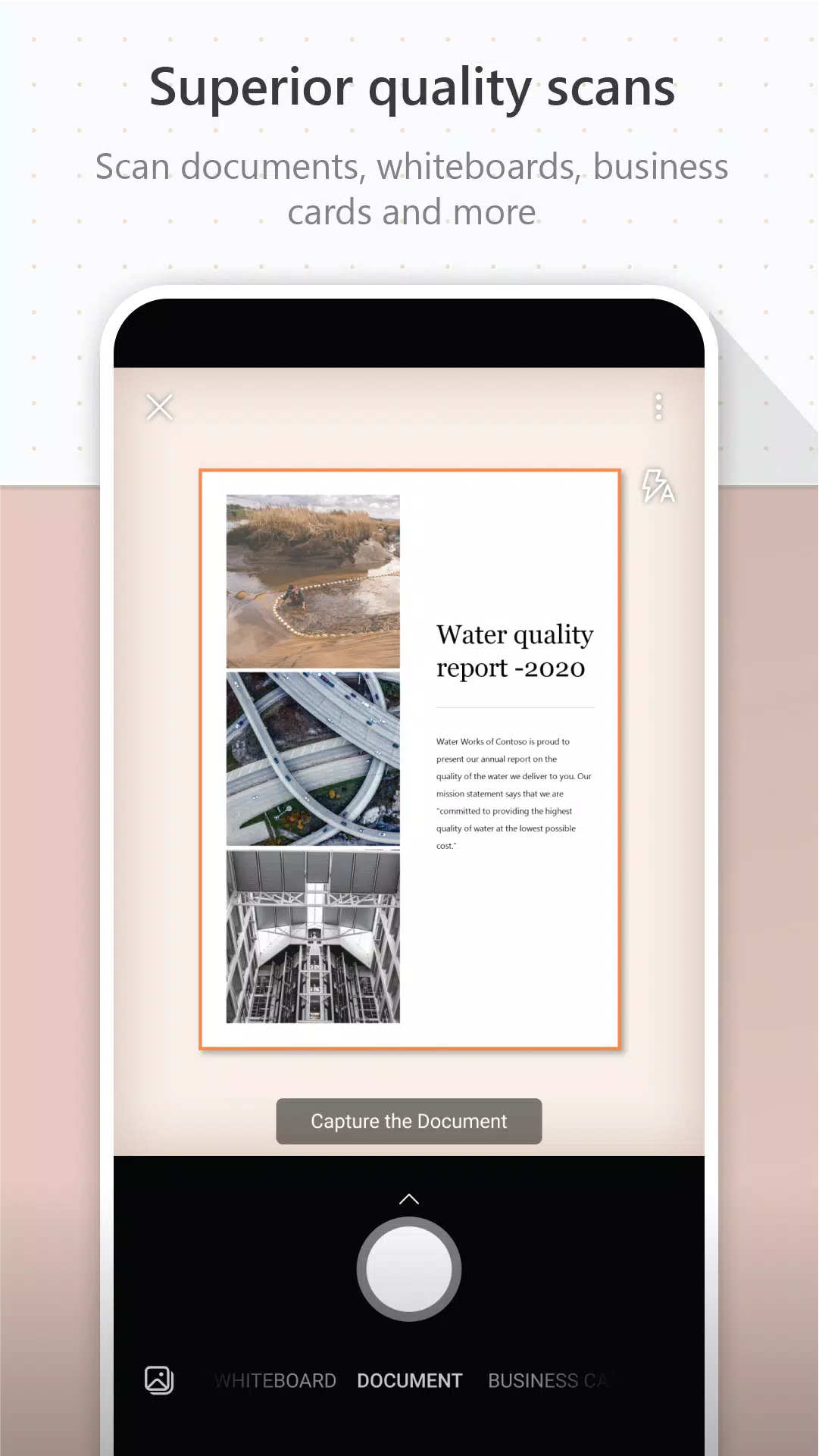
Microsoft Lens (previously Microsoft Office Lens) crops, enhances, and transforms whiteboard and document photos into clear, readable images.
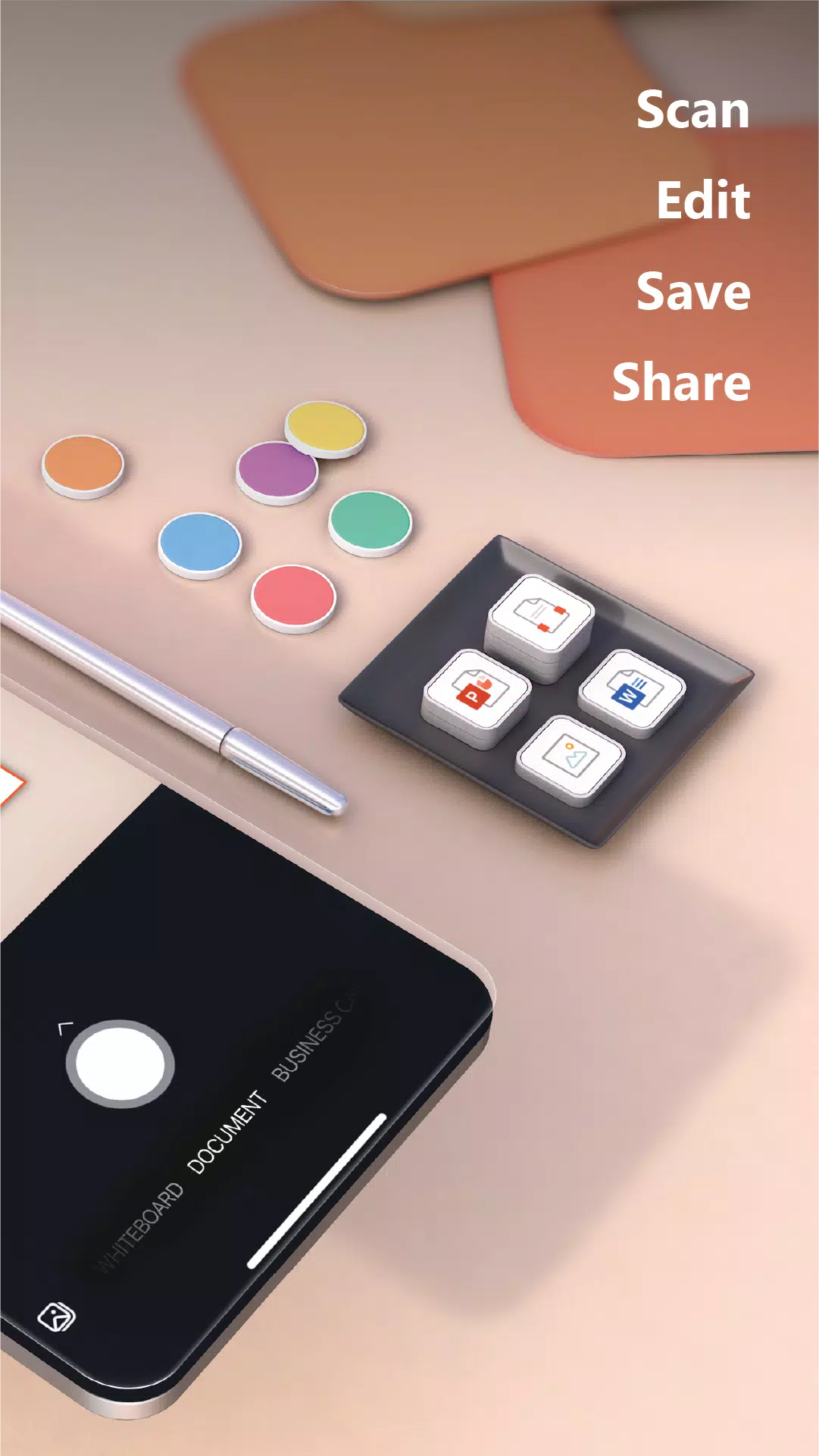
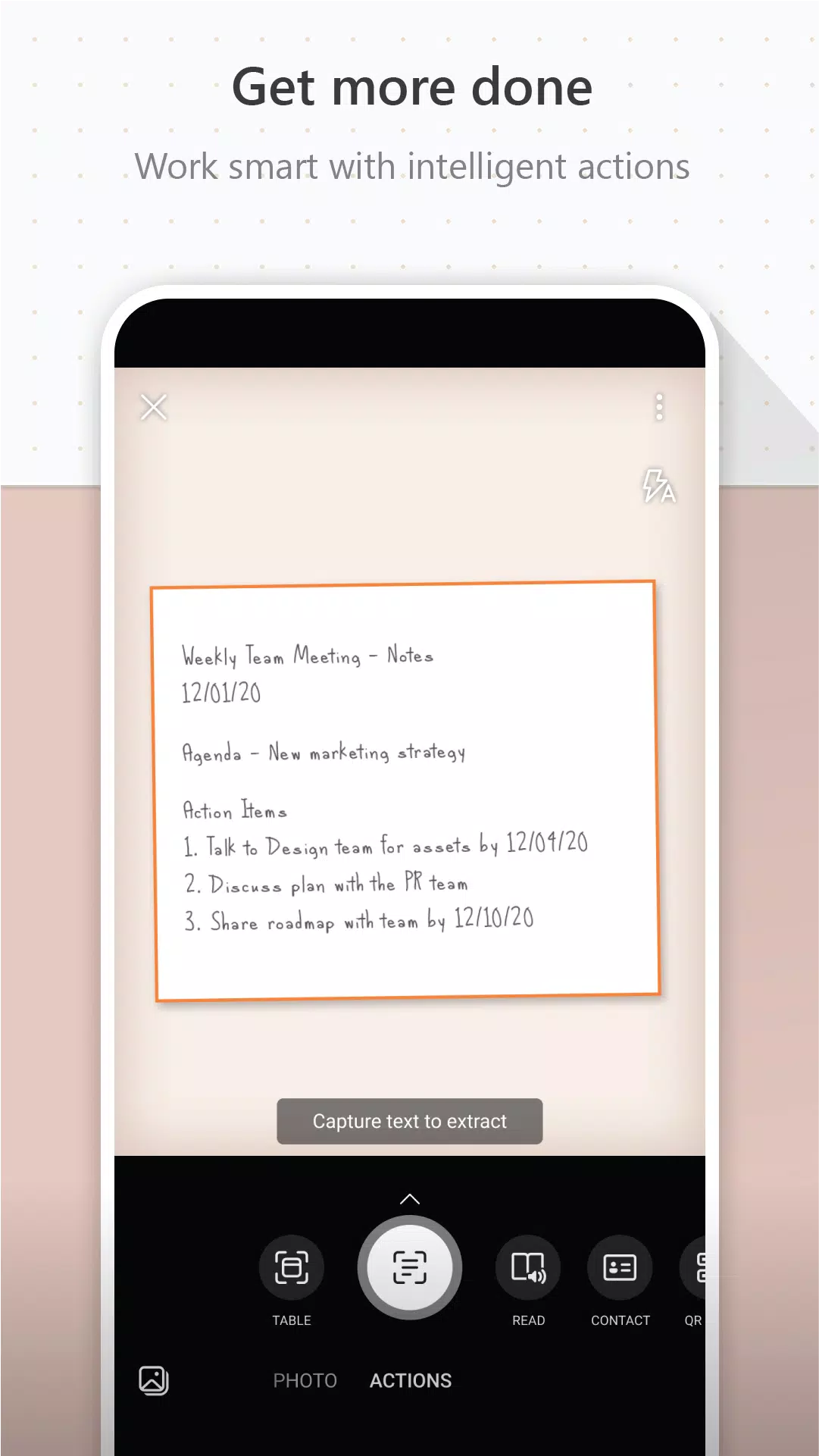
Use Microsoft Lens to transform images into PDF, Word, PowerPoint, and Excel files, digitize printed or handwritten content, and save to OneNote, OneDrive, or your local device. You can also import existing images from your device's Gallery.
PRODUCTIVITY AT WORK
• Scan and upload notes, receipts, and important documents
• Capture whiteboard content after meetings to maintain action items
• Scan printed documents or handwritten notes for editing and sharing
• Save business cards directly to your contacts by scanning them
• Save files as PDF, Image, Word, or PowerPoint formats to OneNote, OneDrive, or your device
PRODUCTIVITY AT SCHOOL
• Scan classroom handouts and add notes in Word and OneNote
• Digitize handwritten notes for later editing (English only)
• Capture whiteboard or blackboard content for offline reference
• Organize class notes and research with seamless OneNote integration
By installing this app, you agree to the terms and conditions: http://aka.ms/olensandterms.
What's New in the Latest Version 16.0.17425.20158
Last updated on Apr 11, 2024
Option to rename scanned files
Bug fixes and performance enhancements.
Tags : Productivity