<🎝>: Your Personalized <🎝>up Assistant
<🎝> simplifies your <🎝>up routine by selecting cosmetics tailored to your unique skin and color type. Beyond product selection, <🎝> offers <🎝>up lessons and helps you curate your perfect cosmetic bag. Think of it as your personal <🎝>up artist in your pocket!
<🎝>'s Key Features:
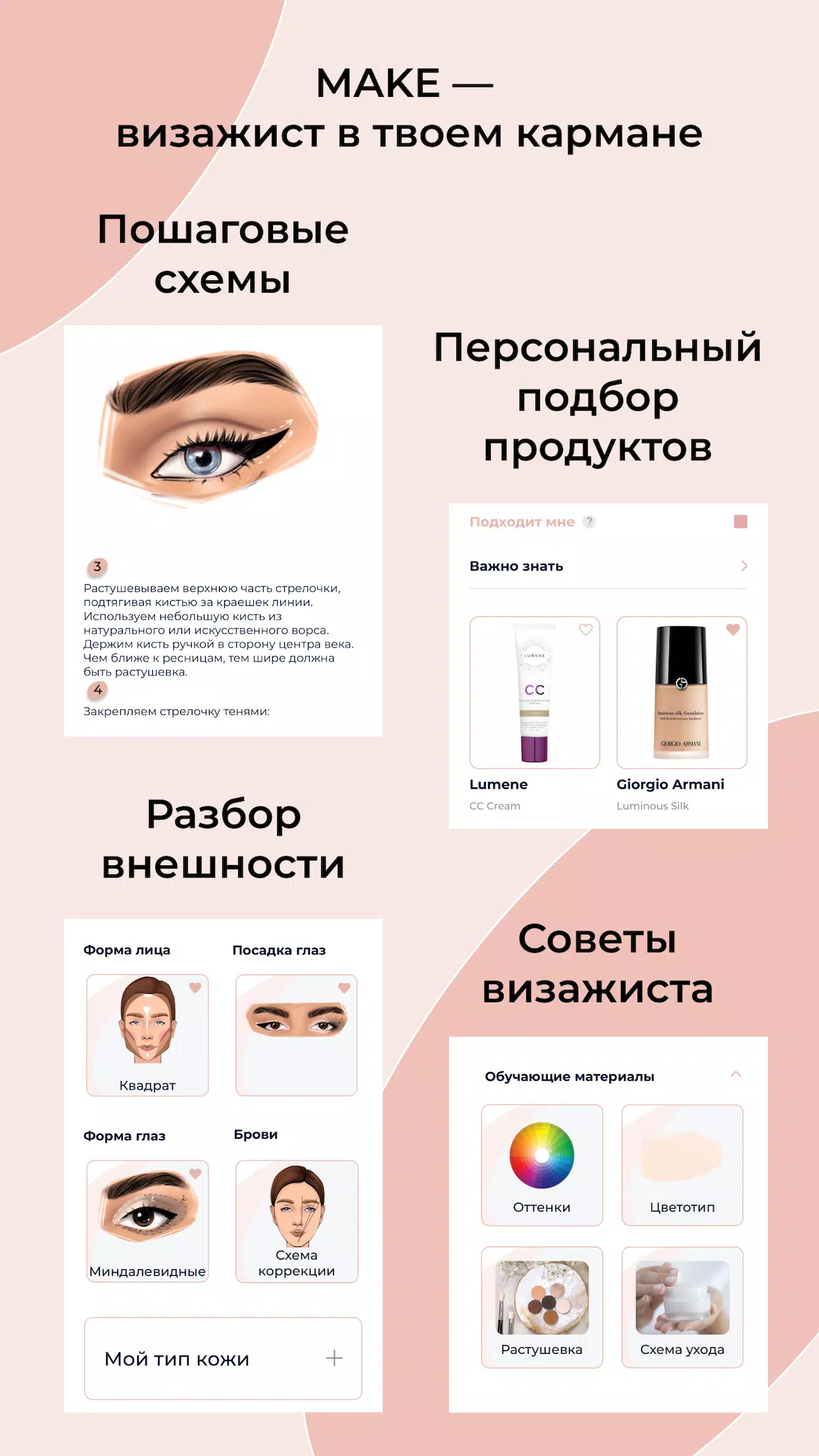
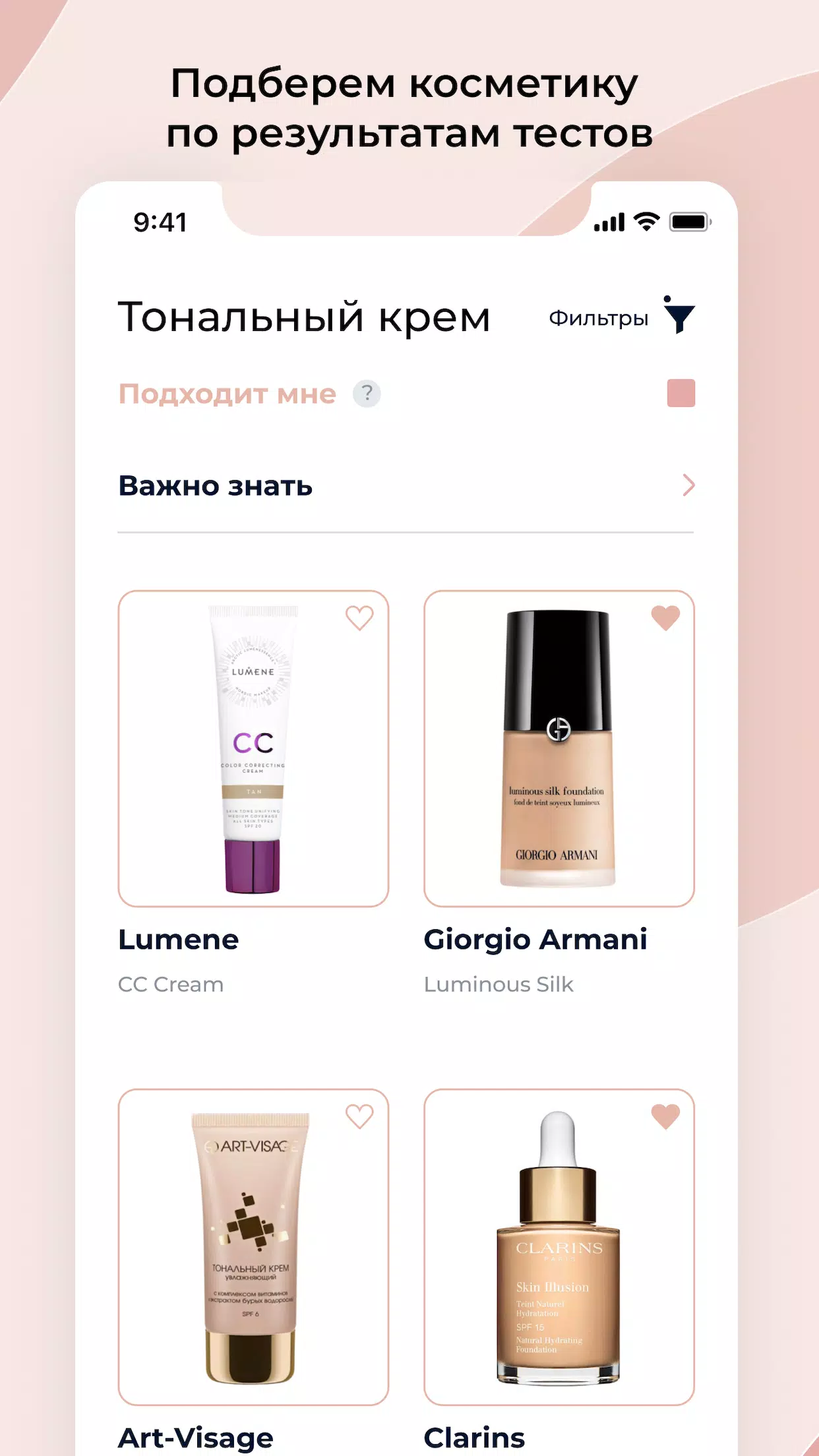
- Personalized Cosmetic Selection: <🎝> analyzes your color and skin type (via simple tests) to recommend lipsticks, mascara, foundation, powder, blush, concealer, lip pencils, face palettes, and more.
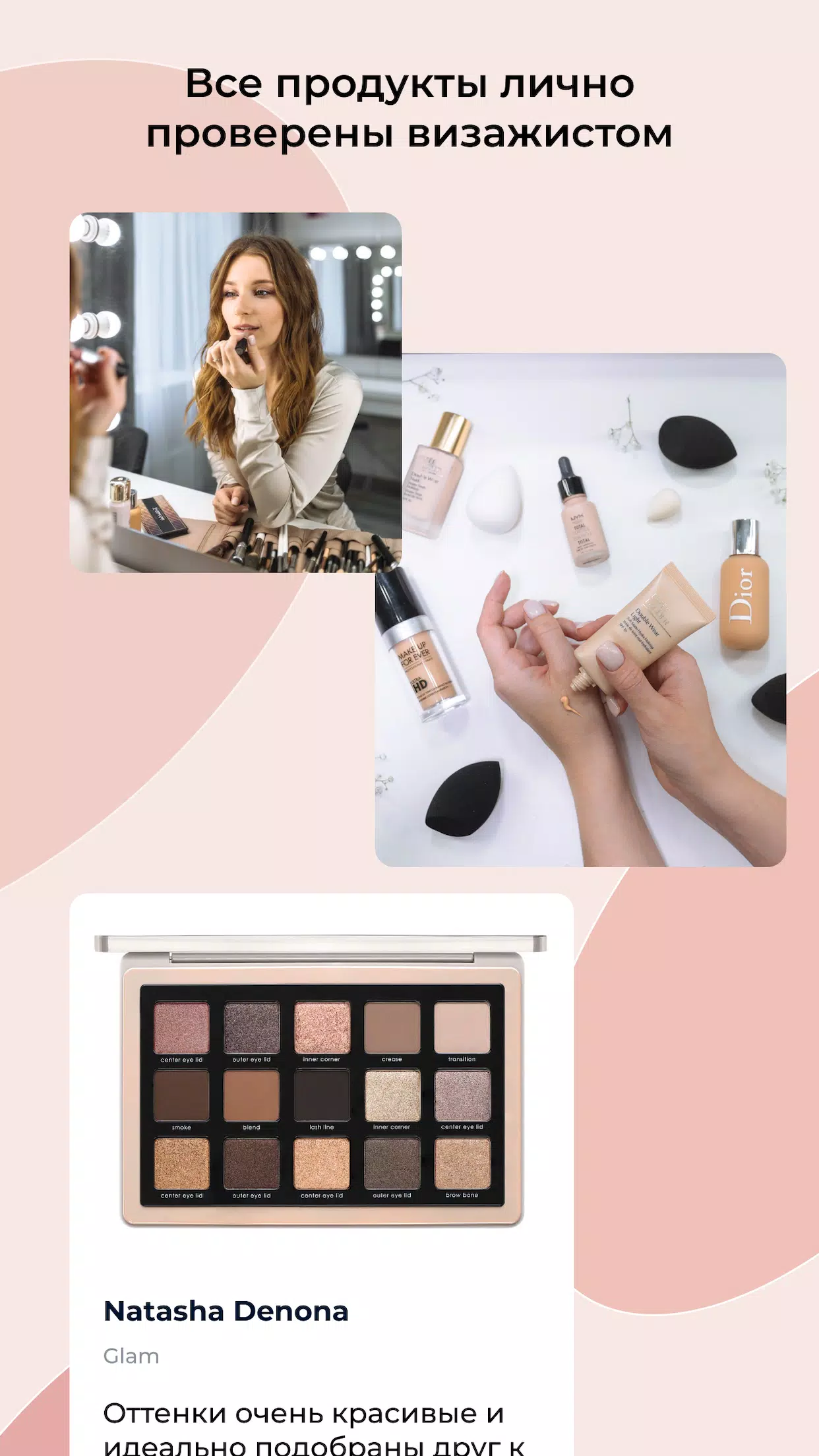
- Expert Recommendations: All cosmetics in the <🎝> database are hand-picked and recommended by a professional <🎝>up artist.
- Comprehensive Database: Browse over 450 products spanning budget, mid-range, and luxury price points.
- Price Comparison: Stay updated on cosmetic prices across various stores and find the best deals.
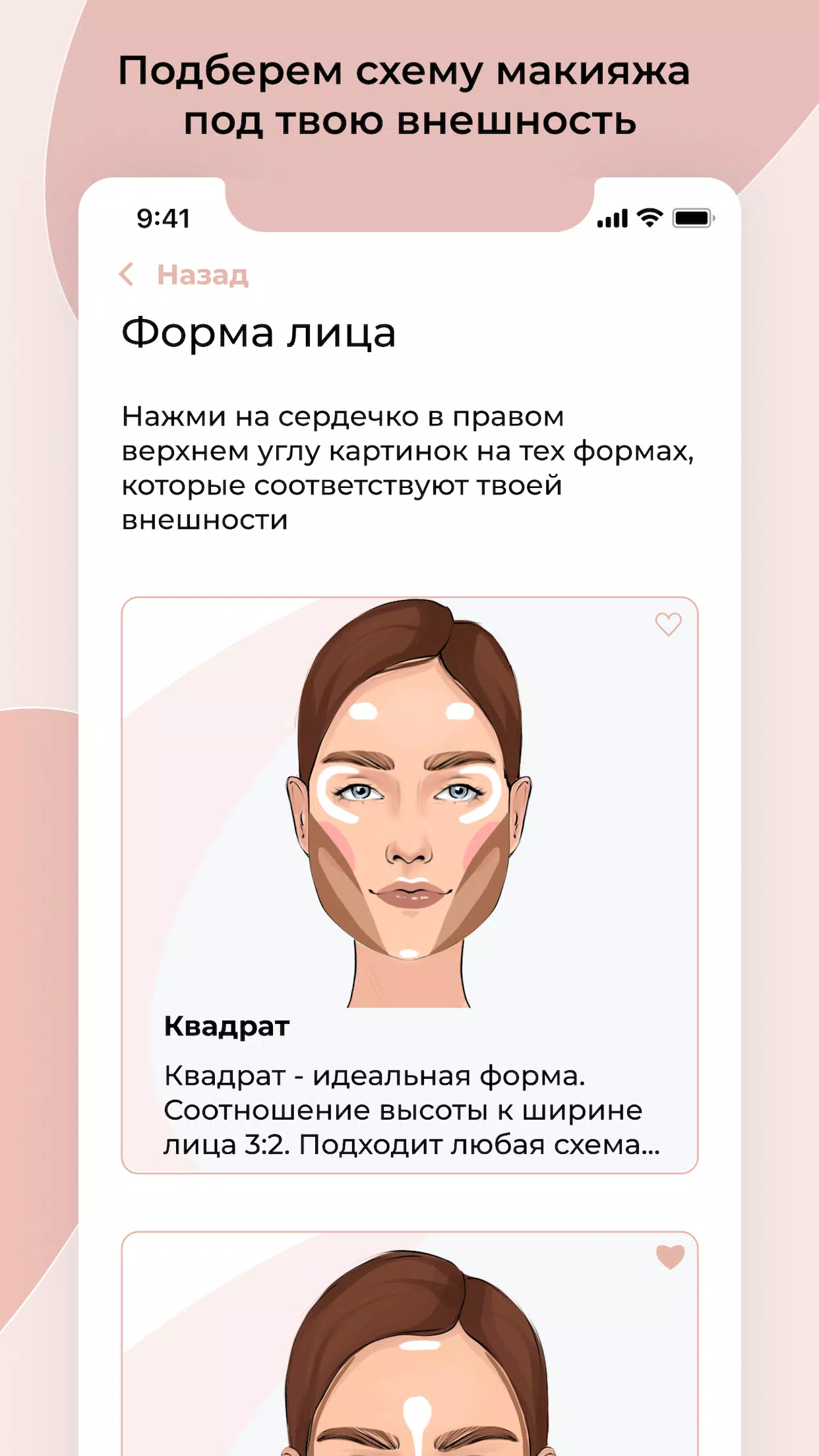
- Custom <🎝>up Schemes: Create personalized <🎝>up looks based on your face shape, features, and eye shape, including guidance for eye <🎝>up and techniques for correcting hooded eyelids.
- Ongoing <🎝>up Lessons: Access regularly updated <🎝>up tutorials covering face <🎝>up, eye <🎝>up, and more.
- Easy Shopping: Add your favorite products to a wishlist for easy purchase at the store.
How <🎝> Works:
- Complete the color type test.
- Complete the skin type test.
- <🎝> uses your test results to automatically select suitable cosmetics.
- Benefit from the expertise of a professional <🎝>up artist.
About the Creator:
Natasha Felitsyna (@natasha.felitsyna) is a professional <🎝>up artist with over 8 years of experience, having worked with 1500 clients of all ages. Specializing in natural-looking <🎝>up, she also runs a successful online and offline <🎝>up and hairstyling school with over 10,000 students and maintains a popular <🎝>up blog with 177,000 subscribers.
Pack your <🎝>up bag with the power of <🎝>!
Tags : Beauty