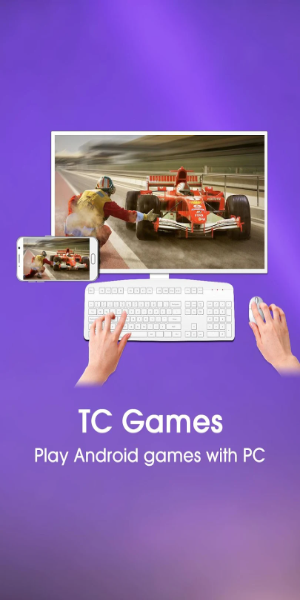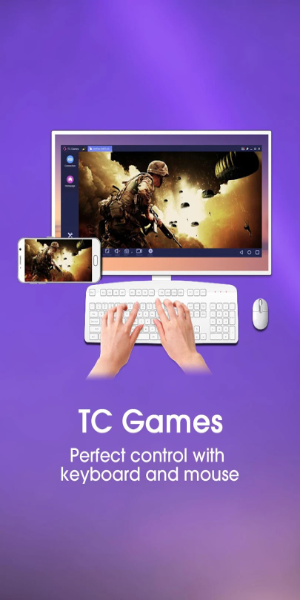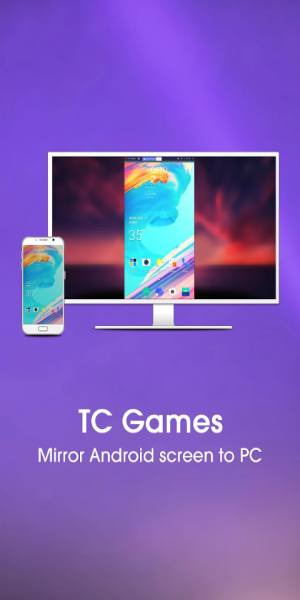
TC Games - PC plays mobile games enables you to flawlessly mirror your Android device's screen to your PC, letting you enjoy mobile games using your keyboard and mouse. With low CPU consumption and reliable stability, it supports all mobile titles. Extra features like screen recording and customizable key mapping give you total command of your gaming sessions!
TC Games: Key Features for PC Mobile Gaming
⭐ Android Screen Mirroring: The app mirrors your Android screen to your computer, making it easy to play games on a larger display.
⭐ Low CPU Usage & Stable Performance: Experience smooth gameplay thanks to TC Games' efficient CPU usage and consistent performance.
⭐ Customizable Key Mapping: Tailor your key controls to match your gaming preferences for complete in-game mastery.
⭐ Screen Recording & Screenshots: Capture your gameplay or take screenshots directly, ideal for sharing highlights with others.
User Tips & Suggestions
⭐ For a better gaming experience, customize your key mapping to optimize controls for each game you play.
⭐ Use the screen recording feature to save your best moments or create content to share with friends.
⭐ Leverage Android screen mirroring to play mobile games on a bigger screen for improved visual immersion.
Design and User Experience
Design
TC Games boasts a modern, user-friendly interface designed for easy access and straightforward navigation. Its clean layout and well-organized menus help users quickly locate and use all features, offering a visually pleasant experience. The design blends attractive visuals with practical elements, making the app both appealing and highly functional.
User Experience
The user experience is built for gamers, delivering smooth and responsive gameplay. Mirroring your Android screen to a PC is simple, with little setup needed. Low latency and high stability create an immersive gaming environment, while customizable keyboard mapping puts you in full control, enhancing enjoyment and efficiency.
What's New
1. Optimized button loading logic to prevent misaligned key coordinates caused by incorrect key orientation.
2. Improved the display logic for side panels during full-screen mode.
3. Fixed known issues with button unresponsiveness.
4. Addressed other known bugs for smoother performance.
Etiquetas : Herramientas