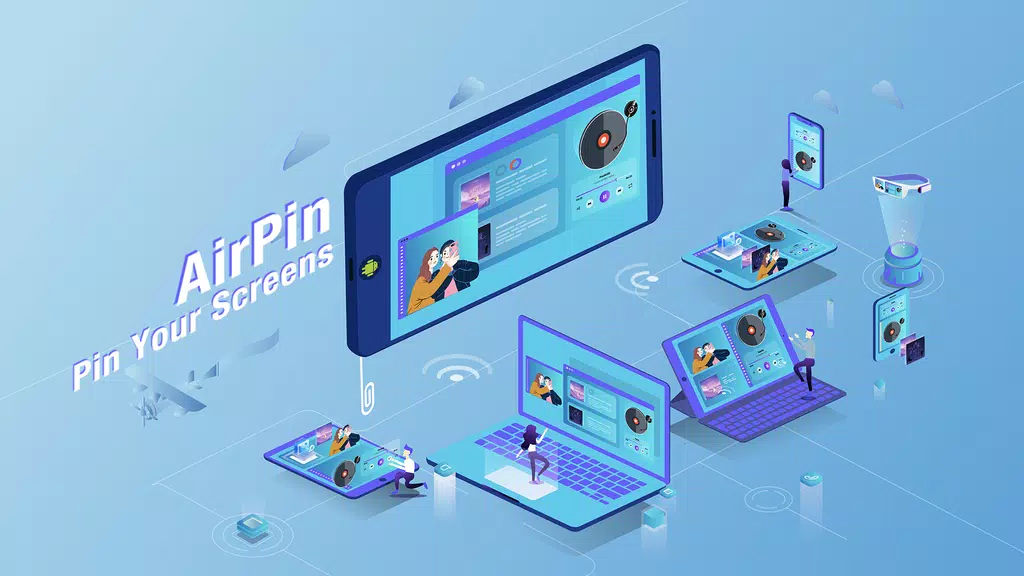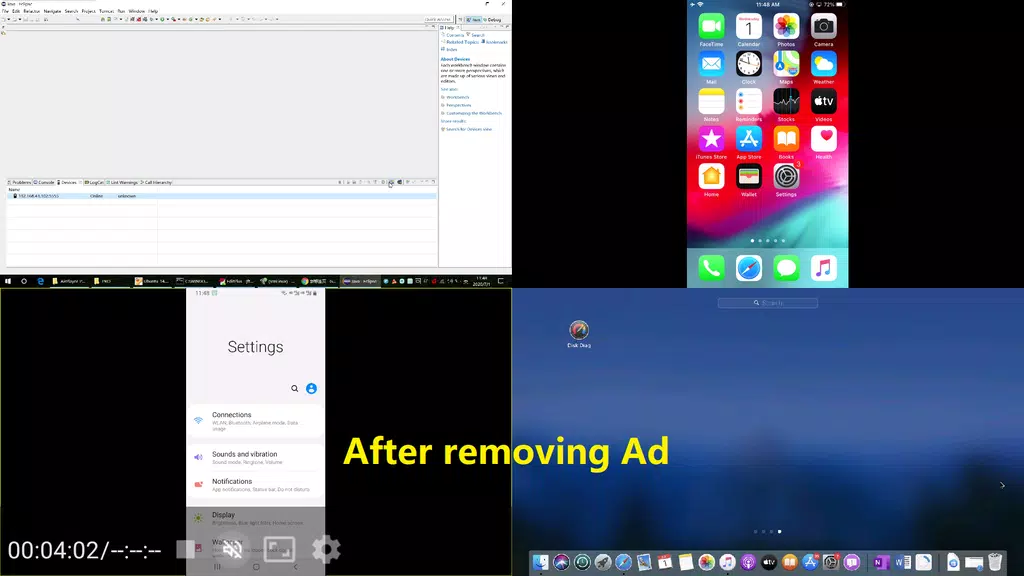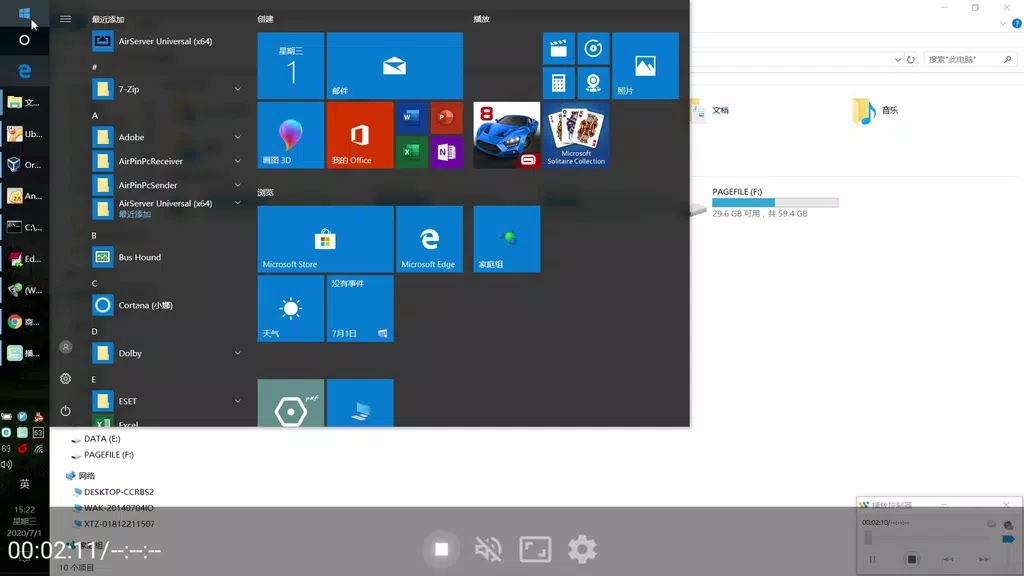
AirPin PRO ad - AirPlay & DLNA lets you effortlessly stream and mirror media from your Apple, Windows, and Android devices to your Android phone, tablet, TV, set-top box, or projector. The PRO version supports displaying up to four device screens at once with no advertisements, while the STD version allows one screen at a time. As the first Android app to support both AirPlay and DLNA since its initial release in 2012, AirPin PRO ad makes sharing videos, music, and your screen simple, delivering a versatile multimedia sharing solution.
Key Features of AirPin PRO ad - AirPlay & DLNA:
> Multi-Screen Display: Show up to four device screens simultaneously for better multitasking and teamwork.
> AirPlay & DLNA Compatibility: As the first Android app to support both standards, it enables smooth media and screen sharing across Apple, Android, and Windows systems.
> Ad-Free Streaming: Unlock an uninterrupted streaming experience by upgrading to the PRO version to remove ads and access premium features.
> Simple Setup: With straightforward installation steps for various devices, sharing your screen, videos, or music is quick and easy.
User Tips:
> Connect all devices to the same Wi-Fi network to ensure smooth streaming.
> Adjust each device's settings to optimize display quality and resolution.
> Use the multi-screen display function for effective multitasking and monitoring.
> Try out different sharing options across devices to get the most out of the app.
Final Thoughts:
AirPin PRO ad - AirPlay & DLNA provides a flexible and intuitive platform for screen mirroring and media streaming. It offers cross-platform compatibility with AirPlay and DLNA, along with multi-screen viewing capabilities. Choose the PRO version to remove ads and unlock all features for smoother, ad-free streaming. Download AirPin PRO ad today to transform how you share media and screens across all your devices.
Tags : Lifestyle